Camera Tracking Systems

RedSpy Optical Camera Tracking

Optical camera position, lens data and real-time production integration.

RedSpy is stYpe’s optical camera tracking system. It combines infrared observations with inertial sensing to deliver camera position and orientation, with zoom and focus data for the virtual camera. It serves XR, LED virtual production, green-screen studios and location-based AR graphics.

Product brand: stYpe

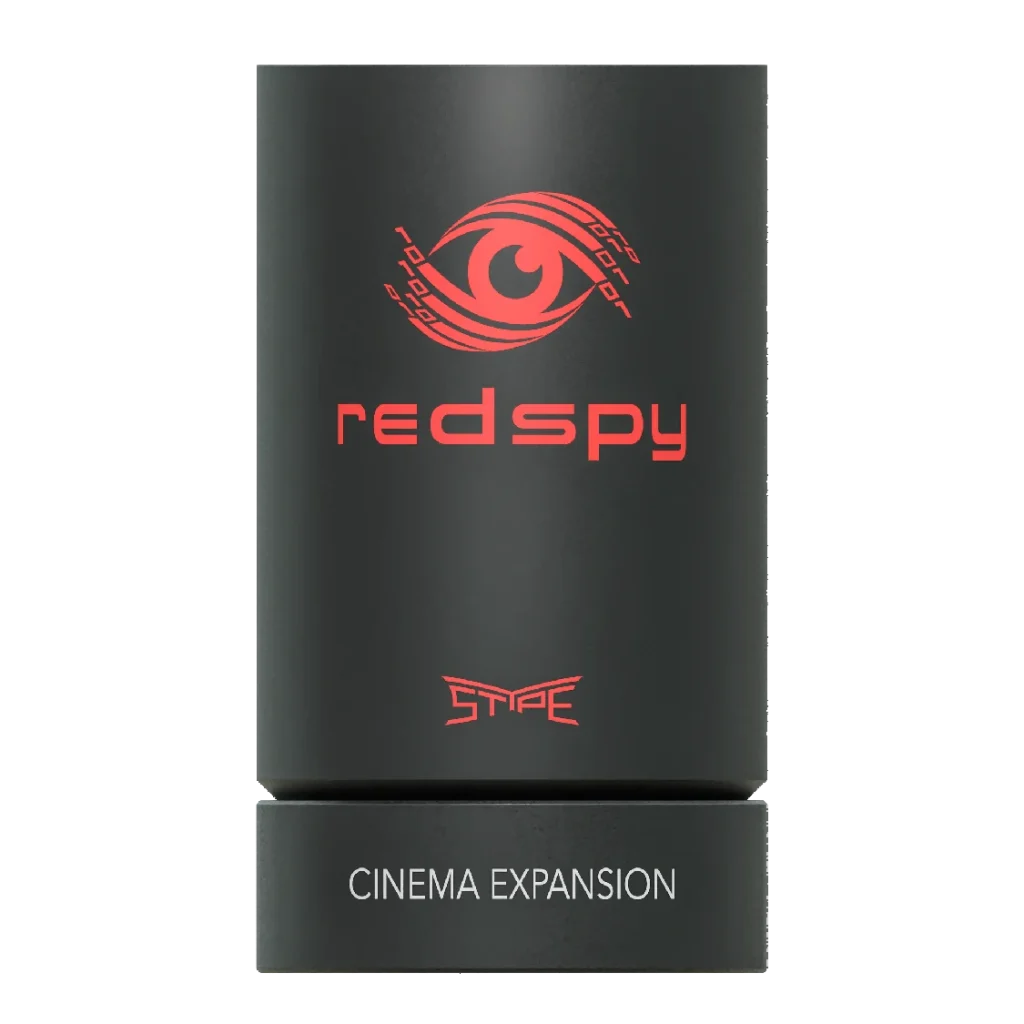
RedSpy optical tracking camera assembly, pictured with a Cinema Expansion module
RedSpy tracking camera assembly
Tracking data
Position and orientation
Lens inputs
Zoom / focus
Production
XR / VP / AR

Overview

Align the virtual viewpoint with the physical camera and lens

Matching a virtual scene to live footage requires both camera motion and lens information. RedSpy supplies pose and lens-related data. Camera offsets, scene coordinates and lens calibration establish how the renderer uses those measurements. As the camera translates, rises, circles a subject or changes focal length, the virtual viewpoint can follow the corresponding perspective.

In focus

Capabilities and production benefits

Six-degree-of-freedom camera data

Capture X, Y and Z position together with pan, tilt and roll. Optical and inertial sensing support moving rigs such as handheld cameras, stabilizers, pedestals and cranes, giving the renderer the motion needed to update perspective.

Lens data and image alignment

Read zoom and focus through compatible digital lens connections or external encoders. Lens files map the readings to the virtual lens for field-of-view and distortion correction throughout the calibrated shooting range.

Real-time production connections

Transmit tracking over Ethernet using FreeD, Stype HF or EEVEC. Configure axes, units, camera identifiers and timing for the receiving platform so each stream updates the intended virtual camera.

Tracking records for review

Retain tracking records for shot review, motion checks and post-production hand-off. Associate the records with footage, timing and lens files to reconstruct shot conditions and investigate alignment.

Workflow

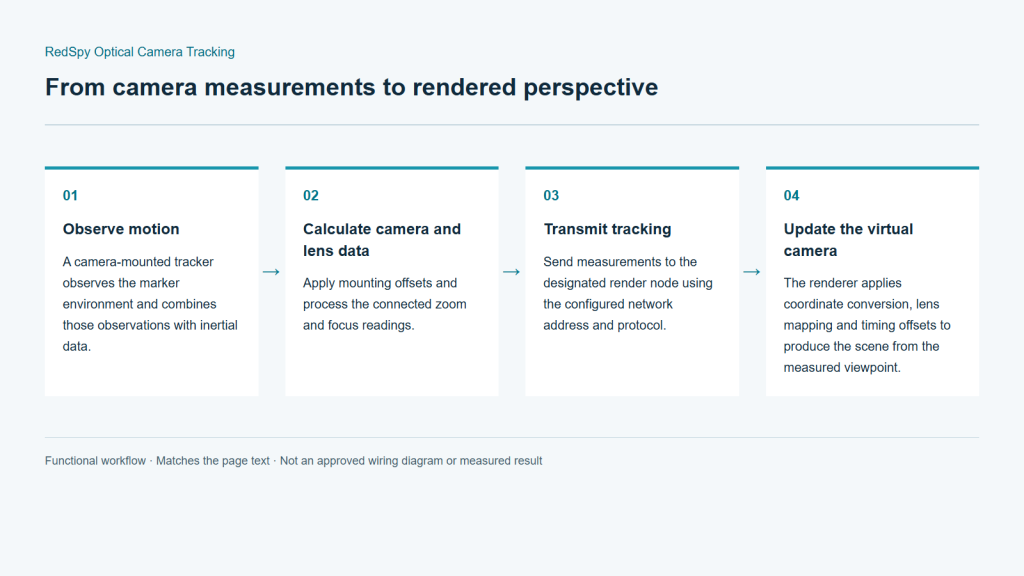
From camera measurements to rendered perspective

Tracking and video follow separate signal paths. Spatial and lens calibration establish image alignment; synchronization and delay settings establish their timing relationship.

  1. Observe motion

    A camera-mounted tracker observes the marker environment and combines those observations with inertial data.

  2. Calculate camera and lens data

    Apply mounting offsets and process the connected zoom and focus readings.

  3. Transmit tracking

    Send measurements to the designated render node using the configured network address and protocol.

  4. Update the virtual camera

    The renderer applies coordinate conversion, lens mapping and timing offsets to produce the scene from the measured viewpoint.

Integration

Installation and system integration

Plan the marker space, mounting, lens calibration, network and synchronization together. Use the camera and lens intended for production during commissioning, and test the full shooting route rather than a single stationary position.

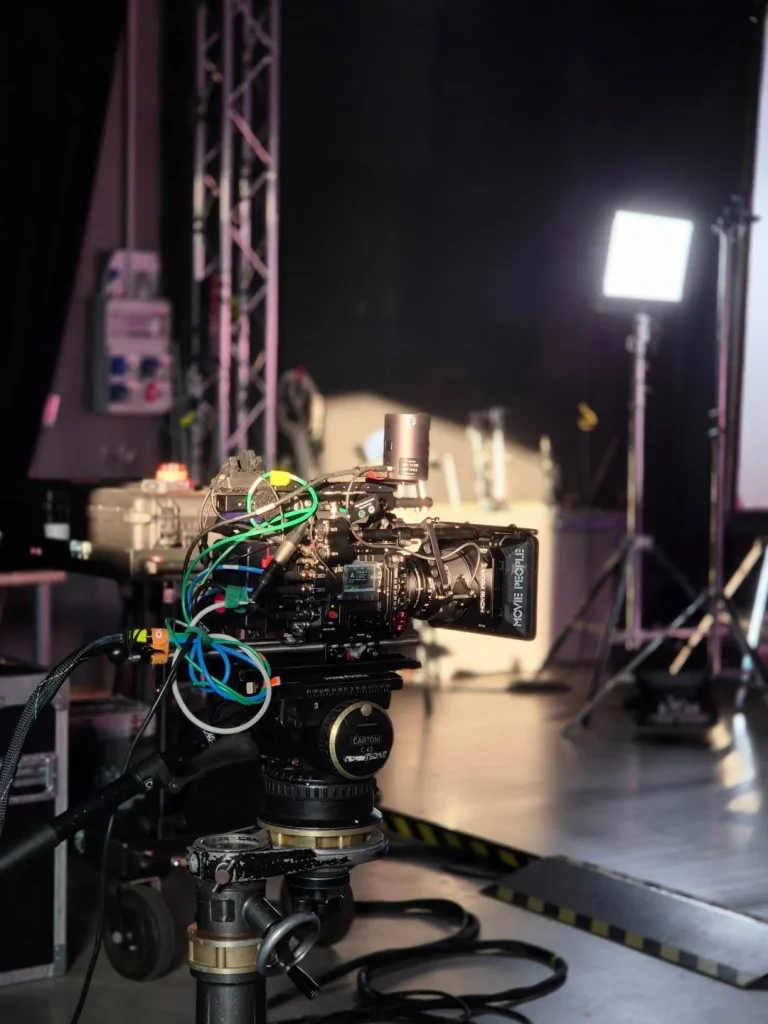
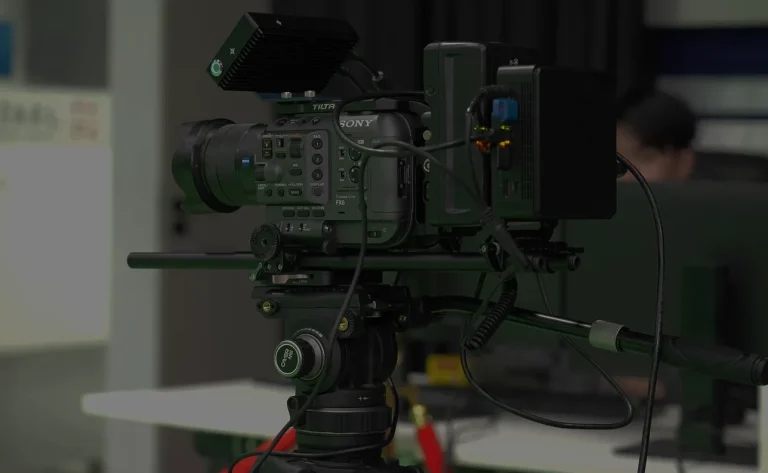
Camera rig fitted with tracking equipment
Camera tracking setup example

Plan marker visibility

Review the room structure, camera heights and movement paths. Check marker visibility during tilts, low angles and moves around set elements; include lighting fixtures, scenery and cabling in the review.

Mount and calibrate

Secure the tracking unit and any lens encoders. Establish the relationship between the tracker and camera, then complete spatial and lens calibration. Check wide and long focal lengths and the focus distances used in production.

Connect the production chain

Send camera video through the production chain and tracking data to the matching render camera. Plan the sync reference and video format, then verify reception and temporal alignment.

Rehearse actual camera moves

Test translation, rotation, elevation, zoom and camera changes. Inspect both image edges and near/far reference points. Save the map, lens files and receiver settings used for the project.

Configuration

Configuration & connections

RedSpy Optical Camera Tracking — Configuration & connections
Tracking methodInfrared optical tracking with inertial sensing
Camera dataPosition X / Y / Z; orientation Pan / Tilt / Roll
Lens dataZoom / Focus; compatible digital connection or external encoders
Data transportEthernet / UDP
ProtocolsFreeD / Stype HF / EEVEC
SynchronizationGenlock; planned with the production video chain
Camera setupsHandheld, stabilizer, pedestal, crane
RecordingTracking-data recording for review and post-production

Applications

Production applications

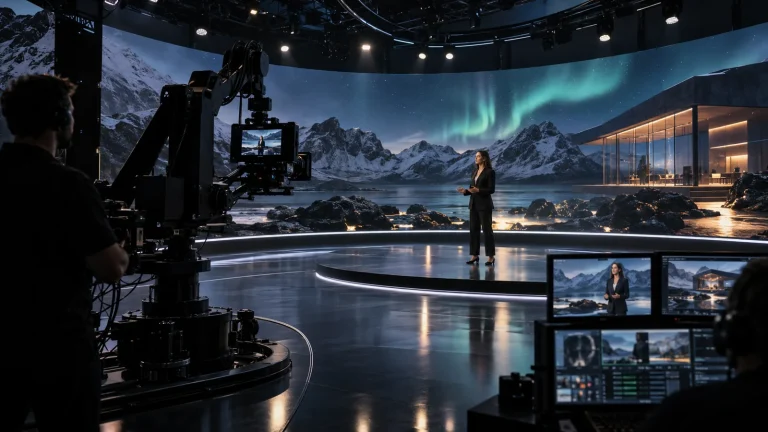
XR and LED stages

Update the background viewpoint as the camera moves. Commission tracking alongside the lens, display and synchronization systems rather than treating it as a separate final task.

Green-screen studios

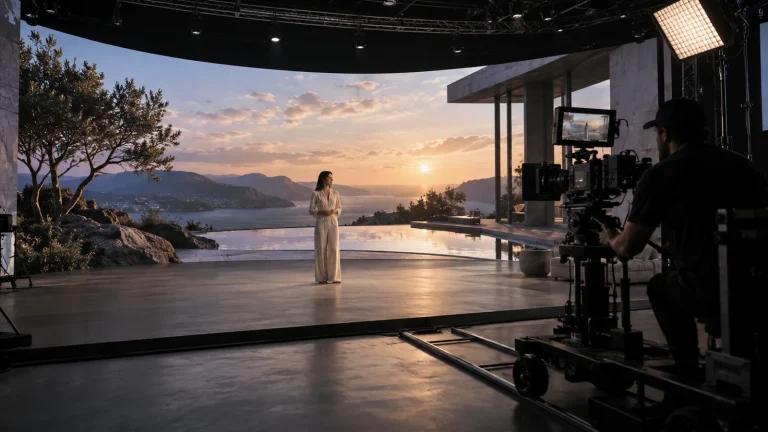
Combine camera movement with keying and virtual scenery for studio programmes. Recheck the lens setup when changing the lens used for production.

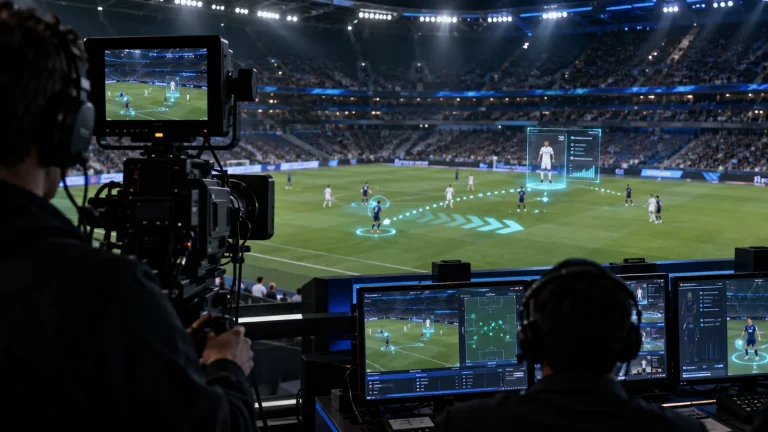
Live AR production

Place virtual graphics in the perspective of the real camera. Establish site coordinates and reference positions before checking alignment through moving shots.

Application and workflow visuals

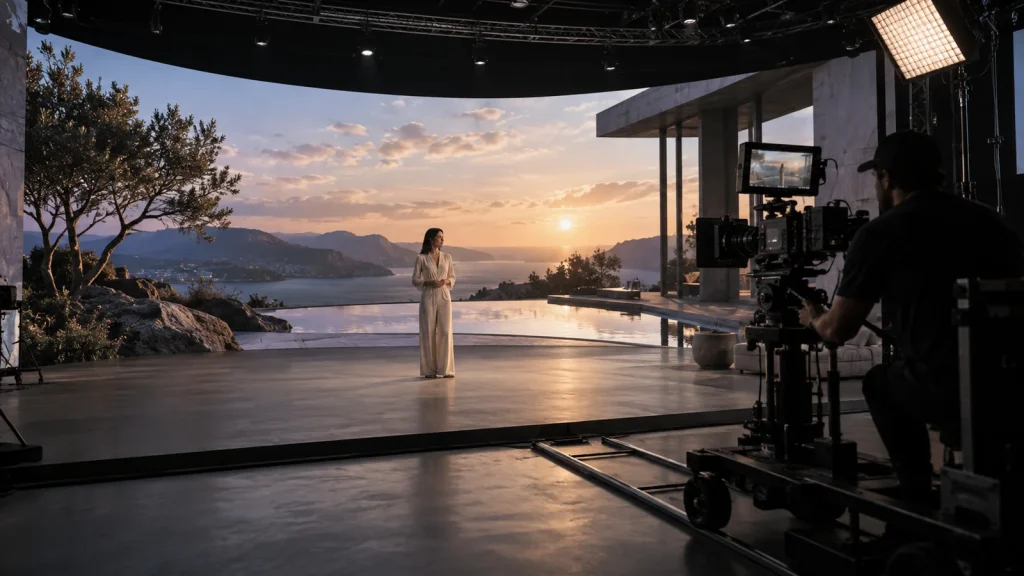
LED stage production concept
LED stage production conceptAI-generated concept, not a product test, software screenshot or customer project.
RedSpy Optical Camera Tracking functional workflow
RedSpy Optical Camera Tracking functional workflowFunctional illustration, not a measured result or an approved wiring diagram.

Engineering decisions

Define the configuration. Validate the workflow.

Survey the full shooting envelope

Supply stage dimensions, set heights, lighting positions and camera routes. Check marker visibility with the tracking unit in its actual low-angle, overhead and moving positions. Floor area alone does not define coverage; temporary scenery and people can obstruct otherwise usable sightlines.

Specify the lens and mounting arrangement

List the camera sensor mode, lens model, focal lengths and focus range. Confirm lens interfaces, encoders and optional modules for the supplied revision. Receiving lens values is separate from calibrating field of view, distortion and the offset between tracker and camera.

Document three separate signal paths

Map camera video, tracking data and reference timing, including any timecode source. Confirm receiver version, protocol, camera ID, axes, units and network ports. Treat recording exports and wireless operation as explicit configuration and licensing requirements, not assumed inclusions.

Suggested validation and handover checks

  1. Check alignment at several depths

    Place near, middle and distant references throughout the working area. Test translation, elevation and rotation with the production camera, including typical zoom and focus combinations. Record center and edge alignment, recovery after occlusion and all settings against an agreed image-error criterion.

  2. Measure timing at the final output

    Once spatial calibration is stable, record fast pans, stops and reversals through the complete composite chain. Look for graphics leading or trailing the picture. Retain video-buffer, receiver and render settings; a component latency figure is not an end-to-end measurement.

  3. Prove the setup can be reproduced

    Repeat reference shots after the planned startup and remounting procedures. Check maps, lens files, mount positions and receiver settings. Document which changes require recalibration, and, where tracking exports are required, compare a sample export with the associated footage and timing.

FAQ

Common questions

What does RedSpy contribute to a virtual production system?

It supplies camera movement and lens-related data. Rendering hardware produces the scene, while video equipment handles image signals. They are configured together as the production chain.

How is a zoom lens matched to the virtual scene?

Connect zoom and focus readings and calibrate the actual lens and camera image area. Check the working focal lengths, focus distances and image edges, not only a central reference point.

How should markers and tracker mounting be planned?

Use the camera route, height, tilt range and set obstructions to plan marker coverage and tracker orientation across the intended shooting area.

What should be checked after changing the set or mounting?

Review the marker map, camera offset and lens configuration. Update the relevant calibration when spatial references or mechanical relationships change, then test a representative moving shot.

What is needed to connect an existing rendering platform?

Share the platform and version, camera and lens models, video format, sync arrangement, camera count and movement routes. These define the data, mounting and lens setup.

Does optical tracking remove the need to recheck a changed set?

No. Moving markers, remounting the tracking unit, changing sensor mode or replacing a lens can alter the calibrated relationship. Automatic startup or map recognition does not replace a check along the intended shooting route.

Which specification applies when official documents differ?

Use the supply specification identifying hardware generation, firmware, options and licenses, then test the required output on that configuration. A current web page and a downloadable brochure can describe different revisions; their best figures should not be combined into a new specification.

Technical references and supply scope

RedSpy is a stYpe product. Confirm the supplied version, options and licenses. Lecen's selection, installation, calibration and production integration scope is agreed per project; compatibility and performance require acceptance testing on that configuration.

These references explain principles and integration conditions. Confirm capabilities against the supplied revision, project configuration and agreed tests.

Project brief

Information for configuration

Camera & lens

Models, lens interfaces and working focal range.

Movement & space

Camera movement, stage layout and mounting conditions.

Production chain

Rendering platform, video format and synchronization.

Talk to Lecen

Configure tracking around your camera

Share the camera, lens and studio layout to discuss mounting, calibration and render-system integration.

Discuss RedSpy