Optical camera tracking
Optical tracking and AI algorithms provide camera movement information for the renderer. Deployment follows the actual camera routes and mounting conditions of the studio.

Camera Tracking Systems
Optical camera and lens tracking for everyday XR, VP and AR production.
LeTracker-X is Lecen’s optical camera tracking system for virtual studios and training facilities. It combines optical tracking with AI algorithms and supports FreeD output, zoom and focus capture, and Genlock synchronization for integration with cameras and real-time rendering platforms.
Product brand: Lecen
Overview
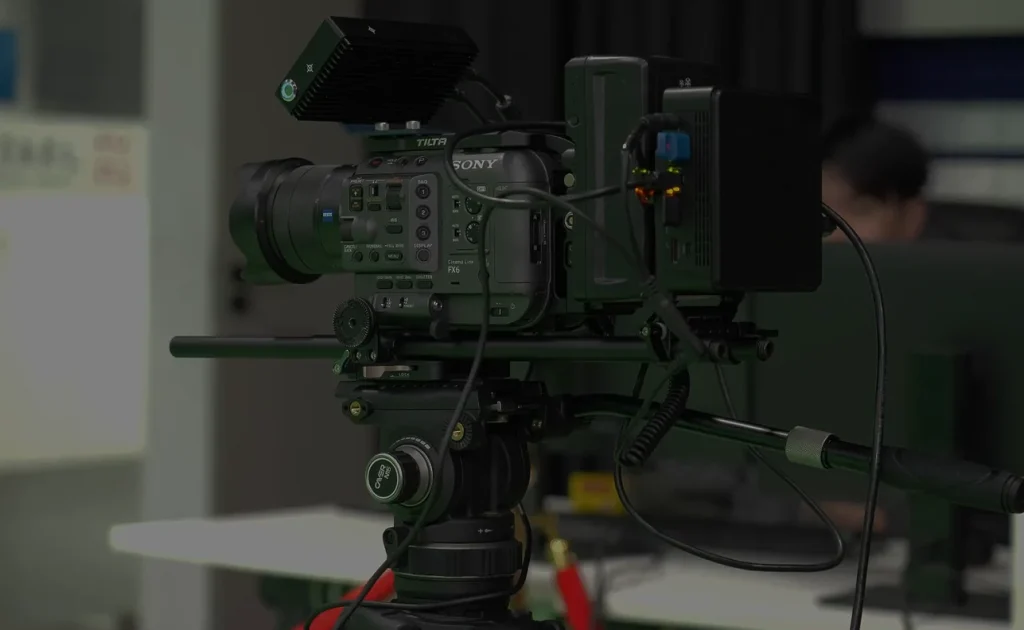
LeTracker-X brings camera tracking, lens data and synchronization into one production configuration. The camera’s working area and lens range define spatial alignment and lens mapping. This supports practical virtual production workflows around existing equipment in small and medium studios, teaching facilities and corporate production teams.
In focus
Optical tracking and AI algorithms provide camera movement information for the renderer. Deployment follows the actual camera routes and mounting conditions of the studio.
Include zoom and focus alongside camera movement. Match the readings to lens calibration at the receiver so virtual lens settings respond to physical lens operation.
Supply tracking to production platforms that accept FreeD. Camera identifiers, axis conventions and units connect each data stream to its designated virtual camera.
Plan tracking, camera and rendering timing together. Configure spatial alignment and timing separately to associate camera movement with the corresponding video.
Workflow
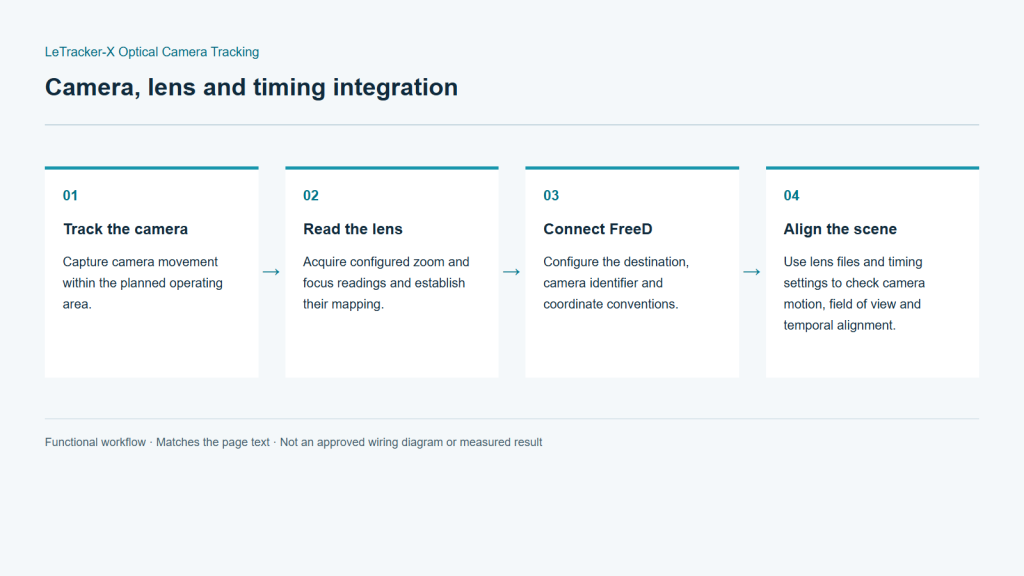
The setup connects tracking, lens mapping and synchronization. Camera video follows the production input path while tracking updates the associated virtual viewpoint.
Capture camera movement within the planned operating area.
Acquire configured zoom and focus readings and establish their mapping.
Configure the destination, camera identifier and coordinate conventions.
Use lens files and timing settings to check camera motion, field of view and temporal alignment.
Integration
For a conventional project, a single-camera setup can be used to establish the working method before planning additional cameras. The following deployment checks focus on the camera, lens, shooting space and receiving system rather than assumed performance figures.
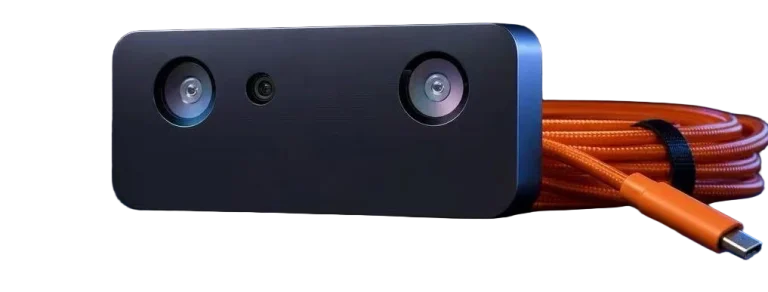
Provide room dimensions, camera count and movement requirements. Explain whether the project uses fixed or moving cameras and identify the XR, VP or AR platform planned for the production.
Plan mounting and lens-data capture around the camera, lens model and working focal lengths. Leave practical clearance for the operator, cabling and ventilation.
Confirm FreeD support, network settings, camera IDs and coordinate conventions in the receiver. Configure synchronization for the project’s video format, then inspect real-to-virtual image alignment.
Rehearse normal camera paths, tilt angles, zoom and focus changes. Record the working settings and repeat the checks after changes to the mounting, lens or scene configuration.
Configuration
| Tracking method | Optical tracking with AI algorithms |
|---|---|
| Protocol | FreeD |
| Lens data | Zoom / Focus |
| Synchronization | Genlock |
| Production workflows | Conventional XR / VP / AR |
| Intended applications | Small and medium studios, education, corporate production |
Applications
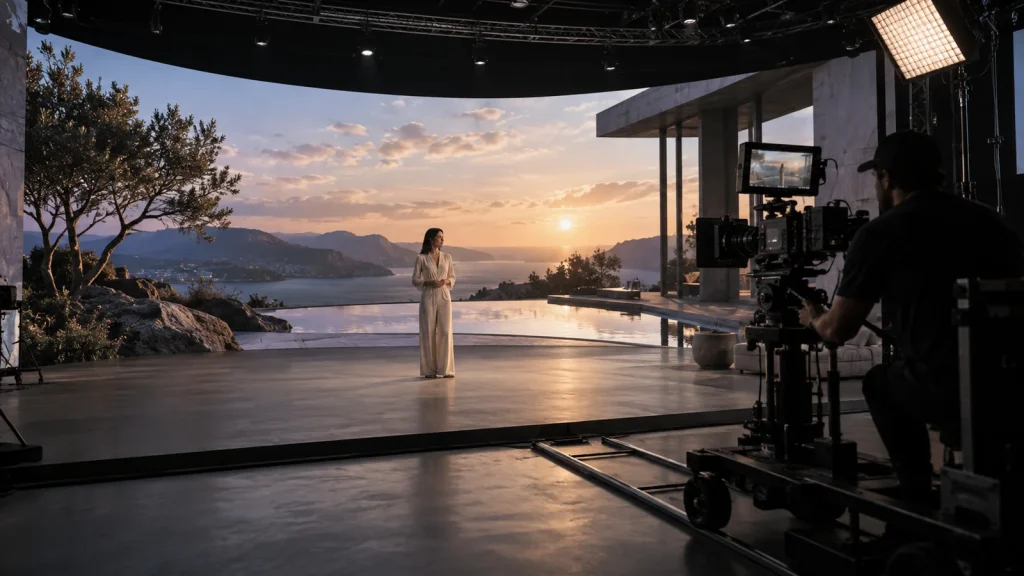
Organize tracking, lens data and rendering around the programme’s camera positions. Establish a working production method before adding more complex content.
Use mounting, data reception, lens calibration and image alignment as an observable teaching sequence. This helps explain what a virtual camera does in the production chain.
Plan recurring product presentations, courses and brand videos around an established camera and lens combination. Keep a documented configuration for subsequent shoots.
Engineering decisions
Use shot lists and camera routes to distinguish fixed teaching setups, moving demonstrations and virtual-set production. Supply mounting options, lighting and obstructions. Request a working-volume assessment for the proposed hardware and software revision rather than assuming coverage from optical tracking principles.
For a FreeD workflow, list the production platform, plugin version and required fields. Agree units, rotation conventions, camera IDs and lens-value ranges. A shared protocol name does not establish plug-and-play behavior or provide a distortion model and calibrated lens relationship.
Provide video format, reference signals and the acceptable programme delay. Ask how synchronization, loss of lock and interrupted tracking are handled. Training facilities should also define operator permissions and configuration recovery, with each proposed behavior demonstrated on the delivery version.
In an isolated test setup, inspect received fields, camera IDs and units. Move one axis at a time to expose direction or scale errors. Compare lens readings with framing changes before calibration, so renderer adjustments do not conceal basic data problems.
Record continuous moves at the lowest camera position, extreme working angles and set boundaries, including re-entry after occlusion. Use the final lens and sensor mode. Assess stability, recovery and image alignment separately against agreed limits; one stationary shot is insufficient.
Request hardware and software versions, wiring, network settings, calibration files and test recordings. Have the intended operator restart the system and reproduce reference shots from the handover instructions. Note any developer intervention and prove that a usable configuration can be restored.
FAQ
Conventional XR, VP and AR work, small and medium studios, education and corporate video production. The working space, camera movement and rendering platform determine the configuration.
Configure networking, camera identifiers, axes, units and lens mapping, then test camera motion and framing in the actual composite.
They describe the lens state used by the receiving system. Zoom changes field of view; focus-related imaging changes should also be covered by calibration of the lens in use.
Share camera, lens and rendering-platform models, studio dimensions, movement routes, video format and existing sync equipment.
Test pan, tilt, movement and zoom across the working lens range using near and distant references. Check spatial alignment first, then adjust video-to-tracking timing.
Confirm the exact versions together first. The receiver must interpret coordinates and encoder ranges correctly and apply calibration for the physical camera. Receiver documentation is workflow guidance, not evidence of certified LeTracker-X compatibility.
Request version-specific documentation and observable tests showing the algorithm's role, runtime requirements and actual timing path. Items without supporting evidence should remain open validation requirements rather than assumed delivery capabilities.
LeTracker-X is a Lecen product. Confirm the supplied version and project configuration. Algorithms, protocol implementation, synchronization and performance require release-specific documentation and tests; third-party workflow references are not product certification.
These references explain principles and integration conditions. Confirm capabilities against the supplied revision, project configuration and agreed tests.
Project brief
Models, lens interfaces and working focal range.
Camera movement, stage layout and mounting conditions.
Rendering platform, video format and synchronization.
Explore more
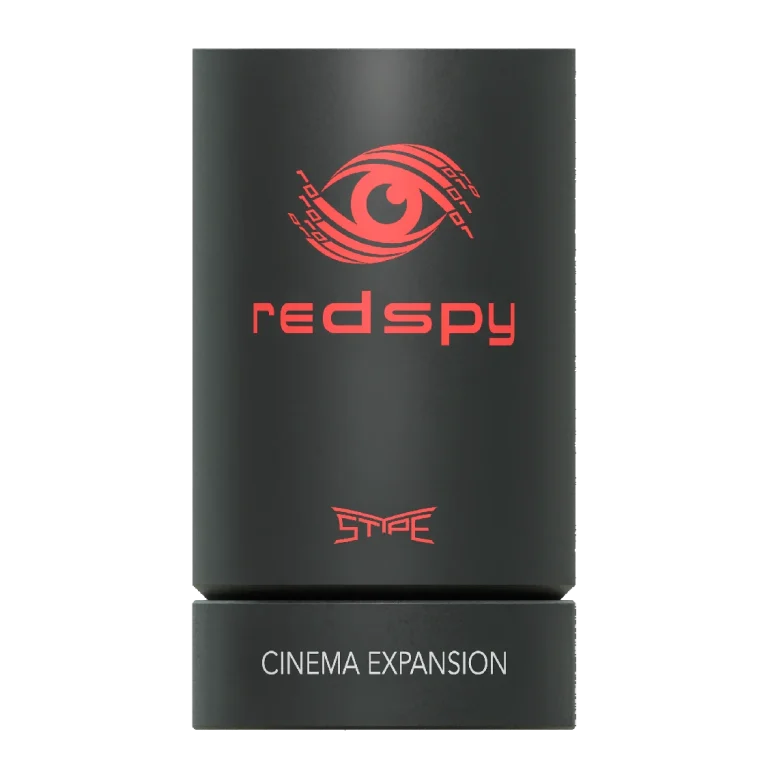
Camera Tracking Systems
Optical camera position, lens data and real-time production integration.
RedSpy tracking camera assembly
View product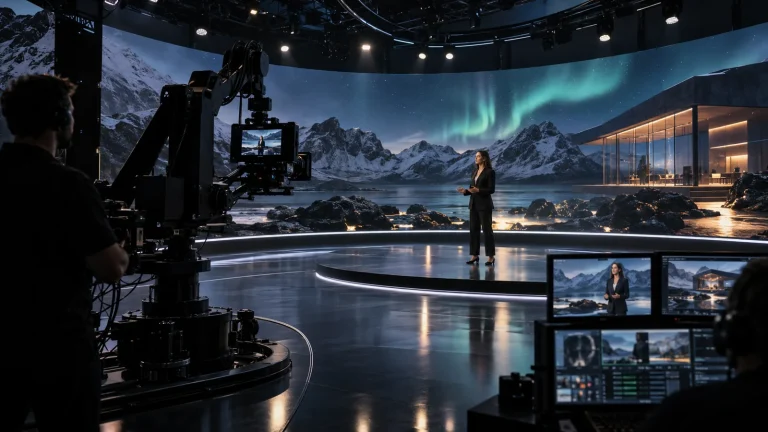
Professional Rendering Servers
A rendering platform for XR scenes, video integration and programme output.
AI-generated concept, not a product or project photograph.
View productExplore more
Virtual Production & Live Graphics
Connect LED content, set extension and foreground AR.
AI-generated concept, not a product or project photograph.
Explore solution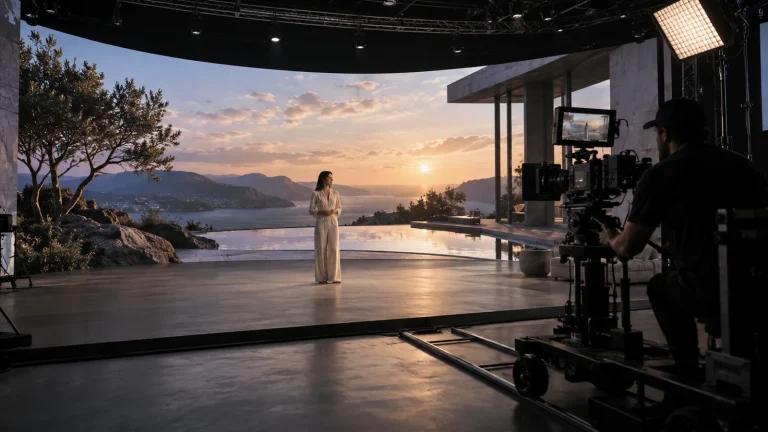
Virtual Production & Live Graphics
Digital environments that take part in the real shot.
AI-generated concept, not a product or project photograph.
Explore solution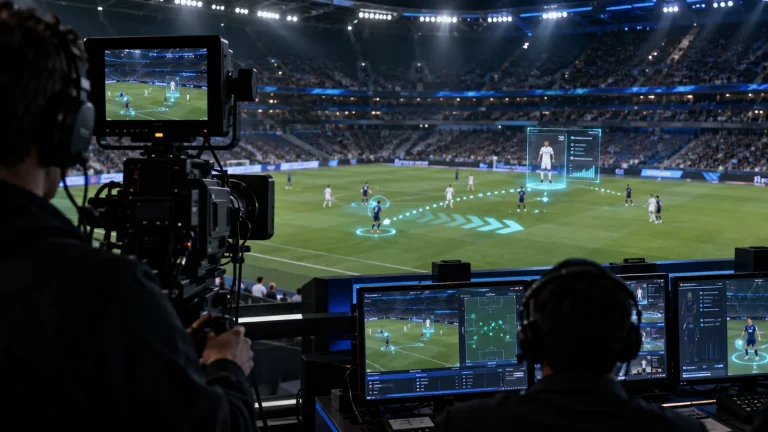
Virtual Production & Live Graphics
Place live graphics and data in the real scene.
AI-generated concept, not a product or project photograph.
Explore solutionTalk to Lecen
Share the camera, lens, studio layout and rendering platform to scope LeTracker-X mounting and integration.