Cross-project media retention
Bring common assets, past programmes and long-lived projects into a defined directory and access structure. Teams can reuse media without searching and transferring between separate devices.

Professional Media Storage
Central storage for large media libraries and long-lived online projects.
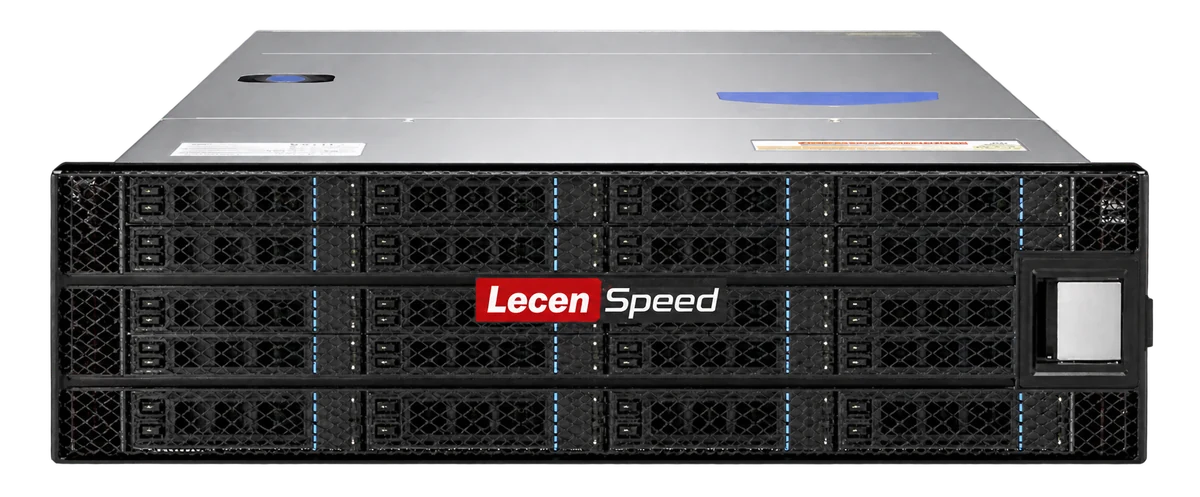
LecenSpeed 48-bay media storage serves broadcast libraries, production content centers and long-lived online projects. Capacity, drive groups and access paths are planned around media reuse, daily production, AI MAM analysis, migration and independent backup.
Product brand: LecenSpeed
Overview
A large library combines frequently edited media, reusable online assets and less frequently accessed material. The 48-bay series provides a capacity foundation, with resources allocated around access frequency, retention and background tasks. Production access, analysis and backup are planned separately to manage contention.
In focus
Bring common assets, past programmes and long-lived projects into a defined directory and access structure. Teams can reuse media without searching and transferring between separate devices.
Plan active production areas, library access and backup paths by frequency and throughput needs. Frequent playback and occasional archive retrieval require different resource allocations.
Provide controlled media-reading paths for analysis and schedule them against production demand. The MAM index handles content discovery while storage preserves and serves the source files.
Consider drive grouping, usable space, rack power and cooling alongside rebuild, migration and recovery windows. Capacity growth is supported by a workable maintenance plan.
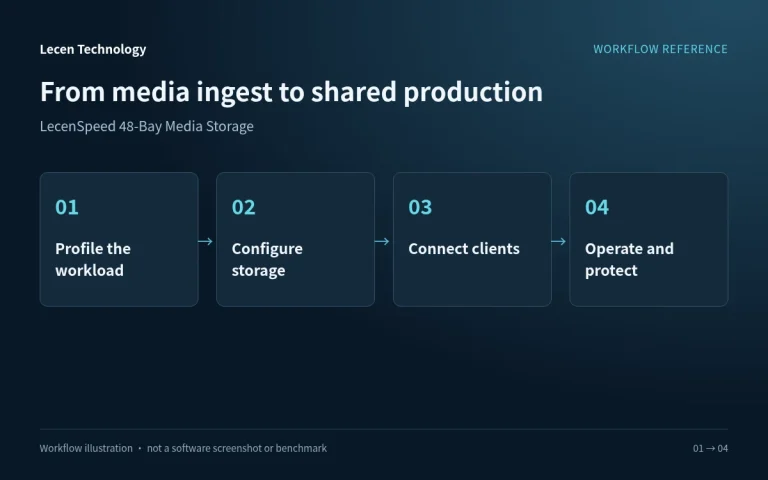
Workflow
Network access, directory structure, permissions and media references establish how the production team uses central storage.
Place camera media, audio and graphics in project directories and check file integrity.
Configure capacity and protection and separate sources, working files and deliveries.
Set up networking, shared paths and access rights for production applications.
Manage project versions against retention needs and preserve important content in an independent backup.
Integration
Size the configuration from project capacity, media formats and concurrent workstations, then verify networking and production access together.
Identify source bitrates, concurrent streams, incoming writes and online retention. Distinguish raw capacity, array-usable space and operating headroom.
Set client access, switches and storage uplinks alongside directories, accounts and permissions. Record the paths used by production applications.
Test representative playback, ingest and delivery. Preserve configuration and independent backups and check the recovery procedure.
Configuration
| Product series | LecenSpeed 48-bay professional media storage |
|---|---|
| Deployment | Rackmount; installation specifications follow the selected model |
| Media access | Central media sharing across production workstations |
| Capacity sizing | Drive capacity, drive count, RAID layout and hot spares |
| Network configuration | Matched client access, switching and storage uplinks |
| Production workload | Codec bitrate, concurrent streams and read/write balance |
| Data organization | Project directories, permissions and independent backup |
Applications
Retain programmes, footage collections and reusable assets alongside structured cataloguing and search workflows.
Provide organized online media and delivery areas for large projects that remain active over extended periods.
Hold source files for analysis, preview and retrieval while scheduling indexing around production access.
Engineering decisions
Assess existing media, daily additions, online retention and reuse across projects, rather than maximizing raw capacity alone. Count originals, proxies, derivatives and backups separately. Archival migration or tiering requires confirmed software and destination media; automatic tiering is not assumed.
Distinguish disks, protection groups, controllers, enclosure and site as different failure scopes. More bays do not establish independent redundancy. Plan separate copies, spares and recovery bandwidth around allowable data loss and restoration time, including the practicality of large rebuilds and library-wide recovery.
Map catalogue scans, proxy generation, AI analysis, migration and backup reads alongside live editing. Verify proposed permissions, scheduling or rate controls individually. Also check rack load, power, cooling and access for drive replacement.
Test realistic file counts, directory depth, file-size distribution and capacity utilization while production and background reads run together. Record browsing, first-open response, playback and scan duration. A small set of large files does not represent a mature media library.
Restore representative project collections from an isolated copy, checking content hashes, permissions and application usability. Record source, network and destination bottlenecks. Treat full-library recovery time as an assumption-based estimate unless tested at that scale; do not turn a small sample into a guarantee.
In a test library, move, rename or restore files and verify the agreed procedure for reconnecting catalogue records and proxies. Deliver capacity thresholds, expansion steps, retention rules and operational ownership. Identify unconfigured alerts or automation as requirements still to be confirmed.
FAQ
Start with drive capacity, installed drive count, array layout and spares, then account for file-system overhead. Bay count alone does not specify usable capacity.
Separate active production, common assets and long-retention content by access frequency, retention and permissions, with corresponding backup and migration plans.
Size capacity and throughput separately. Allocate array and network resources to production peaks and background tasks, separating workloads where appropriate.
Use controlled shared paths, keep indexes and originals deliberately organized, and schedule scanning and analysis against production demand.
Provide independent backup or archive copies, recovery checks and maintenance planning. Online accessibility and long-term recoverability are distinct requirements.
No. Bay count establishes neither dual controllers, failover, offline copies nor long-term preservation. Archiving also needs integrity checks, version and metadata management, media renewal and recovery procedures. High availability needs its own architecture and failure tests.
It can share enclosure, controller, administrative or site failures with the original. Define how independent the copy is and which incidents it protects against. Select separate equipment, isolated access or off-site media to meet the recovery objective, then test restoration.
LecenSpeed 48-Bay is a Lecen storage series. Confirm the supplied version and library configuration. Tiering, clustering, immutable backup and media-management interfaces require individual verification; preservation and security guidance is not product certification.
These references explain principles and integration conditions. Confirm capabilities against the supplied revision, project configuration and agreed tests.
Project brief
Separate active production, retained media and backup/archive copies.
Plan annual growth, retention and migration windows.
Check rack space, load, power, cooling and service access.
Explore more
Professional Media Storage
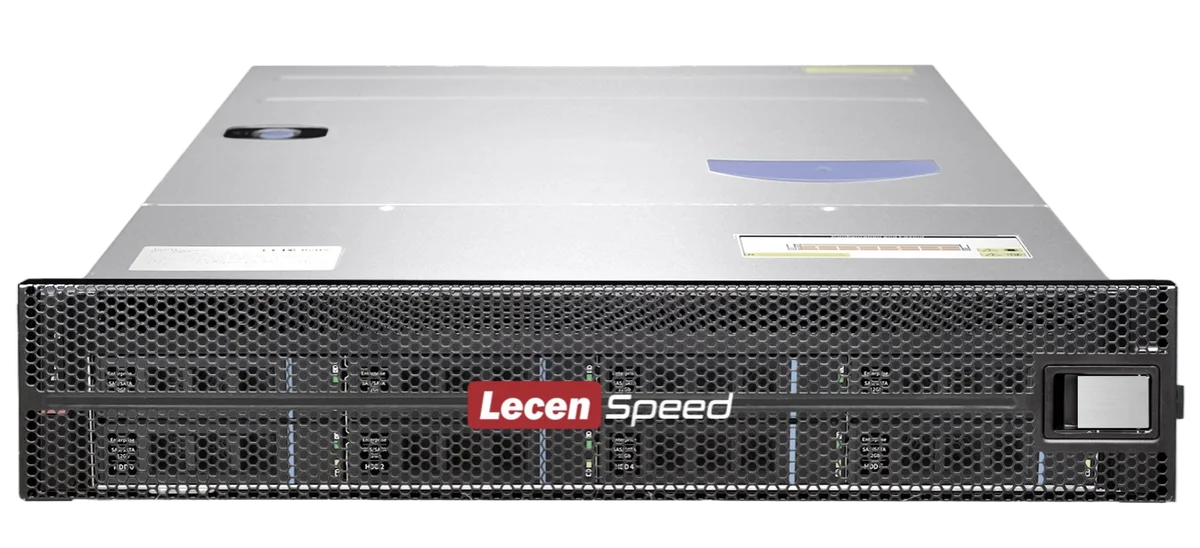
Shared media storage sized for compact production environments.
View product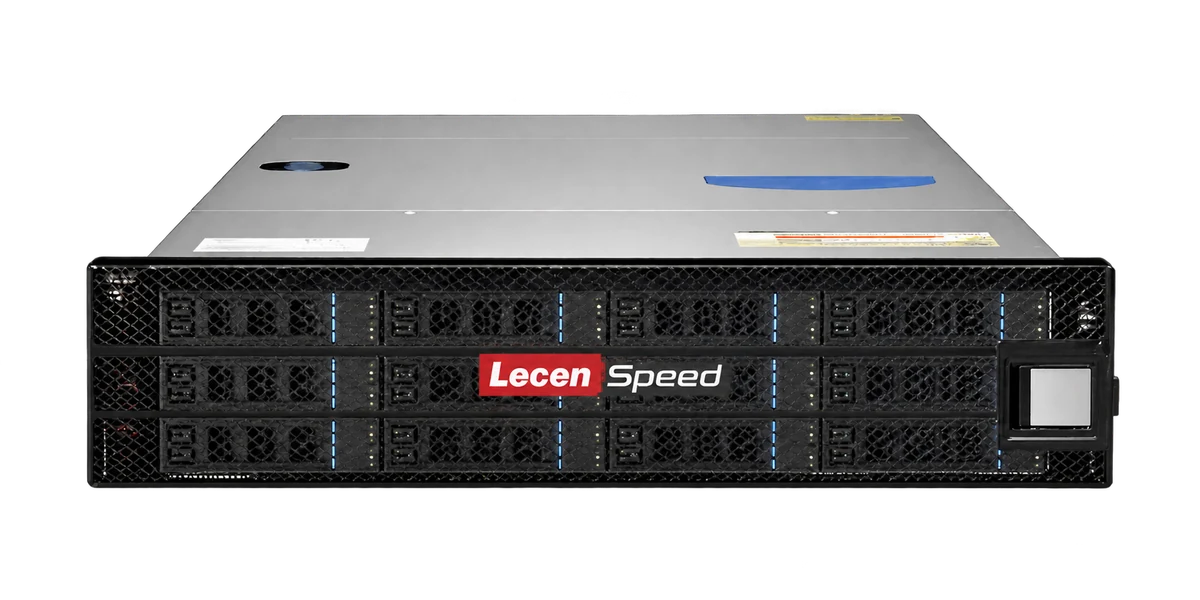
Professional Media Storage
Rackmount shared storage for departmental production networks.
LecenSpeed series reference, not a verified photo of this bay-count model
View product
AI Media Asset Management
Content indexing and time-based discovery for media production.
AI-generated concept, not a product or project photograph.
View productExplore more
Media Workflows & Asset Management
Make the existing media library easier to search and reuse.
AI-generated concept, not a product or project photograph.
Explore solution
Media Workflows & Asset Management
Shared media from ingest through finishing.
AI-generated concept, not a product or project photograph.
Explore solutionTalk to Lecen
Share media formats, online capacity, workstation count and existing networking to match storage to the production workload.