Head-angle capture
Read pan and tilt and combine them with camera location, support height and mounting offsets. The configuration suits shots framed primarily by rotation and zoom from a fixed support.

Camera Tracking Systems
Pan, tilt and lens tracking for fixed-position camera supports.
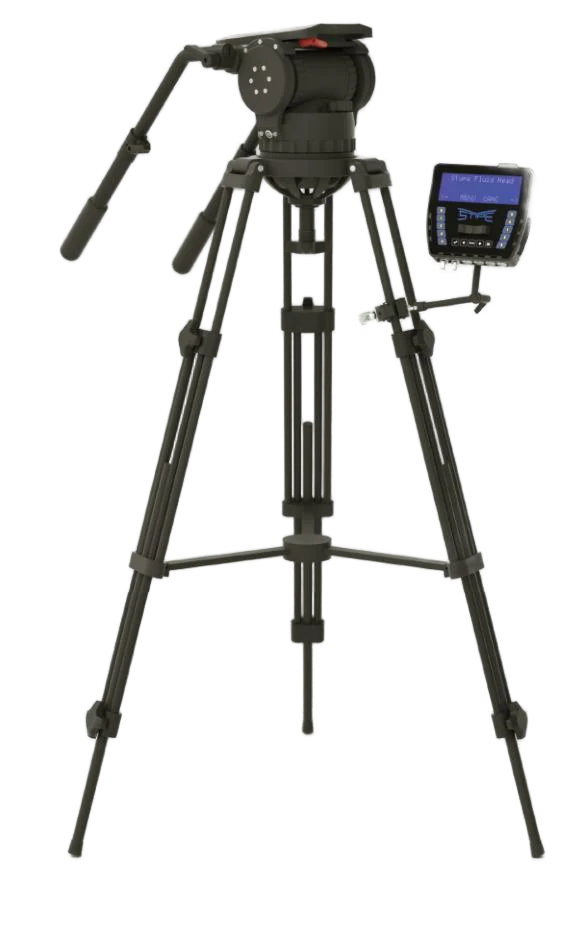
stYpe FluidHead provides head and lens tracking for cameras on fixed supports. It turns pan, tilt and lens operation into data for virtual cameras and graphics systems, serving news studios, interviews and sports AR production.
Product brand: stYpe
Overview
For a fixed-position camera, framing changes mainly through head rotation and lens operation. FluidHead describes that view using measured angles, lens readings and mounting geometry. After camera placement and lens calibration, the console supplies the data to the graphics system while the operator continues to frame shots in the familiar way.
In focus
Read pan and tilt and combine them with camera location, support height and mounting offsets. The configuration suits shots framed primarily by rotation and zoom from a fixed support.
Obtain lens readings through compatible connections or external encoders. Match them to lens calibration across the focal lengths used in production.
Manage head and lens parameters through the FluidHead console. Arrange the console and cabling for accessible checks without obstructing camera operation.
Use the configured FreeD or Stype HF connection and plan Genlock timing with the production system. The calibrated camera and lens relationship drives virtual graphic placement and perspective.
Workflow
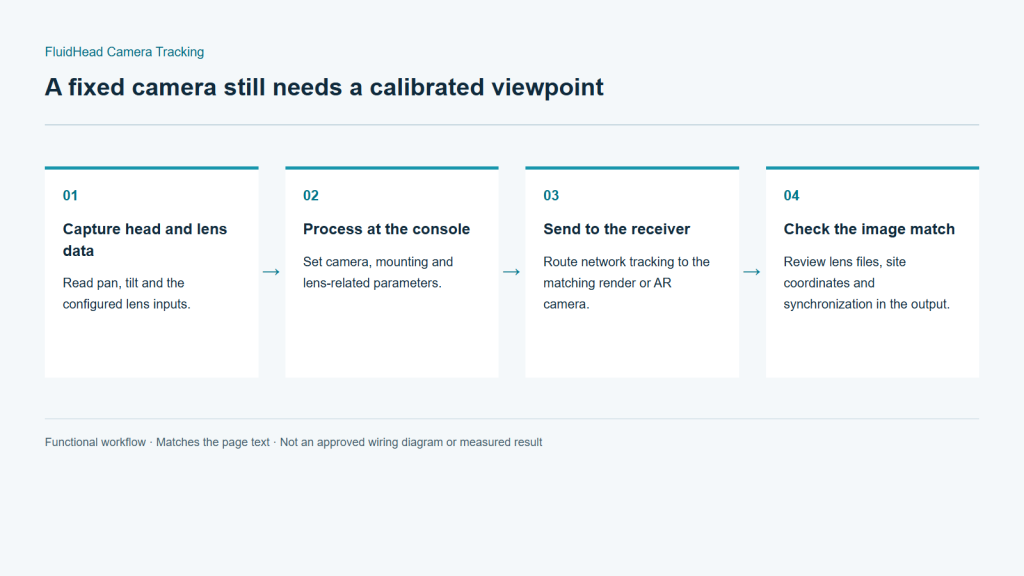
Head sensors capture rotation, while the configured lens connection or encoders capture lens state. The console passes this information to the renderer. Camera location, mounting offsets and lens calibration establish the relationship between the physical setup and the virtual scene, allowing the viewpoint to update during pan, tilt and zoom moves.
Read pan, tilt and the configured lens inputs.
Set camera, mounting and lens-related parameters.
Route network tracking to the matching render or AR camera.
Review lens files, site coordinates and synchronization in the output.
Integration
Fixed-camera integration is primarily about mounting relationships and lens matching. Use the intended head, camera and lens for the configuration review, and check site coordinates where the AR graphics will actually appear.
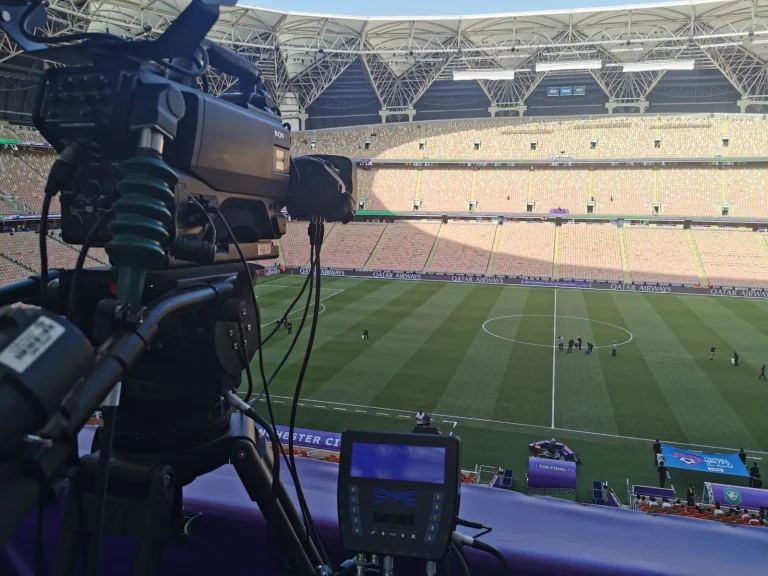
Provide the head model, mounting interface and camera/lens weight. Review payload, balance and the required movement range. Treat compatibility as a configuration decision, not an assumption that the console fits any head.
Select the lens connection or encoder arrangement for the lens model. Check readings from wide to long focal lengths and leave cable movement allowance so the head can turn freely.
Set camera position, head offsets and lens matching in the scene. After moving the support or changing its height, recheck these relationships before shooting.
Match the protocol, camera ID, synchronization and video format. Test pan, tilt and zoom using near, far and image-edge references, especially in the areas where graphics will be placed.
Configuration
| Tracking method | Mechanical head and lens tracking |
|---|---|
| Primary data | Pan / Tilt / Zoom; Focus with the appropriate lens setup |
| Data connection | Ethernet / UDP |
| Protocols | FreeD / Stype HF |
| Synchronization | Genlock |
| Lens matching | Lens calibration and lens-file preparation |
| Lens inputs | Compatible data connection or external encoders |
| Typical installation | Fixed studio or sports broadcast camera position |
Applications
Capture head and lens movement at established camera positions for virtual scenery or studio graphics. Commission the framing range used by the programme.
Support data panels and spatial graphics from fixed broadcast positions. Review field coordinates, zoom changes and alignment in distant shots.
Plan around shots dominated by pan, tilt and zoom. Keep settings for each camera/lens combination so equipment changes can be checked systematically.
Engineering decisions
Separate pan and tilt around a fixed support from pedestal travel or height changes. If the base will move, establish whether that motion is measured independently. Head-angle data alone cannot describe a change in the support's position.
Identify the head model, camera and lens weight, mounting plate and lens connection. Check mechanical fit, balance and travel for that head, and list encoders, cables and console explicitly. A manufacturer name is not confirmation that every head in its range is compatible.
Telephoto sports and studio shots can make angular and lens-mapping errors particularly visible. Supply working distances, framing requirements and normal zoom positions. Establish the relationship between the surveyed camera position, head axes and lens optical center, rather than calibrating only on a wide shot.
Pan and tilt back and forth within the approved operating range. Inspect data continuity, repeatability at the same framing and cable drag. Resolve mechanical play, encoder faults and reversed axes separately instead of hiding them with a graphics offset.
Use surveyed scene references to test graphic placement at wide and long focal lengths and typical focus distances. Record errors after fast zooms and reversals. Check video-to-data timing in the actual downstream composite, not just in the tracking interface.
Remount the camera or adjust support height using the permitted site procedure, then have the operator repeat the checks. Deliver position measurements, lens files and console settings, with clear instructions on when to update the fixed position or recalibrate.
FAQ
Head rotation and zoom change the camera view. Angle and lens readings allow the renderer to update graphic perspective and framing accordingly.
Provide head, camera and lens models to assess mechanical interfaces, data capture, payload and balance. Compatibility is determined for the actual head and cable combination.
External encoders can be assessed against lens gearing, mounting clearance and travel. Their readout range is then matched to lens calibration.
Update camera position, height and offsets and recheck reference points and lens alignment. Continuous movement of the support requires an appropriate position-tracking arrangement.
Tracking measures head and lens state; remote control drives equipment movement. Motorized functions depend on the selected head and control configuration and are specified separately.
Do not infer that from head tracking alone. Measuring angles on a fixed support is a different task from measuring free movement. Confirm how pedestal, vertical or dolly motion is measured in the actual configuration and output.
It also needs a surveyed camera position, venue coordinates, lens calibration and video-to-data timing. Acceptance should use the production distance and telephoto shots, not merely confirm that angle values reach the receiver.
FluidHead is a stYpe tracking solution; associated heads and lenses may come from other manufacturers. Confirm the supplied combination and Lecen's adaptation, calibration and AR integration scope per project. Brand names alone do not establish compatibility.
These references explain principles and integration conditions. Confirm capabilities against the supplied revision, project configuration and agreed tests.
Project brief
Models, lens interfaces and working focal range.
Camera movement, stage layout and mounting conditions.
Rendering platform, video format and synchronization.
Explore more
Camera Tracking Systems
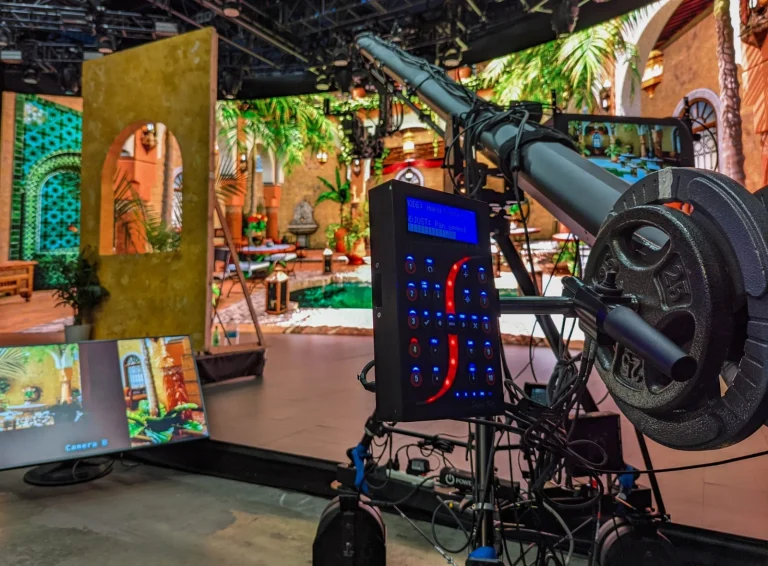
Mechanical tracking and lens integration for existing camera cranes.
StypeKit crane installation example
View product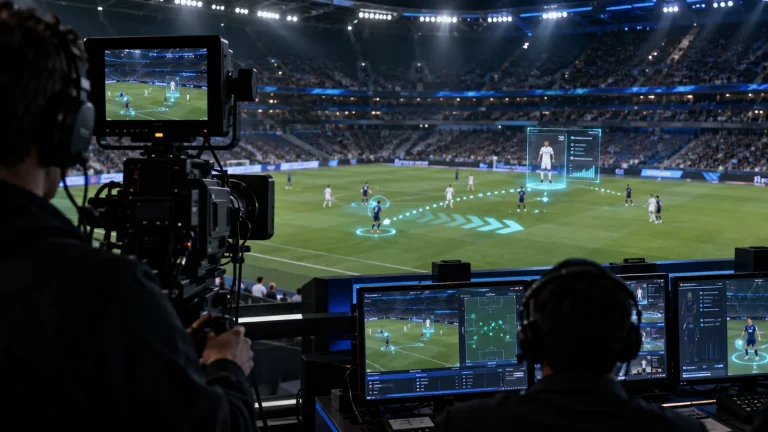
Professional Rendering Servers
Computing and video interfaces for live 3D graphics and AR production.
AI-generated concept, not a product or project photograph.
View productExplore more
Virtual Production & Live Graphics
Place live graphics and data in the real scene.
AI-generated concept, not a product or project photograph.
Explore solution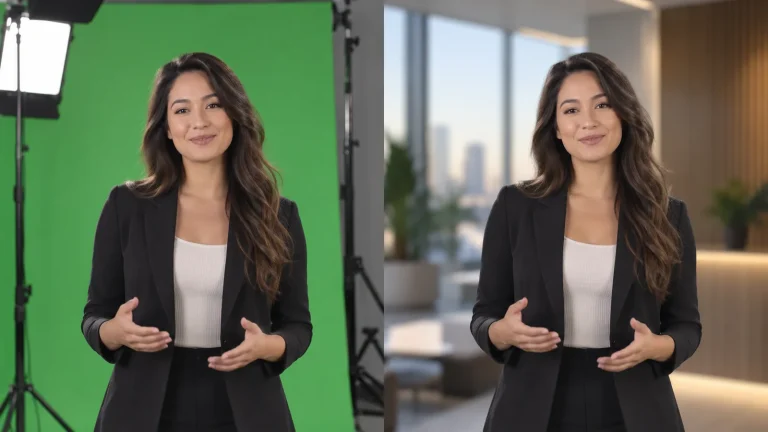
Virtual Production & Live Graphics
One capture space for multiple virtual sets.
AI-generated concept, not a product or project photograph.
Explore solutionTalk to Lecen
Share head, camera and lens models and the camera layout to scope tracking, console and calibration requirements.