Locate and organize media
Organize video and audio by project, topic and source. When evaluating keyword, transcript or semantic retrieval, check source-time navigation and the impact of language, noise and specialist vocabulary.

AI Vision & Visual Processing
Plan media discovery, clip selection and human review as one editing workflow.
Lecen AI-Assisted Video Editing is intended for corporate content teams, program production and education. It organizes a workflow from existing footage through candidate selection to editorial review. Define content goals, media permissions and delivery formats, then confirm transcription, search, timeline and export capabilities against the supplied version. AI provides suggestions; editors retain responsibility for narrative, factual checks and final delivery.
Product brand: Lecen
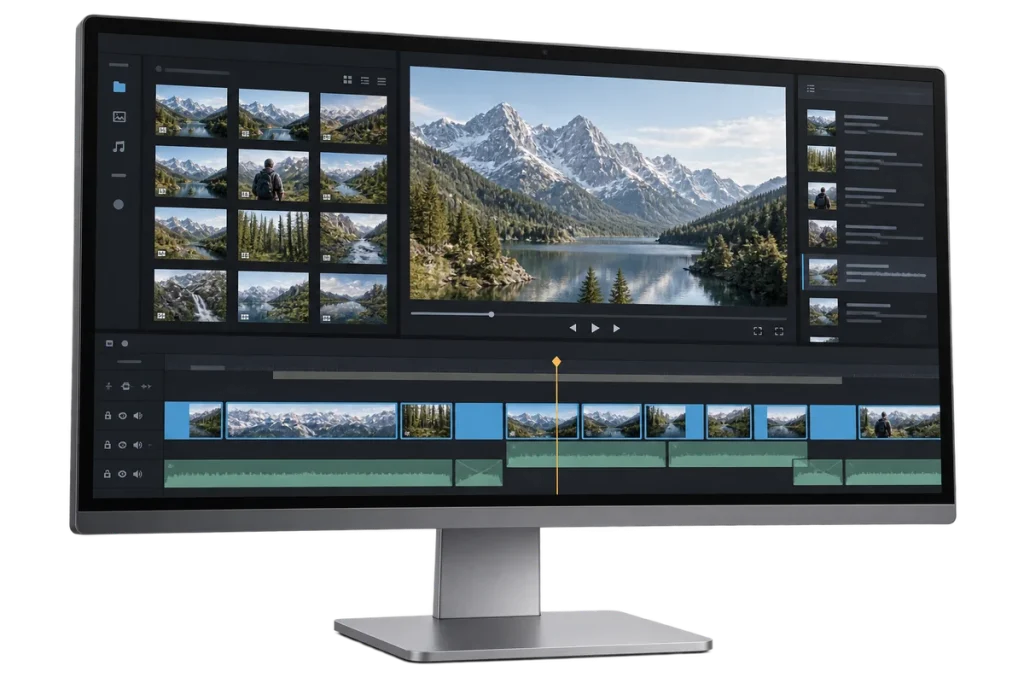
Overview
Interviews, courses, events and brand content often require considerable time to locate excerpts and organize review rounds. AI-assisted editing connects these tasks to source locations so editors can inspect context and assemble a timeline. Evaluate it alongside the media library, proxies and delivery tools. Automated assembly is not a substitute for copyright review, factual judgment or professional editing.
In focus
Organize video and audio by project, topic and source. When evaluating keyword, transcript or semantic retrieval, check source-time navigation and the impact of language, noise and specialist vocabulary.
Find candidates around a brief while retaining source references and time ranges. Review the context of interviews and events to avoid changing meaning. Confirm the available selection methods in the demonstrated version.
Review shot order, audio relationships, subtitles and version changes. Keep human approval at important stages and recoverable project records; a model suggestion is not a broadcast-ready decision.
Agree resolution, frame rate, aspect ratio, audio and subtitle requirements before selecting export or project-exchange workflows. Test compatibility, interfaces and licensing with the actual target software versions.
Workflow
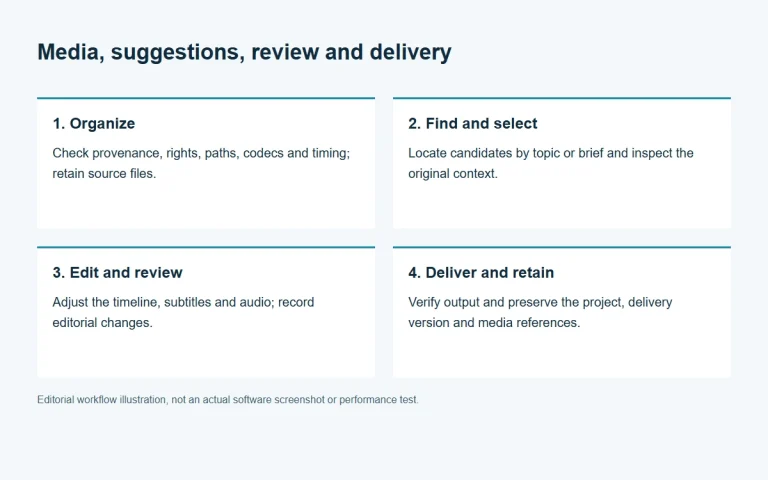
This is a recommended production workflow, not a claim that every algorithm, interface or export format is available in every version.
Check provenance, rights, paths, codecs and timing; retain source files.
Locate candidates by topic or brief and inspect the original context.
Adjust the timeline, subtitles and audio; record editorial changes.
Verify output and preserve the project, delivery version and media references.
Integration
Use authorized real footage before choosing deployment, compute and storage.
Provide content type, duration, languages, media volume and editor count.
Review local or server processing, GPU and memory, proxies, networking and access. Do not assume that source media is sent to a cloud service.
List required retrieval, selection, caption, project-exchange and export functions, and verify them against the supplied version.
Test missing media, interrupted work, project recovery and output validation, and retain the results.
Configuration
| Input media | Confirm containers, codecs, frame rates, audio tracks and subtitles using sample files. |
|---|---|
| Content analysis | Confirm languages, transcription and search against the supplied version and representative footage. |
| Compute | Measure GPU, VRAM, memory, concurrency and processing time for the selected models and media. |
| Storage | Check original paths, proxy capacity, caches and team permissions. Cache is not backup. |
| Delivery | Verify output encoding, aspect ratio, subtitle and project-exchange formats individually. |
| Data boundaries | Document whether media leaves the local environment, access controls, logs and review responsibilities. |
Applications
Locate relevant statements and assemble review versions, with particular attention to context and factual accuracy.
Select material by chapter, subject or session. Evaluate language coverage, location noise and caption quality.
Provide source-linked candidates to editors. Agree and test complex narrative, multicamera synchronization and finishing requirements separately.
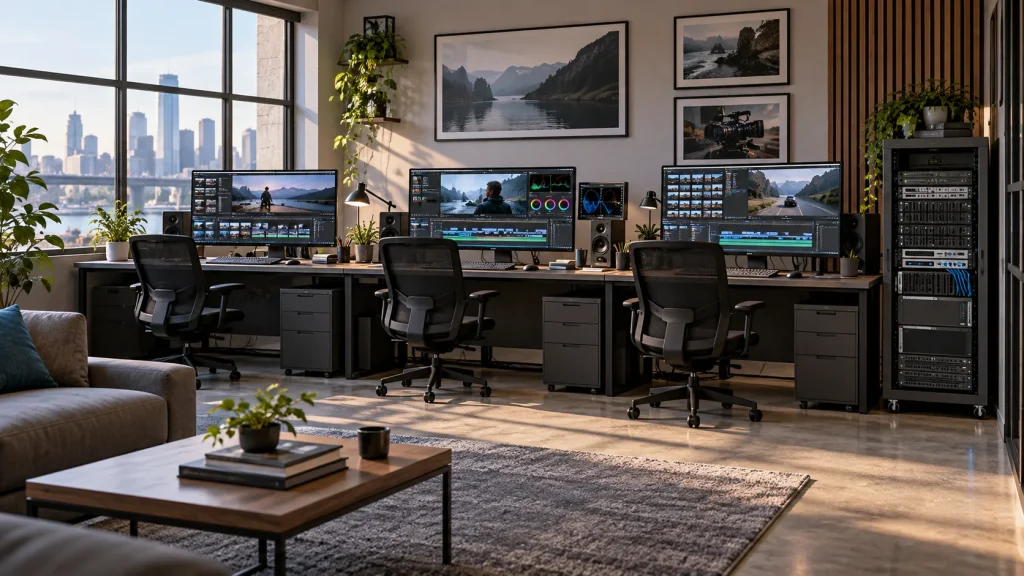
Engineering decisions
Agree purpose, source rights, languages, duration and delivery requirements so evaluation reflects real work.
List local resources, networking, external services and permissions, including which footage may be analyzed.
Agree who accepts, revises, withdraws and approves suggestions. Keep source references for every selected excerpt.
Test noise, multiple speakers, specialist terms and long takes; record errors and manual corrections.
Test relinking, missing files, version recovery and interrupted tasks. Verify project exchange in the target editor.
Validate framing, frame rate, audio, captions and rights. Retain configuration records; concept visuals are not acceptance evidence.
FAQ
No. Clip selection, context, rights, facts and delivery quality require human review. AI suggestions are editorial inputs.
Verify paths, indexes, permissions and required interfaces with a representative project. Compatibility with every media or editing system is not assumed.
Deployment, model dependencies and external calls must be confirmed for the supplied version. Check data flow and offline requirements before using restricted media.
Use real footage to record retrieval relevance, usable selections, manual corrections, output quality and processing time. Record hardware, versions and concurrency; there is no universal speed multiplier.
Explore more
AI Media Asset Management
Content indexing and time-based discovery for media production.
AI-generated concept, not a product or project photograph.
View product
AI Vision & Visual Processing
Image restoration for archive footage and existing video collections.
AI-generated concept, not a product or project photograph.
View product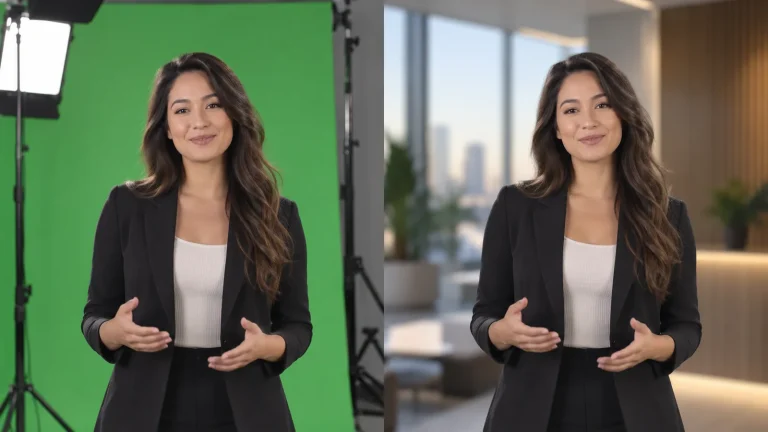
AI Vision & Visual Processing
Foreground separation, matte quality and compositing for presenter video.
AI-generated concept, not a product or project photograph.
View productExplore more
Media Workflows & Asset Management
Make the existing media library easier to search and reuse.
AI-generated concept, not a product or project photograph.
Explore solution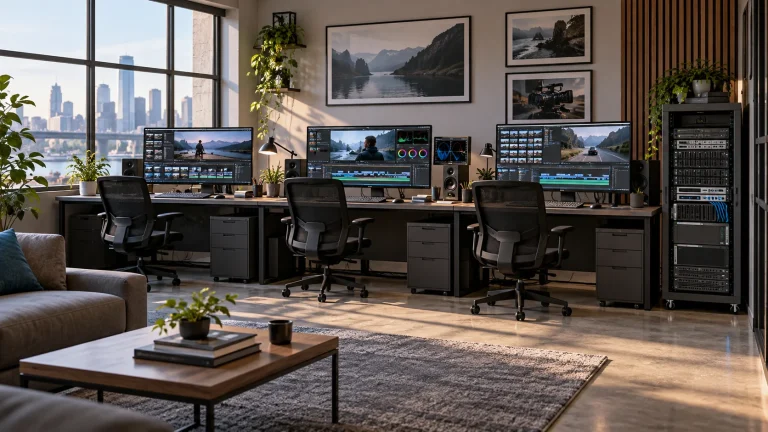
Media Workflows & Asset Management
Shared media from ingest through finishing.
AI-generated concept, not a product or project photograph.
Explore solutionTalk to Lecen
Share media types, editorial tasks, deployment conditions and output requirements to define a useful trial.