Virtual Production & Live Graphics

AR and Live Broadcast Graphics Solution

Place live graphics and data in the real scene.

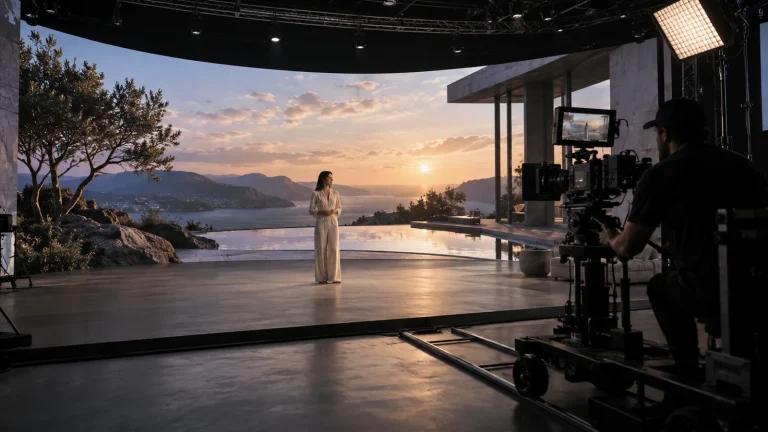
Lecen’s AR and broadcast graphics solution connects camera tracking, 3D graphics, business data and video compositing for sports, studios and live events. Spatial placement and on-air timing are planned together so scores, models and explainers support the programme.

Product brand: Lecen Technology

AR and Live Broadcast Graphics Solution functional architecture illustration
Solution architecture illustration
Working scope
Spatial AR graphics
Approach
Data-driven production
Project focus
Preview + on-air control

Project goals

Design spatial alignment and on-air control together

AR must be spatially aligned and operationally controlled. The design separates coordinates, graphic templates, data checks and operator cues. Camera video and rendered graphics meet at the compositing stage while operators retain the ability to preview, correct and remove on-air elements.

In focus

What the solution covers

Maintain the camera-to-scene relationship

Moving-camera workflows update graphics from position, orientation and lens information. Fixed views use a defined scene reference. Evaluate pans, moves, zooms and edge framing rather than one static composition.
Separate data validation from rendering

Scores, names and statistics come from an agreed source or manual input. Configure parsing, validation and graphic playout separately so an incorrect update does not automatically become an on-air graphic.

Add interaction only where it is useful

Talent awareness can drive occlusion or zone triggers; prop tracking can anchor virtual objects. Choose AI GLUE, Follower or other components around the intended interaction, not as mandatory additions to every AR project.

Keep the operator in control

Define preview, take, correction, removal and exception handling. Match internal compositing or external Fill/Key outputs to the downstream switcher, signal format and timing.

Workflow

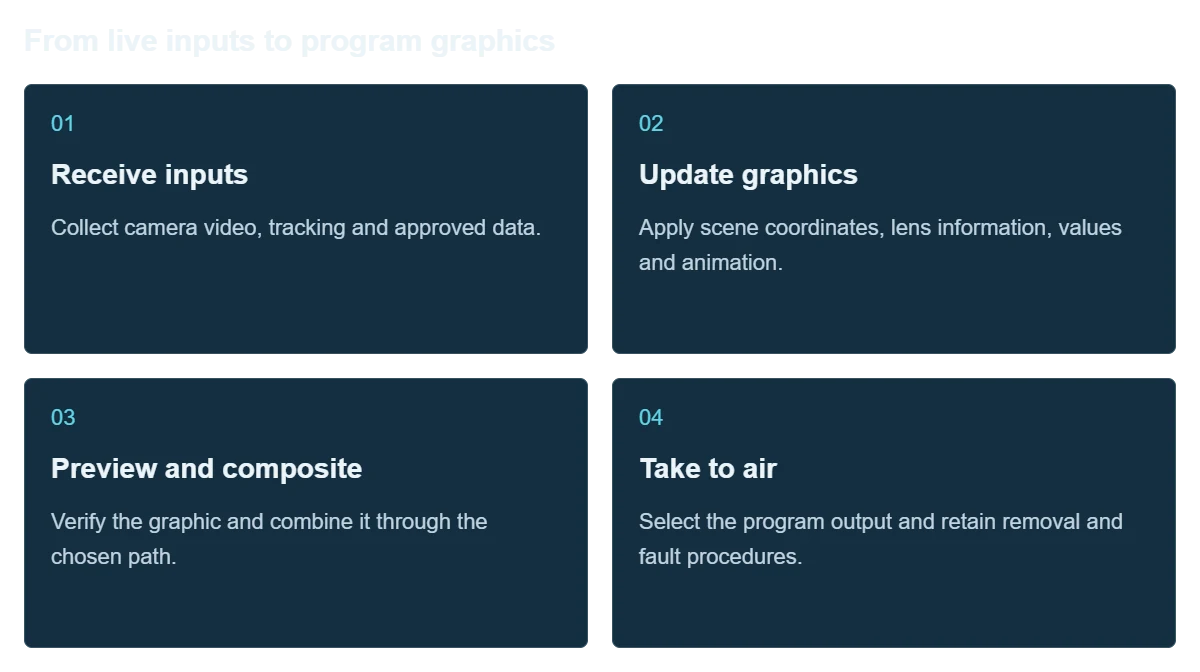
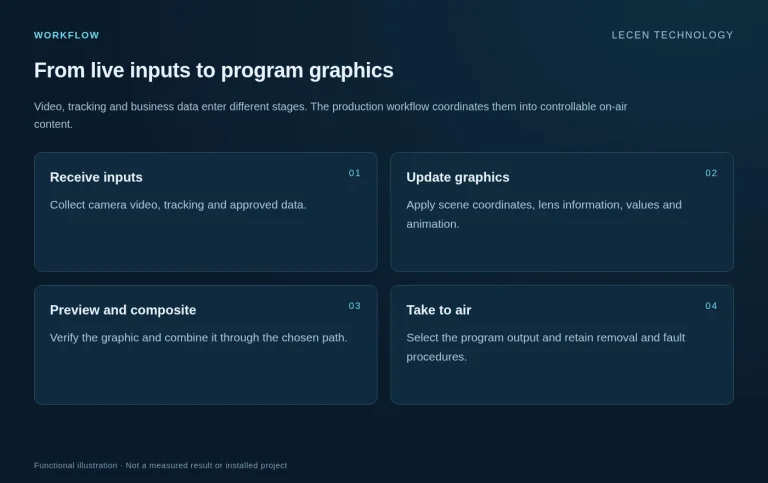
From live inputs to program graphics

Video, tracking and business data enter different stages. The production workflow coordinates them into controllable on-air content.

  1. Receive inputs

    Collect camera video, tracking and approved data.

  2. Update graphics

    Apply scene coordinates, lens information, values and animation.

  3. Preview and composite

    Verify the graphic and combine it through the chosen path.

  4. Take to air

    Select the program output and retain removal and fault procedures.

Integration

From graphic script to live rehearsal

Test templates, data and camera changes together rather than validating a still image alone.

AR and Live Broadcast Graphics Solution workflow illustration
Workflow illustration

Define the content

List graphic types, fields, on-air cues and operators.

Configure space and I/O

Align tracking, lenses, rendering, compositing, format and reference.

Build templates and rules

Handle long names, empty values, corrections and field validation.

Rehearse the program

Exercise cuts, updates, removal, signal loss and recovery; document operations.

Configuration

Architecture and planning inputs

AR and Live Broadcast Graphics Solution — Architecture and planning inputs
ContentLive graphics, 3D models, data visualization and spatial AR
CamerasFixed views or tracking selected around camera movement
Graphics layerProgram-specific templates, animation and interaction
Data layerAuthorized feeds or operator input
OutputInternal compositing or compatible external Fill/Key workflows
HandoverTemplate rules, connections, operating cues and exception procedures

Applications

Where it fits

Sports and analysis

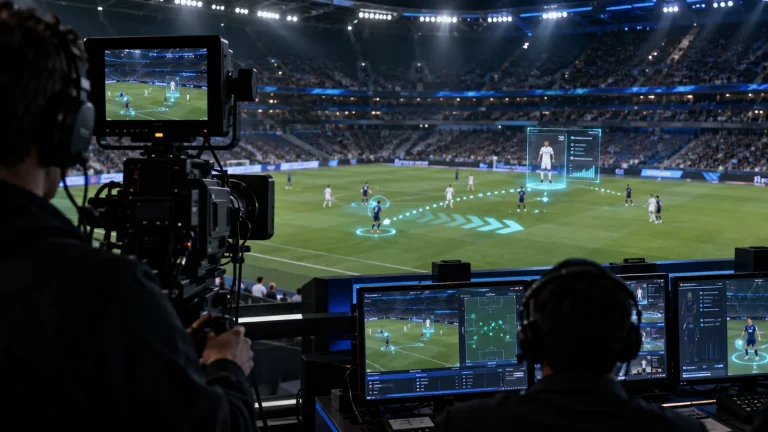
Present scores, lineups, tactics and statistics around camera framing and commentary.

News and studio interviews

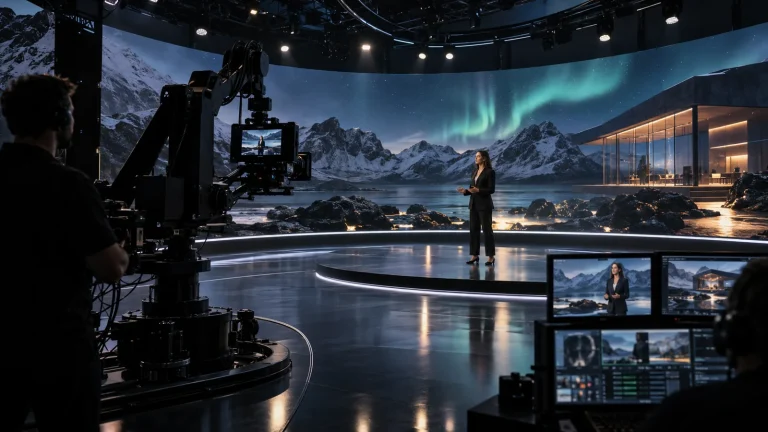
Connect charts, virtual objects and presenter positions for clear explanations.

Launches and stage events

Bring product models and data into live shots with rehearsed presenter cues.

Application and workflow visuals

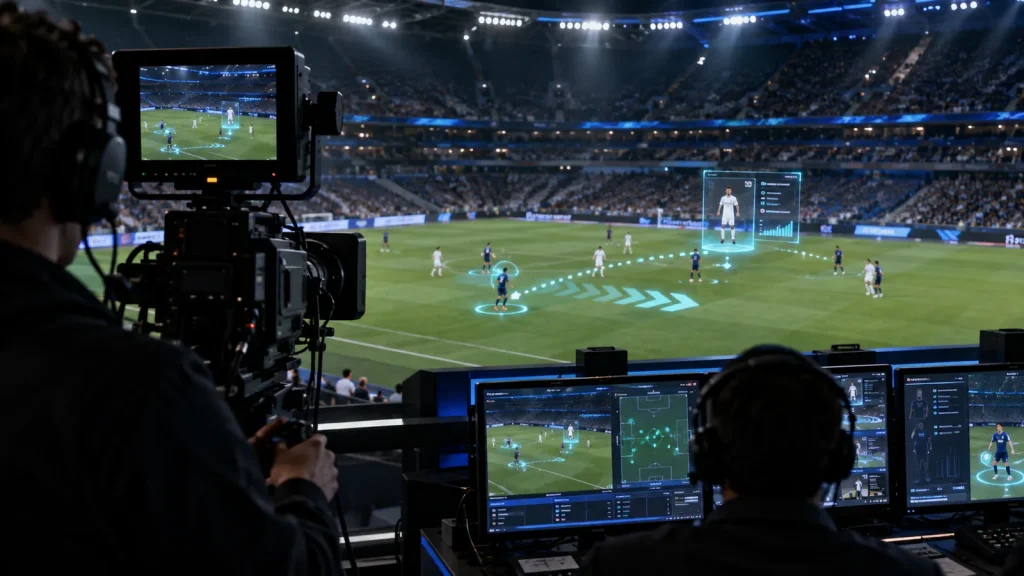
Sports AR composite concept
Sports AR composite conceptAI-generated concept, not a product test, software screenshot or customer project.

FAQ

Common questions

Can AR work without tracking?

A fixed shot can use a defined fixed perspective. Spatial AR with a moving camera normally requires corresponding tracking and lens alignment.

Are sports data feeds included automatically?

No. Sources, fields, rights and update methods are defined for the project. A rendering system is not itself a sports-data provider.

How is spatial AR different from a lower third?

A lower third usually stays in screen coordinates. Spatial AR maintains a relationship to the scene and camera. A program can use both.

Does talent occlusion always require full motion capture?

Choose the method around the interaction. Talent position, marked props and full skeletal motion are separate tasks.

What should be checked before going live?

Validate alignment, field contents, data timing, compositing format, camera cuts, removal and recovery. Redundancy can be designed separately for critical programs.

Project brief

Start with a project brief

Content

Program rundown, graphic examples, data fields and interaction script.

Video

Cameras, lenses, switcher, inputs, outputs and reference.

Operations

Data sources and rights, operators and correction requirements.

Talk to Lecen

Let’s scope your project

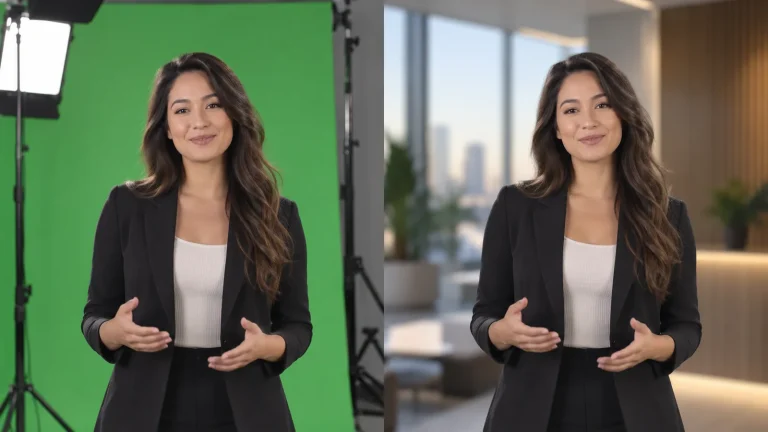
Share the space, cameras, displays or green-screen setup and a programme example to scope the production chain.

Plan your production