Virtual Production & Live Graphics

XR Virtual Production Solution

Connect LED content, set extension and foreground AR.

Lecen’s XR virtual production solution brings LED displays, camera tracking, real-time rendering and compositing into one production workflow. Set extension, foreground AR and camera switching are planned around live programmes, events and teaching, bringing physical and digital sets into the same shot.

Product brand: Lecen Technology

XR Virtual Production Solution functional architecture illustration
Solution architecture illustration
Working scope
Set extension
Approach
Optional foreground AR
Project focus
Real-time compositing

Project goals

Start with the finished shot, then configure the system

XR design starts with the final shot. Define the camera range, LED layout and movement, then separate what is displayed on the panels from what is added in compositing. Multi-camera operation and foreground graphics are project decisions; the program determines rendering, video, timing and operator requirements.

In focus

What the solution covers

Coordinate LED scenery and set extension

Plan displayed and extended regions from the camera view, with a shared spatial and color reference. Evaluate the join at screen edges through camera movement and talent blocking, not only from one static position.
Match camera motion and lens behavior

Position, orientation and lens information work together to define the virtual view. Select tracking around fixed heads, free movement or cranes, then align the lens and scene references.

Design interaction around the program

When AR is required, configure graphics, talent occlusion and trigger behavior as distinct production tasks. Rehearse the interaction script rather than treating position awareness as automatic program control.

Make daily operation repeatable

Organize scene loading, camera changes, graphic cues and output checks into clear steps. Save equipment settings alongside content versions so operators can reproduce the setup.

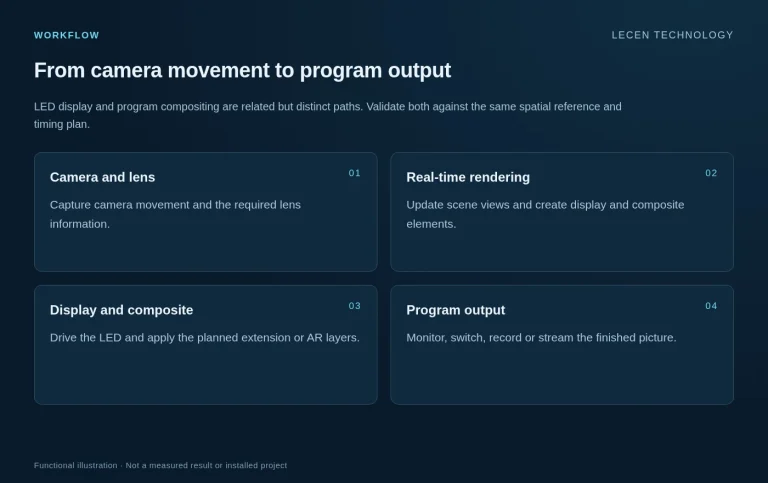
Workflow

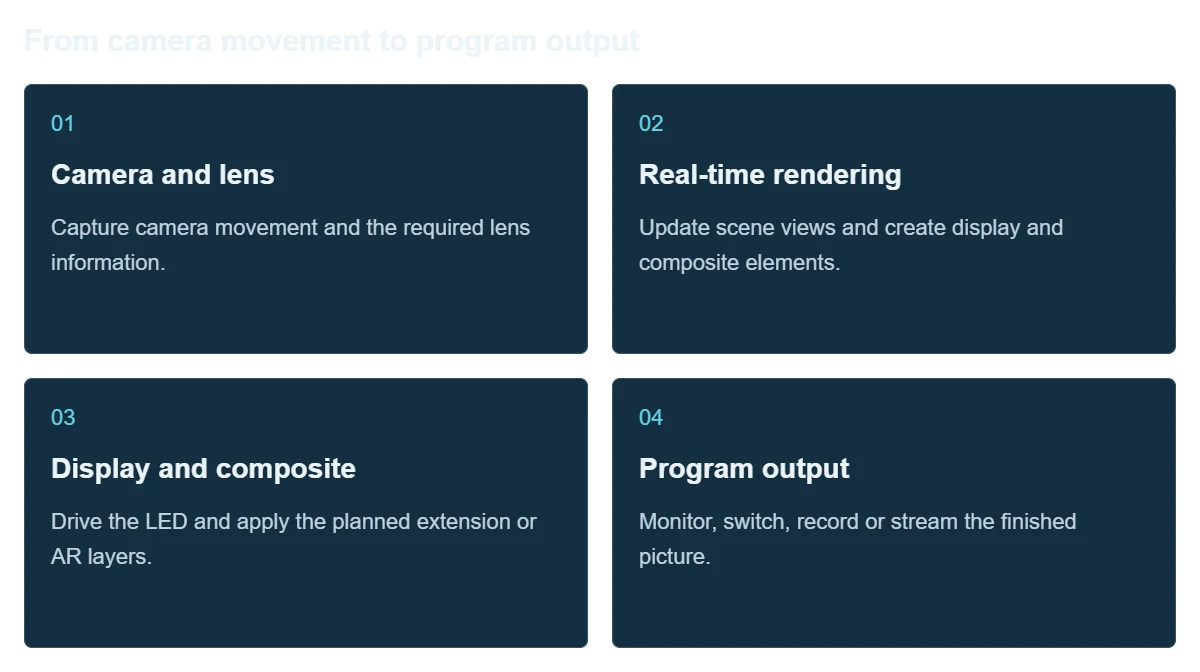
From camera movement to program output

LED display and program compositing are related but distinct paths. Validate both against the same spatial reference and timing plan.

  1. Camera and lens

    Capture camera movement and the required lens information.

  2. Real-time rendering

    Update scene views and create display and composite elements.

  3. Display and composite

    Drive the LED and apply the planned extension or AR layers.

  4. Program output

    Monitor, switch, record or stream the finished picture.

Integration

Studio setup and program rehearsal

Judge the result through the actual production camera, not only the rendering preview.

XR Virtual Production Solution workflow illustration
Workflow illustration

Define the brief

Collect LED pixels and layout, cameras, blocking, program format and sample segments.

Assign system roles

Separate tracking, rendering, LED output, compositing and switching responsibilities.

Align space and timing

Calibrate lenses, coordinates, display boundaries, color and video timing.

Rehearse full segments

Check scene changes, wide and close shots, camera cuts and fault exit procedures.

Configuration

Architecture and planning inputs

XR Virtual Production Solution — Architecture and planning inputs
DisplayWall, floor and other LED regions configured around the shoot
TrackingRedSpy, LeTracker-X or another suitable approach by camera movement
RenderingXR servers with the selected real-time production platform
Program processingSet extension, foreground AR and compositing where required
TimingCamera, video I/O, rendering and display designed as one timing chain
Handover materialsScene files, lens/spatial settings, connection diagrams and operating steps

Applications

Where it fits

Brand events and streams

Present different themed environments within one venue, following product stories and live cues.

Studio programs

Give presenters, physical furniture and digital scenery a coherent spatial relationship.

Virtual production education

Teach tracking, rendering, LED output and compositing as a complete practical workflow.

Application and workflow visuals

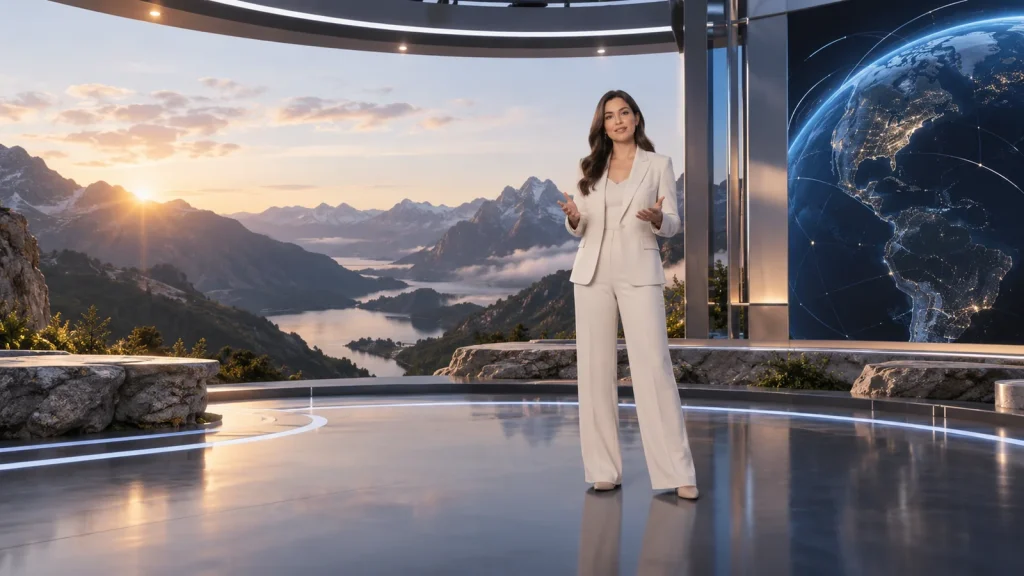
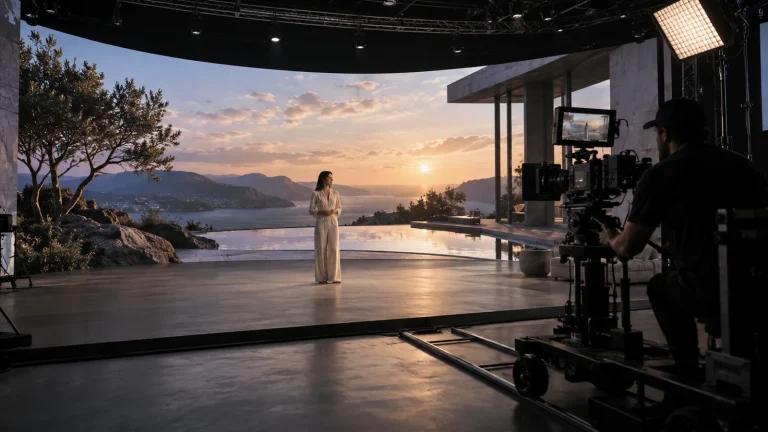
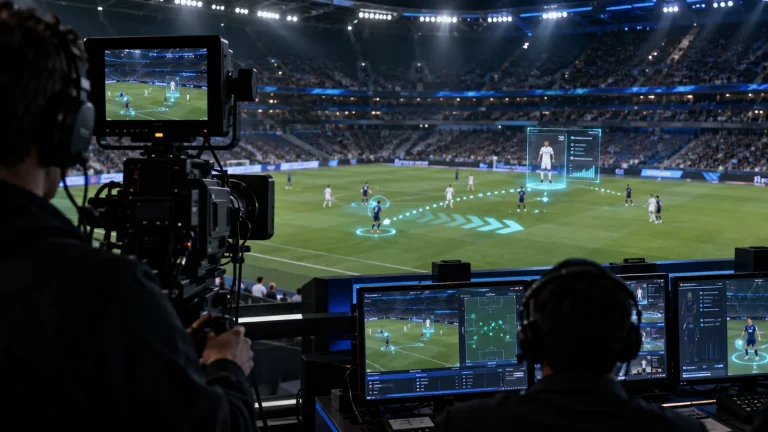
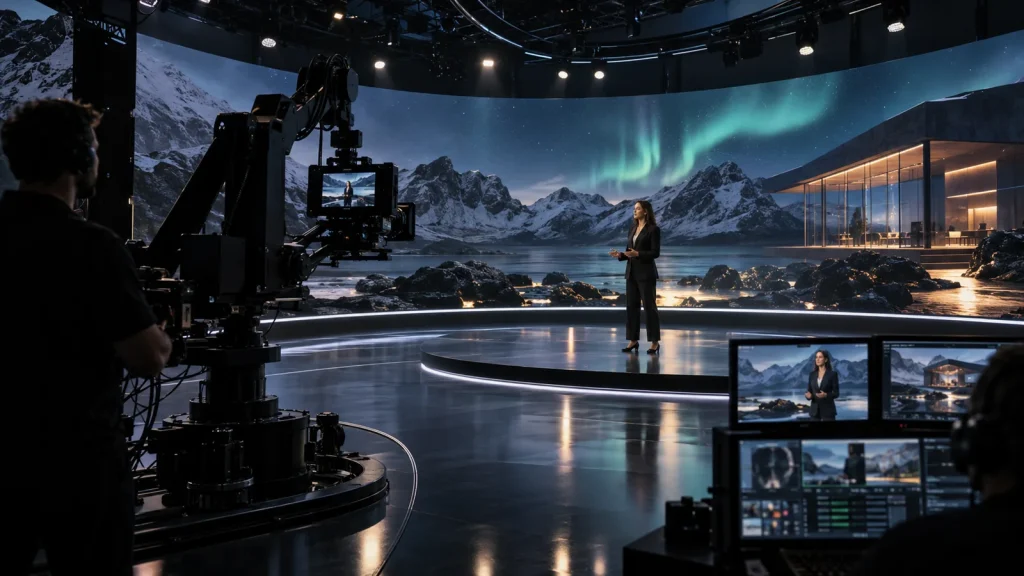
Virtual studio production concept
Virtual studio production conceptAI-generated concept, not a product test, software screenshot or customer project.
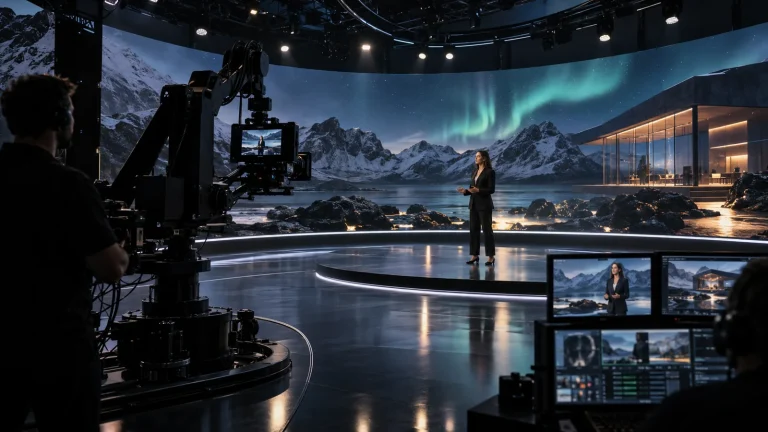
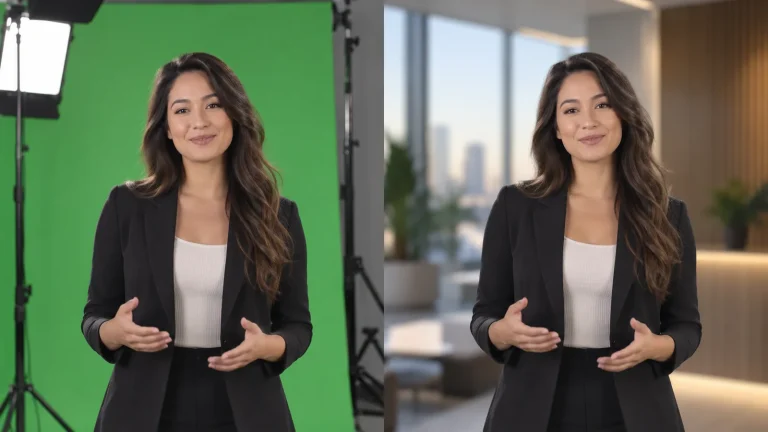
Virtual studio presentation concept
Virtual studio presentation conceptAI-generated concept, not a product test, software screenshot or customer project.

FAQ

Common questions

Does XR always require an LED floor?

No. The layout follows framing, talent movement and scene design. Walls, floors and extended regions are chosen for the actual production.

How does this differ from LED VP?

This workflow emphasizes the finished composite and set extension. LED VP focuses on the LED background captured in-camera. The approaches can be combined; decide where the final picture is formed.

Is extra tracking enough for multiple cameras?

Each camera also affects views, rendering assignments, display operation, video channels and switching. Tracking count alone is not a system design.

Can we reuse an existing LED display?

Evaluate its pixels, processor, refresh and scan behavior through the production camera. Test moiré, banding, color and practical shooting distance.

Do we need final 3D scenes at the planning stage?

Representative scenes can support initial design. Performance and picture acceptance should use content close to production complexity rather than an empty test scene.

Project brief

Start with a project brief

Venue and display

Dimensions, actual LED pixels, layout, processing and lighting.

Cameras

Bodies, lenses, camera count, movement and talent blocking.

Program

Output format, scene samples, extension/AR requirements and switching path.

Talk to Lecen

Let’s scope your project

Share the space, cameras, displays or green-screen setup and a programme example to scope the production chain.

Plan your production