Beacon-free positioning
Locate presenters without active or passive beacons attached to their clothing. The interaction can follow normal wardrobe and blocking, reducing preparation for on-screen talent.

Motion Capture & Spatial Tracking
Beacon-free talent positioning for AR occlusion and zone interaction.
AI GLUE is stYpe’s beacon-free talent tracking system for studios and live production. It determines people’s positions within a defined area so the production platform can manage front-to-back relationships with virtual graphics and trigger location-based interaction.
Product brand: stYpe
Overview
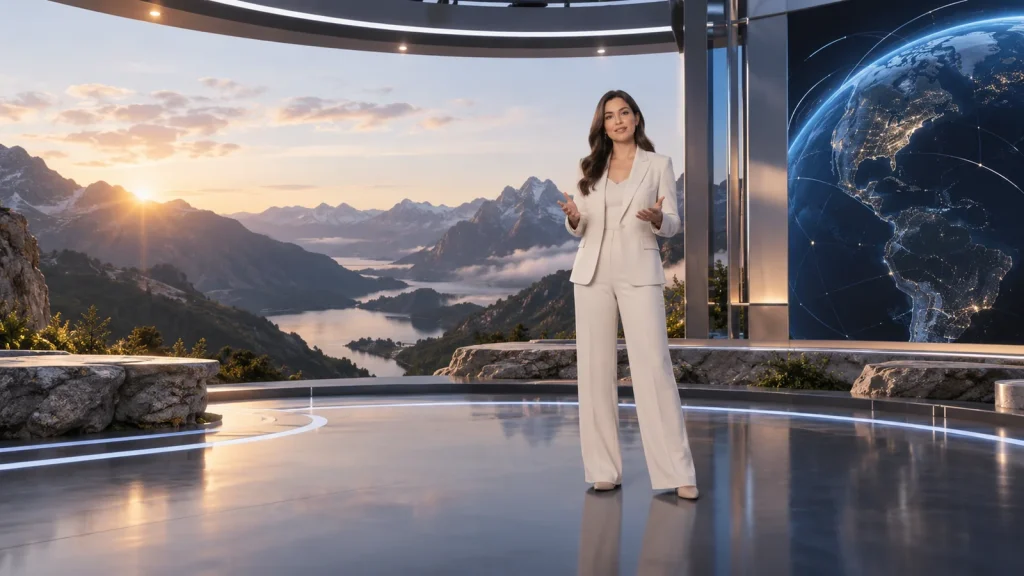
When a presenter shares the frame with a virtual chart, the production system needs to establish depth order and how graphics respond to movement. AI GLUE supplies person-position information for occlusion, graphic visibility and zone triggers. Linking this information to the programme script supports staged data presentations, model explanations and interactive segments.
In focus
Locate presenters without active or passive beacons attached to their clothing. The interaction can follow normal wardrobe and blocking, reducing preparation for on-screen talent.
Relate the presenter’s position to the virtual graphic. The compositing system uses that relationship to update foreground and background layering as the presenter moves.
Define interaction zones around the scene and use position to show or hide graphics. This suits separate presentation areas and scripted model or content changes.
Track several people and expand coverage with additional sensors. Layout follows the working area, overlapping views and set obstructions along the actual movement routes.
Workflow
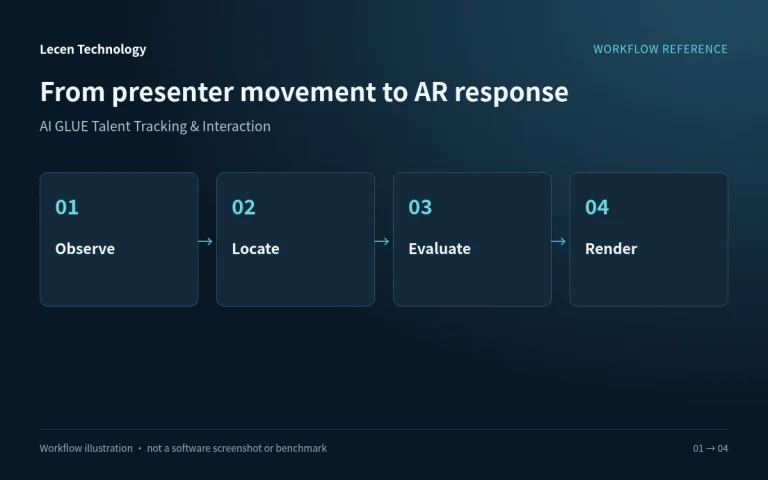
Sensors observe the working area, processing establishes talent location, and the production system relates that location to the virtual scene. Graphics and compositing logic determine the final response.
Capture the presenter within the calibrated area.
Relate the detected position to scene coordinates.
Check occlusion relationships and defined zones.
Update graphics and the final programme composite.
Integration
Define presenter movement before deciding sensor placement. Test with the actual set, programme lighting and people crossing each other.
Provide dimensions, ceiling height, a floor plan and presentation routes. Mark desks, LED walls and possible occlusions.
Arrange sensing, processing, synchronization and calibration components. Align the tracking area with the virtual scene.
Define element locations and zones in the production system. Test visibility and animation changes at the boundaries.
Run single- and multi-person movement, crossings and entries. Save the setup and reassess coverage when the scenery changes.
Configuration
| Product type | Beacon-free talent awareness and interaction |
|---|---|
| Core information | Talent location relative to the virtual scene |
| Production use | Occlusion, positional triggers and multi-person interaction |
| System elements | Sensors, processing, synchronization and calibration components |
| Coverage design | Defined by movement, scenery and occlusion |
| Workflow integration | stYpe tracking systems or fixed-camera workflows |
Applications
Let the presenter move between charts and models, using spatial relationships to support the explanation.
Connect presentation zones with tactical graphics or virtual playing surfaces and rehearse the interaction as part of the segment.
Allow an instructor to move around virtual equipment or a teaching model without a handheld tracking prop.
Engineering decisions
Distinguish person position, zone triggers, front-to-back ordering and skeletal motion. Request the output fields available in the proposed version and license. Talent location, full-body motion capture and pixel-level matting are different deliverables.
Supply talent count, entrances, routes, desk heights, wardrobe and lighting examples. Assess crossing paths and set occlusions. Expanding coverage involves overlapping views, calibration, processing resources and cabling, not just adding sensors in proportion to floor area.
Document what the processing system sends and which production component handles graphic visibility, trigger delays and manual override. Talent and camera coordinates need a common reference. Moving graphics and camera shots also require timing checks through the programme chain.
Rehearse crossings, occlusion, sitting, exits and re-entry in production wardrobe. Check for swapped person associations and position jumps. Link exceptions to recordings and the set plan, with recovery times and false-trigger limits agreed for the actual programme.
Have talent pause at zone edges, repeatedly enter and leave, and approach one graphic together. Check flickering visibility, incorrect depth ordering and the operator's removal procedure. Acceptance concerns the complete interaction, not merely detection boxes in a sensor view.
Recheck alignment after permitted scenery changes and simulate a data interruption in a test environment. Establish the fallback picture or manual control procedure. Deliver zone definitions, coordinate transforms, versions and a record of tested actions.
FAQ
Its core information is a person’s position in the working space and relationship to virtual graphics, used by the production platform for occlusion and zone responses.
Align the sensing area to the scene coordinates, define graphic placement and compositing logic, then test front-to-back movement in the final image.
Use presenter count, crossing routes and set obstructions to arrange sensor views. Rehearse the actual segment to check continuous positioning and zone responses.
Talent tracking describes the presenter’s position; camera tracking describes the view. Moving-camera AR aligns both to the same scene reference and checks their timing separately.
Additional sensors require installation, view-overlap and calibration planning, particularly behind desks, around corners and where people cross.
Person location and depth-order decisions do not establish pixel-level matting. A matte and its edge quality are separate requirements. Confirm the output and receiving application, then test hair, translucent clothing and fast movement.
No. Talent count, occlusion, sensor placement and software revision determine the working conditions. Reconcile the product overview and generation-specific motion-capture descriptions with the actual supply list instead of assuming unlimited capacity or a guaranteed floor area.
AI GLUE is a stYpe product. Confirm the supplied version, outputs and licenses. Lecen's coverage design, spatial calibration and programme integration are agreed per project; skeletal outputs, matting requirements and site results need separate validation.
These references explain principles and integration conditions. Confirm capabilities against the supplied revision, project configuration and agreed tests.
Project brief
Presenter count, crossing paths, furniture occlusion and zone entry.
Front/back relationships, zone responses and operator control.
Floor plan, lighting, cameras and the existing renderer.
Explore more
Motion Capture & Spatial Tracking
Track cameras, talent and props within a shared coordinate space.
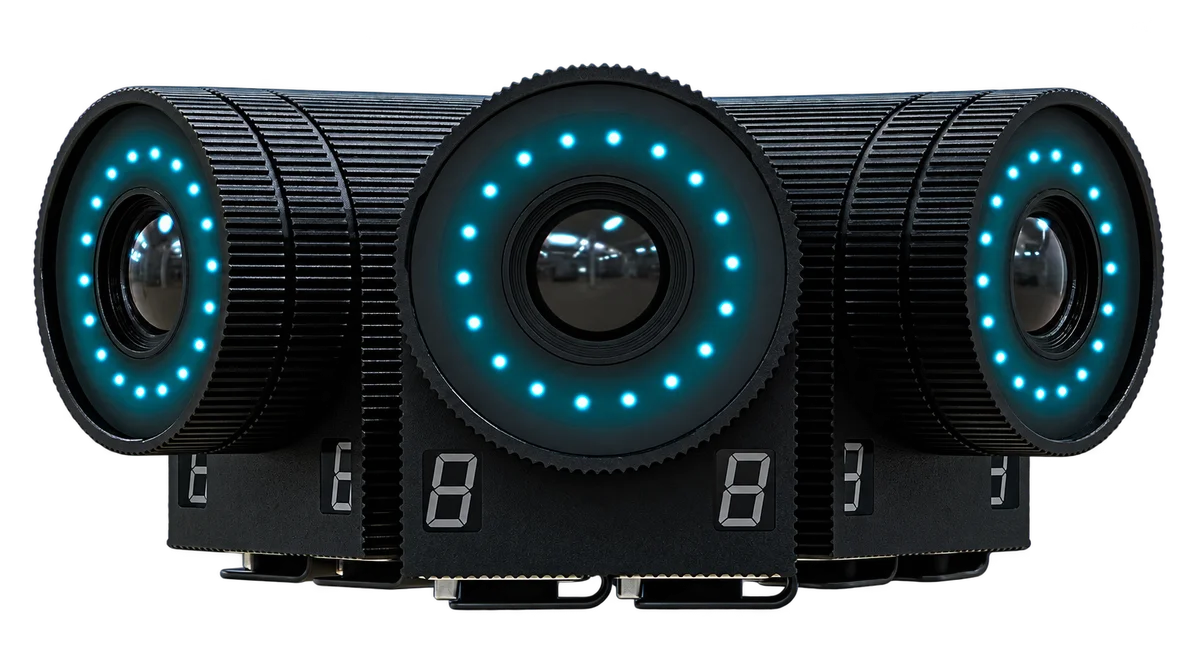
Follower witness cameras shown in the supplied material
View product
Professional Rendering Servers
Computing and video interfaces for live 3D graphics and AR production.
AI-generated concept, not a product or project photograph.
View productExplore more
Virtual Production & Live Graphics
Place live graphics and data in the real scene.
AI-generated concept, not a product or project photograph.
Explore solution
Virtual Production & Live Graphics
Connect LED content, set extension and foreground AR.
AI-generated concept, not a product or project photograph.
Explore solutionTalk to Lecen
Share presenter count, studio layout and the graphic script to scope sensing coverage and AR interaction.