Multi-target spatial tracking
Use multiple infrared views to locate targets and supply their identifiers and measurements to the production system. Cameras and props can be arranged around one scene origin.

Motion Capture & Spatial Tracking
Track cameras, talent and props within a shared coordinate space.
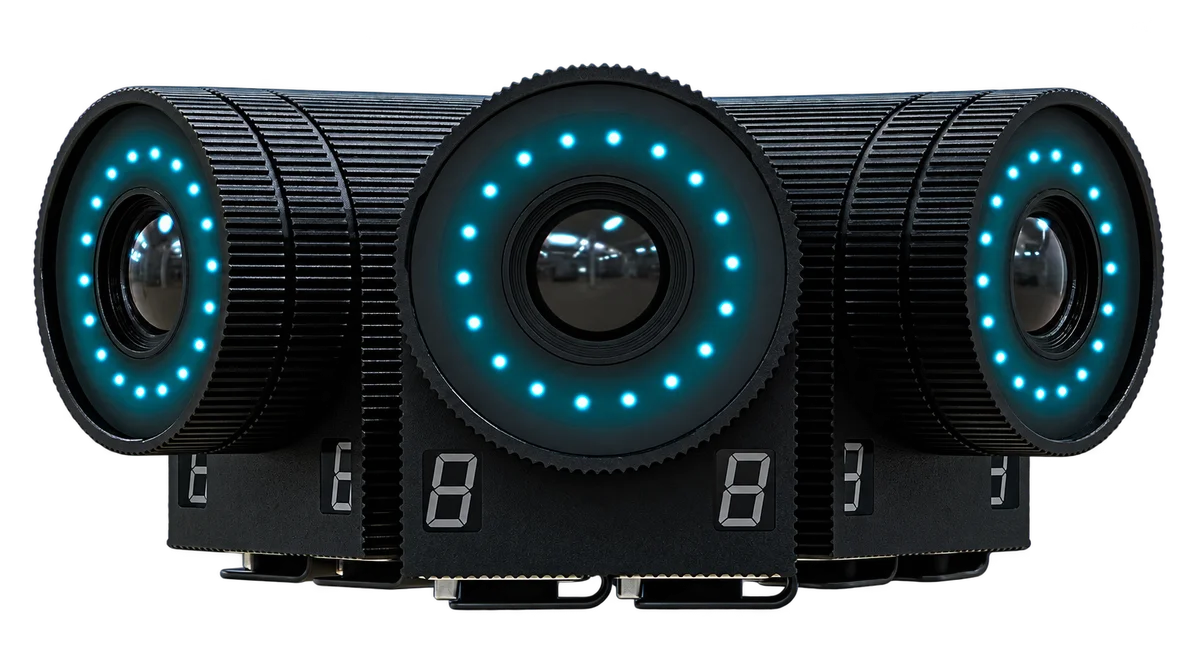
Follower is stYpe’s optical motion capture and spatial tracking system. Infrared witness cameras and task-specific target components track cameras, people and props within a common reference space for multi-camera virtual studios, physical-to-virtual interaction and body motion capture.
Product brand: stYpe
Overview
Studio cameras, presenters and props can move at the same time. Follower observes their targets in a common coordinate system and maps them to virtual objects, reducing repeated alignment between separate tracking sources. Camera, prop and skeletal capture use the components appropriate to each task.
In focus
Use multiple infrared views to locate targets and supply their identifiers and measurements to the production system. Cameras and props can be arranged around one scene origin.
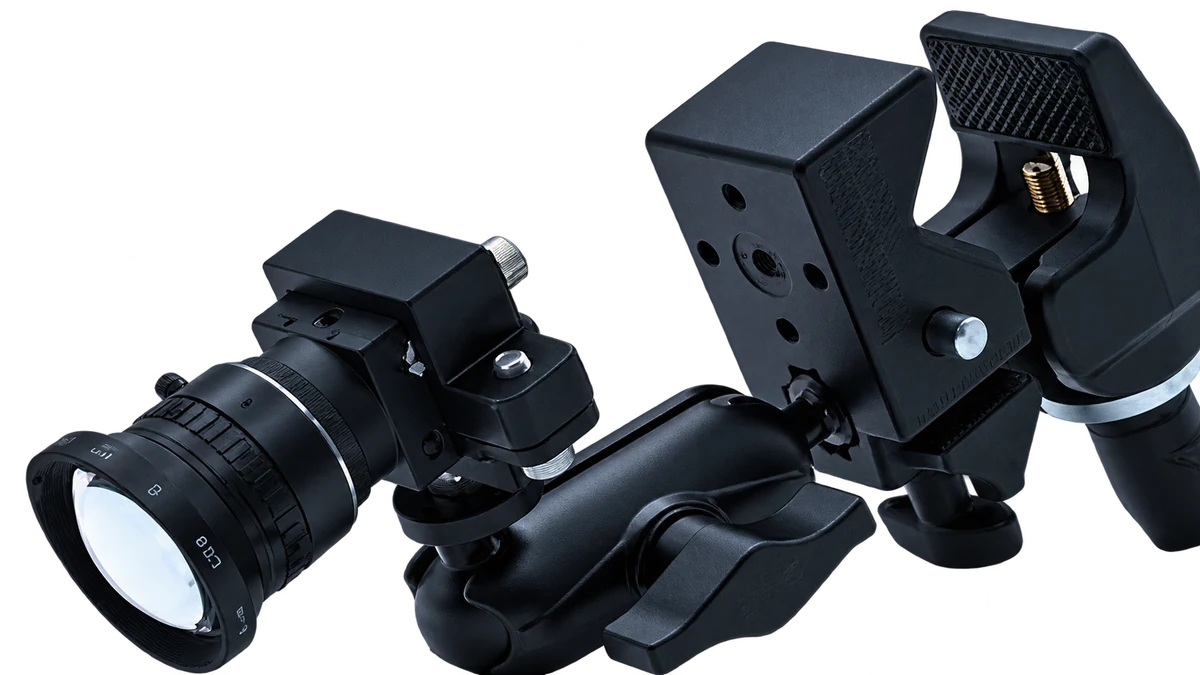
Spyder modules address camera tracking, MiniBeacon equips prop or talent-position targets, and Follower Pen supports spatial drawing and interaction. Select components and mappings for the required target data.
The corresponding Follower Suit and marker configuration capture body motion for virtual characters or live performance. Define the skeleton and receiving character mapping together.
Map target motion to virtual object position or orientation for anchoring, drawing and interactive graphics. Configure interfaces, coordinate conventions and target relationships with the actual production platform.
Workflow
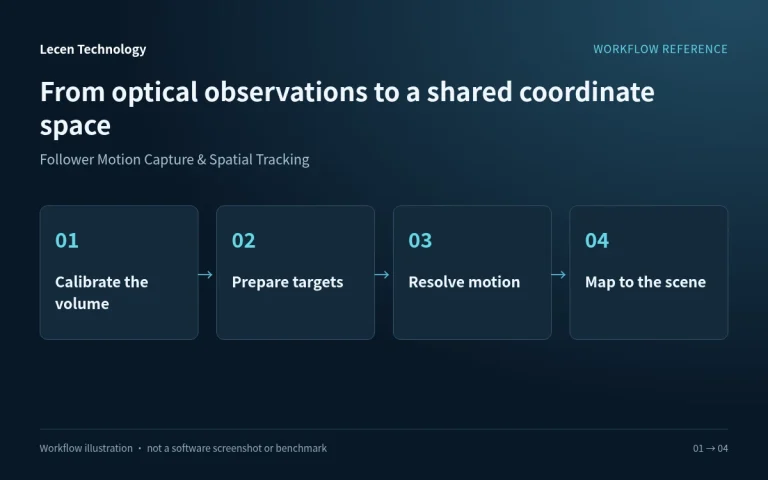
Witness cameras observe tracked targets from several viewpoints. Identification and spatial processing associate each target with a camera or object in the renderer. The capture configuration depends on the component assigned to that target.
Position infrared witness cameras and establish the tracking space.
Fit the appropriate components for cameras, props or body capture.
Identify targets and derive the information supported by each component.
Associate the data with virtual cameras, objects and interaction rules.
Integration
Begin with the types and number of targets, then plan viewpoints, coverage and software integration.
Separate camera tracking, person location, prop pose and skeletal capture; list simultaneous targets.
Plan around ceiling height, scenery and movement, including visibility at the extremes of the action.
Secure components, verify power and target identification, then create the matching scene objects.
Test camera movement, people crossing and prop handovers together, including interruption and recovery.
Configuration
| Tracking method | Multi-view infrared optical tracking |
|---|---|
| Target classes | Cameras, talent and props |
| Data | Position; orientation with the appropriate target configuration |
| Observation | Witness cameras planned for the tracking volume and occlusion |
| Target hardware | Camera modules, beacons and tools selected for the task |
| Skeletal capture | Corresponding Follower Suit and marker configuration |
| Production integration | Target and coordinate mapping for the selected rendering platform |
Applications
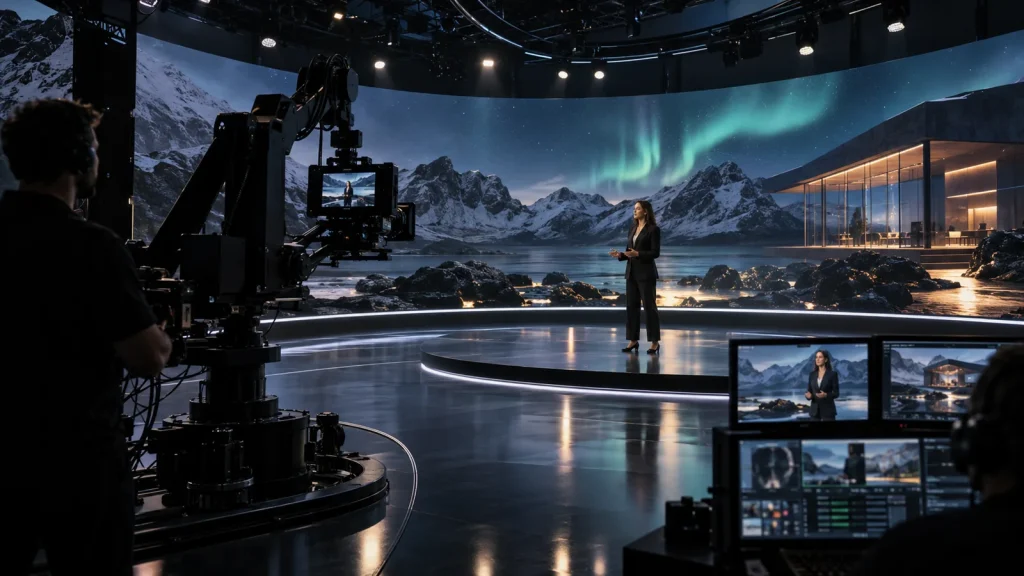
Coordinate cameras and talent where viewpoints change frequently and presenters move through the set.
Associate a tracked prop with a virtual object so physical movement becomes part of a rehearsed demonstration.
Use the appropriate body-capture configuration and review performers, props and cameras within a shared space.
Engineering decisions
List the position, orientation or skeletal data required for cameras, props, drawing tools and performers. Confirm the relevant Spyder, MiniBeacon, Follower Pen or Suit configuration. A position target should not be assumed to provide a complete rigid-body pose or human skeleton.
Supply the highest and lowest target positions, speeds, mutual occlusions and entry routes. Plan multiple views and maintainable mounting points. Tabletop props, raised hands and moving cameras can need different sightlines even when they occupy the same floor area.
Assign each target an identifier, axis convention, units, mount offset and receiving object. Cameras also need lens mapping, while performers need skeletal retargeting. A common spatial reference does not automatically resolve video latency, character proportions or every platform interface.
Test props during rotation and grip occlusion, cameras against near and far anchors, and performers through turns, crouches and crossing actions. Record position, orientation and skeletal errors separately. Results from one component do not establish acceptance for another.
Run the agreed target population together, including close encounters, exits and re-entry. Check that targets remain assigned to the correct virtual objects and do not jump unexpectedly on recovery. Retain recordings or receiver logs and define how missing targets are presented.
Have site personnel reproduce the spatial origin and target mounts from the handover procedure. For skeletal capture, also verify character scale, joint mapping and motion playback. Deliver the component list, target table, calibration record, receiver versions and untested areas.
FAQ
Define the object and measurements first. Cameras use their tracking modules, props use targets suited to position or pose, and full-body motion uses the appropriate suit and markers.
Position describes location; orientation describes direction. Rotational tracking needs an appropriate target component and geometry, rather than a single position point alone.
Working volume, height, target movement and set obstructions determine overlapping views and mounting positions. Plan sufficient observation of the key actions.
Position tracking locates a person or designated target. Skeletal capture relates multiple body markers to joints and requires its own capture configuration.
Identify the platform version, target types and required measurements, then confirm interfaces, coordinates, character mappings and timing against a representative scene.
No. Specify target components, observation equipment, processing resources and software licenses for each object class and quantity. Capabilities described for a product family are not a standard packing list or a concurrency guarantee.
Media-production tracking should not be treated as evidence of either. Those applications need their own accuracy requirements, traceable calibration, failure analysis and specialist assessment. Production and interactive-media acceptance does not validate those other uses.
Follower and its Spyder, MiniBeacon, Follower Pen and Follower Suit components belong to the stYpe product family. Confirm supplied components and Lecen's spatial design, integration and production-mapping scope per project. Production tracking does not establish a metrology certification or safety rating.
These references explain principles and integration conditions. Confirm capabilities against the supplied revision, project configuration and agreed tests.
Project brief
Separate cameras, props, talent position and skeletal capture.
Specify position, orientation or joint data for each target.
Check set occlusion, target reappearance and fast motion.
Explore more
Motion Capture & Spatial Tracking
Beacon-free talent positioning for AR occlusion and zone interaction.
AI GLUE component illustration from the supplied company material
View product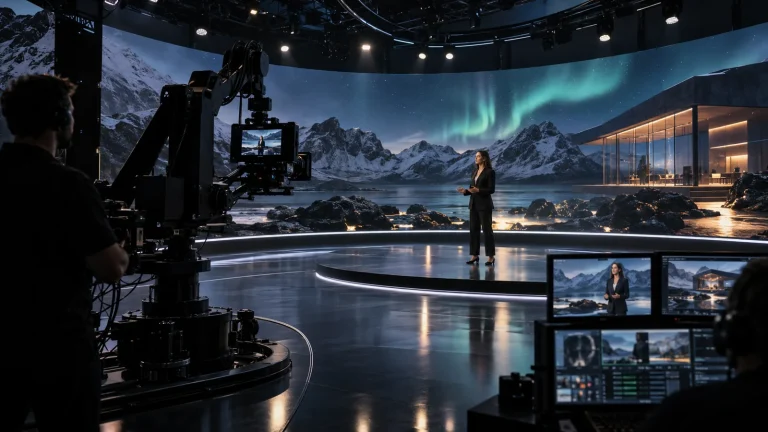
Professional Rendering Servers
A rendering platform for XR scenes, video integration and programme output.
AI-generated concept, not a product or project photograph.
View productExplore more
Virtual Production & Live Graphics
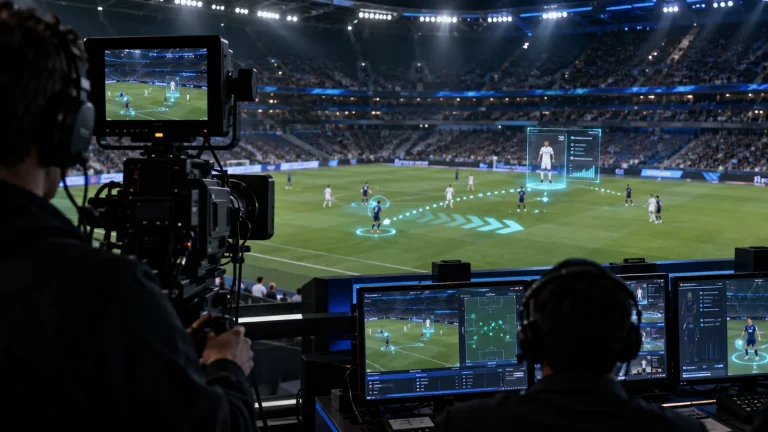
Place live graphics and data in the real scene.
AI-generated concept, not a product or project photograph.
Explore solutionVirtual Production & Live Graphics
Connect LED content, set extension and foreground AR.
AI-generated concept, not a product or project photograph.
Explore solutionTalk to Lecen
Share the space, target types and representative movement to configure witness cameras, target components and production integration.