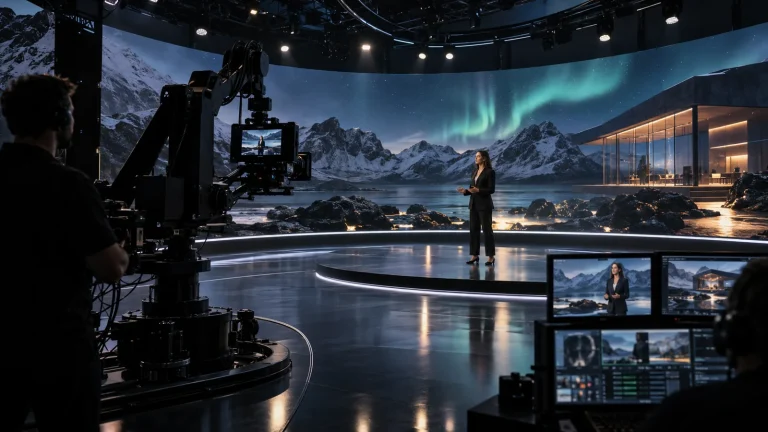
Real-time scene processing
Match CPU, GPU and VRAM to the rendering engine, scene logic, lighting, materials and texture scale, with resources for sustained scene execution and output.

Professional Rendering Servers
A rendering platform for XR scenes, video integration and programme output.
Lecen XR rendering servers provide computing and video-interface resources for virtual studios, events and training. CPU, GPU, VRAM, storage and expansion are configured around the selected software, camera tracking and video workflow to run XR scenes and the associated compositing pipeline.
Product brand: Lecen
Overview
XR production must update the scene, render graphics and process video continuously. CPU resources handle scene logic and data processing; GPU and VRAM serve graphics and textures; video I/O connects cameras and programme outputs. The target format and representative scene establish the required balance of processing, interfaces and timing.
In focus
Match CPU, GPU and VRAM to the rendering engine, scene logic, lighting, materials and texture scale, with resources for sustained scene execution and output.
Configure tracking reception, coordinates and lens mapping within the selected platform. Camera data and image signals follow their respective paths and are aligned in time.
Select I/O for cameras, switching and displays, defining channel count, resolution, frame rate and direction. Check card clearance, PCIe allocation and driver compatibility together.
Allocate local storage for system files, scenes and working cache. Connect shared assets through the production network and record the project, plug-in and driver configuration for maintenance.
Workflow
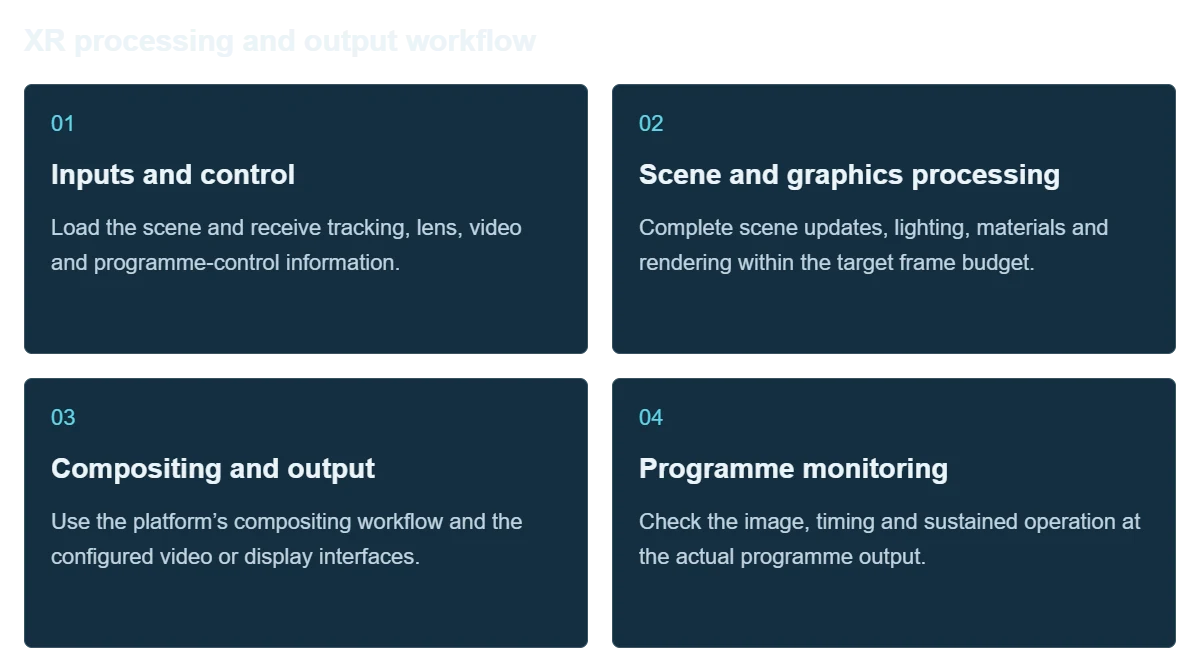
The server supplies the platform; the selected production software implements the scene, compositing and control functions.
Load the scene and receive tracking, lens, video and programme-control information.
Complete scene updates, lighting, materials and rendering within the target frame budget.
Use the platform’s compositing workflow and the configured video or display interfaces.
Check the image, timing and sustained operation at the actual programme output.
Integration
Choose the platform and video format before finalizing hardware. Use the real project for acceptance testing.
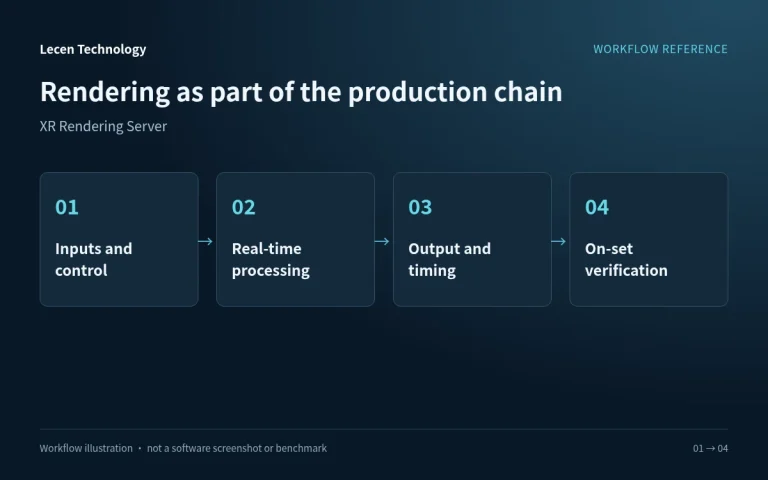
List scenes, cameras, display or programme outputs, networking and timing as a connection plan.
Check platform version, GPU, drivers, expansion slots and video equipment together.
Use demanding scenes, real camera moves and the full output path; record timing and resource use.
Document software, drivers, project and I/O settings; keep a recovery copy and repeatable test project.
Configuration
| Product role | XR real-time rendering and video production server |
|---|---|
| CPU | Sized for scene logic, data processing and expansion |
| GPU and VRAM | Matched to engine, textures and target frame rate |
| Memory and storage | Configured for scene loading, assets and cache |
| Video I/O | Selected by channel count, format and platform support |
| Expansion | Video cards, networking, PCIe allocation and chassis clearance |
| Tracking and sync | Configured for protocols, lens files and video references |
| Performance assessment | Actual project frame times, VRAM use and continuous output |
Applications
Provide real-time scene and compositing resources within a practical, green-screen or LED workflow.
Coordinate tracking and graphics with camera moves, transitions and scene changes in the show sequence.
Support practical learning in scene building, tracking integration and programme output.
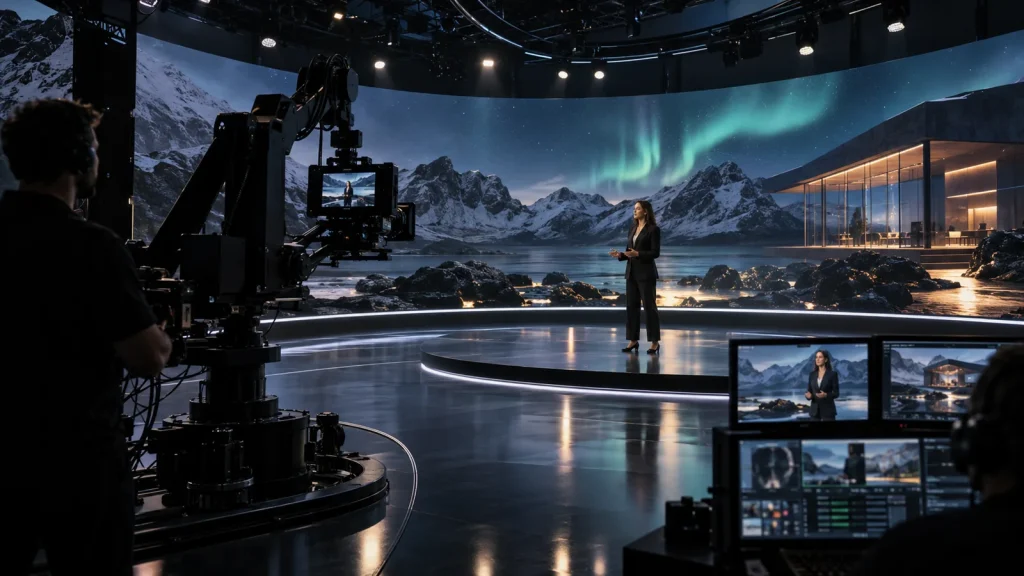
Engineering decisions
Identify where camera video is captured, keyed and composited, which node receives tracking, and whether the result feeds a switcher or display. Green-screen production, set extension and pure 3D output need different channels and processing. The XR label alone cannot determine the hardware.
Provide the actual project, engine and plugin versions, output format, camera count and simultaneous composite layers. Assess CPU logic, GPU frame time, video memory, texture loading and decoding separately. An empty scene or graphics benchmark does not represent a programme.
Specify channel counts and directions, pixel formats, timing references and audio. Check card drivers, PCIe resources, cooling and chassis clearance. Confirm engine, plugin, graphics-control and content licenses independently; a hardware quotation does not automatically include software rights.
Run the full sequence at the target resolution and frame rate, including initial loading, demanding shots, media changes and sustained output. Record CPU/GPU frame-time peaks, video-memory use, dropped frames and temperatures. Fix the quality settings and test duration in the acceptance record.
Check lens files, sensor mode and coordinates before adjusting video-to-tracking timing with moving shots. Timecode identifies time and reference synchronization constrains timing; neither replaces a dynamic alignment check at the final output. Verify audio-to-picture timing as well.
Retain the project, plugins, drivers, I/O settings and license inventory. In a test environment, verify restart recovery and behavior when video or tracking stops. Have the operator restore the programme workflow. Do not count untested automatic recovery or failover as delivered functionality.
FAQ
It defines scene processing, video interfaces, tracking reception and synchronization. The platform version and workflow establish the hardware and driver combination.
Profile CPU and GPU frame times, textures and memory use in a representative scene, then account for video I/O and operating headroom.
50 frames per second gives about 20 ms per frame; 60 gives about 16.7 ms. Scene execution must meet the frame budget, while input-to-output latency is checked separately.
Use input/output count, resolution, frame rate, signal direction and software support, and check slot and PCIe requirements.
Provide a project sample, platform version, video format and camera/output count. Test scene changes, continuous output and resource use in the full production chain.
No. Scene logic, decoding, CPU load, video memory, I/O and synchronization can also limit performance. Measure the most demanding shots in the production project with the intended output chain and allow resource headroom.
Evaluate concurrent views, outputs, memory, synchronization and licensing explicitly. Passing each task separately does not validate the combined workload. Test the full configuration together and separate nodes where necessary.
Lecen XR rendering servers are configured per project. Epic Games and video-device documentation describe platform workflows; they do not establish certification, preinstallation, included licenses or measured frame-rate performance for a Lecen server.
These references explain principles and integration conditions. Confirm capabilities against the supplied revision, project configuration and agreed tests.
Project brief
Supply the heaviest scene, camera moves and final program format.
List video inputs, outputs and tracking-data connections.
Test video timing, tracking delay and stable frame times separately.
Explore more
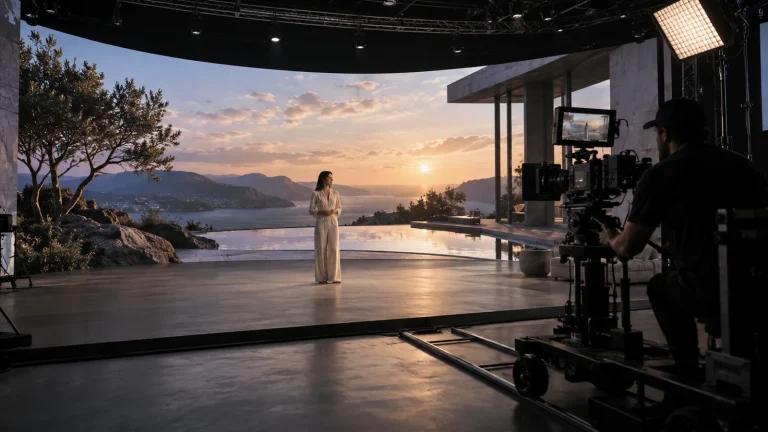
Professional Rendering Servers
Render nodes configured for LED canvases, camera views and synchronized output.
AI-generated concept, not a product or project photograph.
View product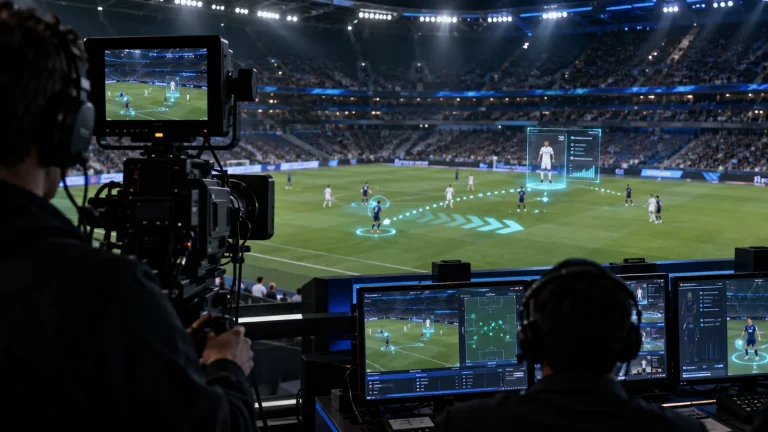
Professional Rendering Servers
Computing and video interfaces for live 3D graphics and AR production.
AI-generated concept, not a product or project photograph.
View product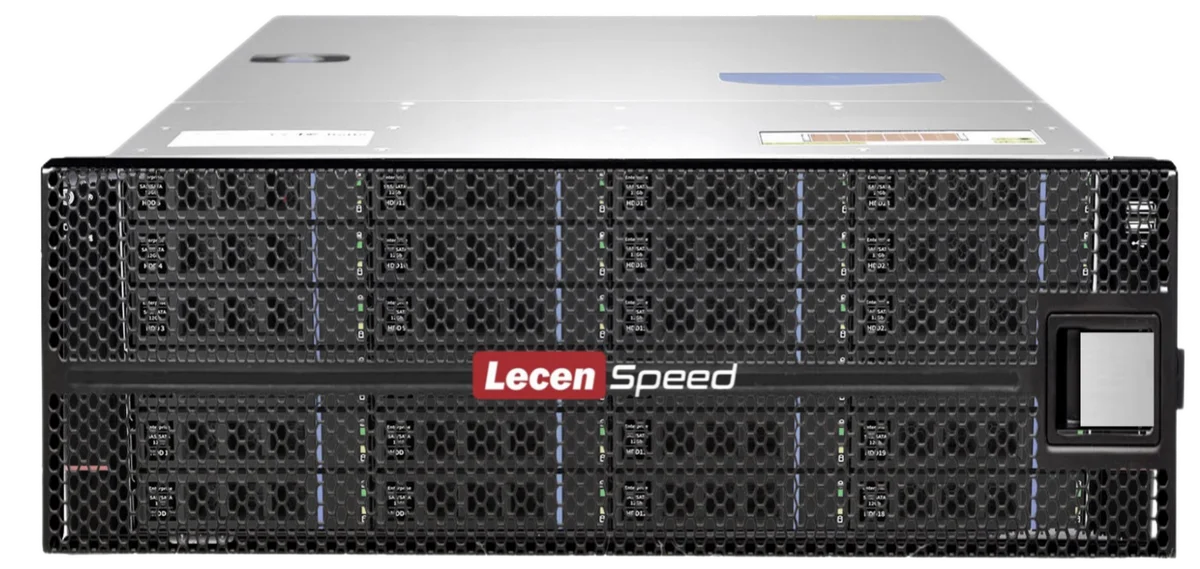
Professional Media Storage
Shared storage for concurrent editing, grading, graphics and ingest.
LecenSpeed rackmount series reference; appearance depends on configuration
View productTalk to Lecen
Share the platform, sample scene, camera count and video format to match computing, interfaces and synchronization.