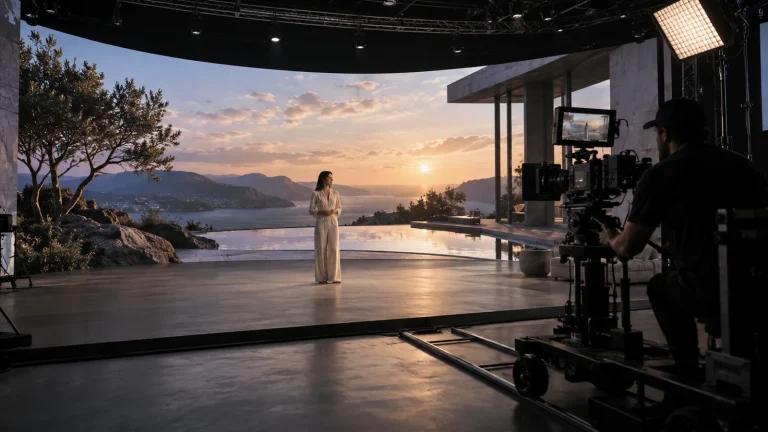
Canvas and output mapping
Map wall, side-screen and floor pixels to processor inputs and node outputs. Define the canvas and interfaces assigned to each node so resources match the actual display load.

Professional Rendering Servers
Render nodes configured for LED canvases, camera views and synchronized output.
Lecen LED VP rendering servers provide real-time scene processing and display output for LED stages. Actual pixel count, display partitions, camera frustums and target frame rate define the configuration, integrated with camera tracking, lens calibration and LED processing.
Product brand: Lecen
Overview
An LED stage must deliver the display canvas and match the shooting camera’s perspective. Render nodes generate the scene and camera-dependent views before the display path feeds the LED processors. Pixel load, scene complexity, output allocation and synchronization determine a single-node or clustered system; perspective and timing are checked through the camera.
In focus
Map wall, side-screen and floor pixels to processor inputs and node outputs. Define the canvas and interfaces assigned to each node so resources match the actual display load.
In platforms using frustum rendering, combine pose, lens information and screen geometry to generate the shooting camera’s view of the virtual background.
Plan rendering, control and scene distribution for the selected platform. Coordinate software frame state, display presentation and camera references as distinct parts of the system.
Commission rendering, LED processing, camera frame rate and shutter together with the project’s color workflow. Assess perspective, timing and continuity in the photographed image.
Workflow
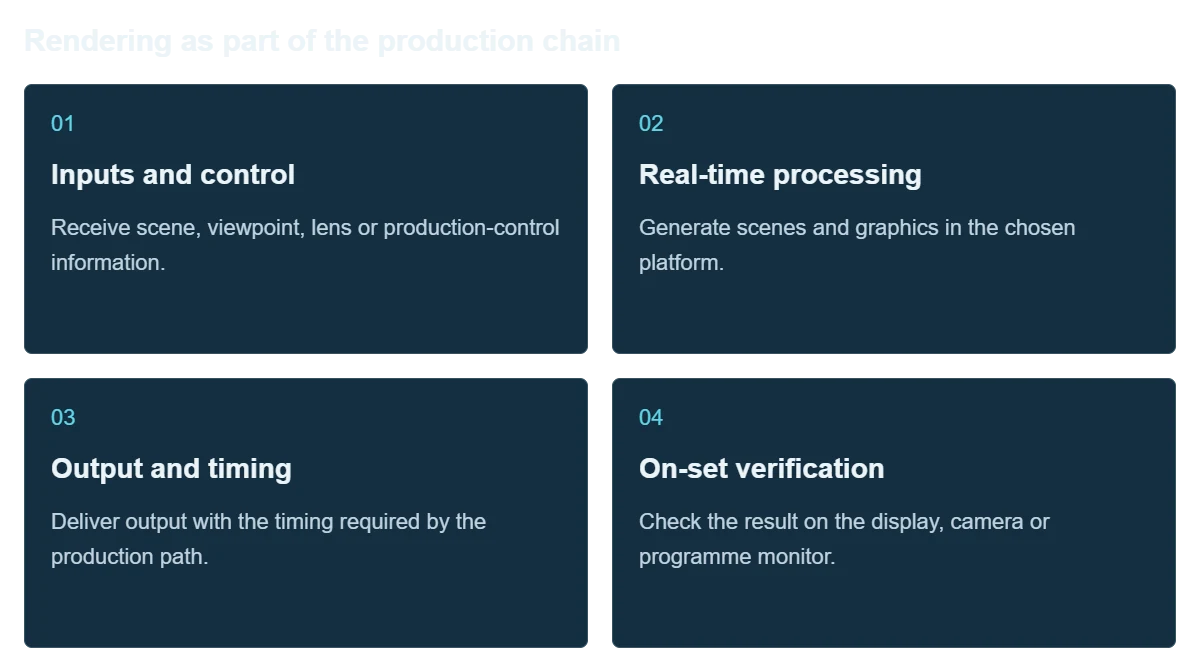
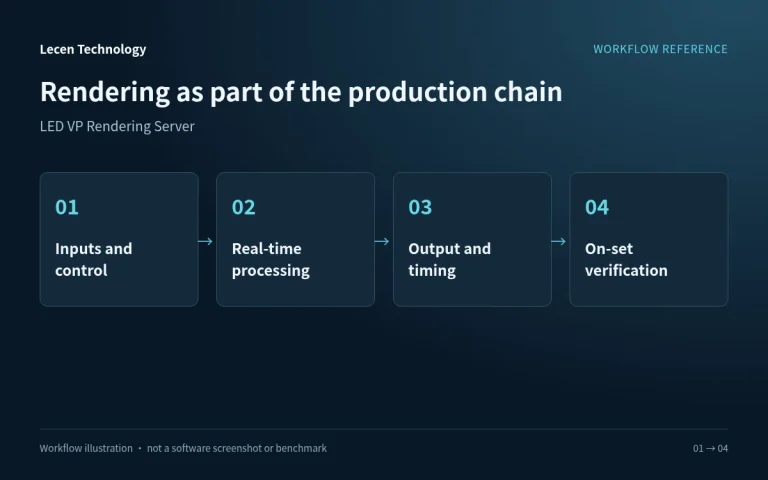
Scene processing, tracking data and video output work as one production chain. Organize the server and surrounding systems around input, rendering, output and final checks.
Receive scene, viewpoint, lens or production-control information.
Generate scenes and graphics in the chosen platform.
Deliver output with the timing required by the production path.
Check the result on the display, camera or programme monitor.
Integration
Choose the platform and video format before finalizing hardware. Use the real project for acceptance testing.
List scenes, cameras, display or programme outputs, networking and timing as a connection plan.
Check platform version, GPU, drivers, expansion slots and video equipment together.
Use demanding scenes, real camera moves and the full output path; record timing and resource use.
Document software, drivers, project and I/O settings; keep a recovery copy and repeatable test project.
Configuration
| Product role | Real-time render node for LED virtual stages |
|---|---|
| Display load | Pixel dimensions, canvas partitions and signal timing |
| Scene load | Geometry, lighting, materials, textures and frustums |
| Node architecture | Single node or cluster for the selected platform |
| GPU and VRAM | Matched to scene and assigned outputs |
| Display interfaces | Mapped to LED processor inputs and canvas regions |
| Synchronization | Software frames, display timing and camera references |
| Evaluation | Photographed image, output continuity and node load |
Applications
Provide scene output and viewpoint alignment for productions photographing virtual backgrounds on set.
Establish repeatable configurations around a known screen layout and frequently used scenes.
Teach the complete workflow through practical experiments involving screens, render nodes, lenses and tracking.
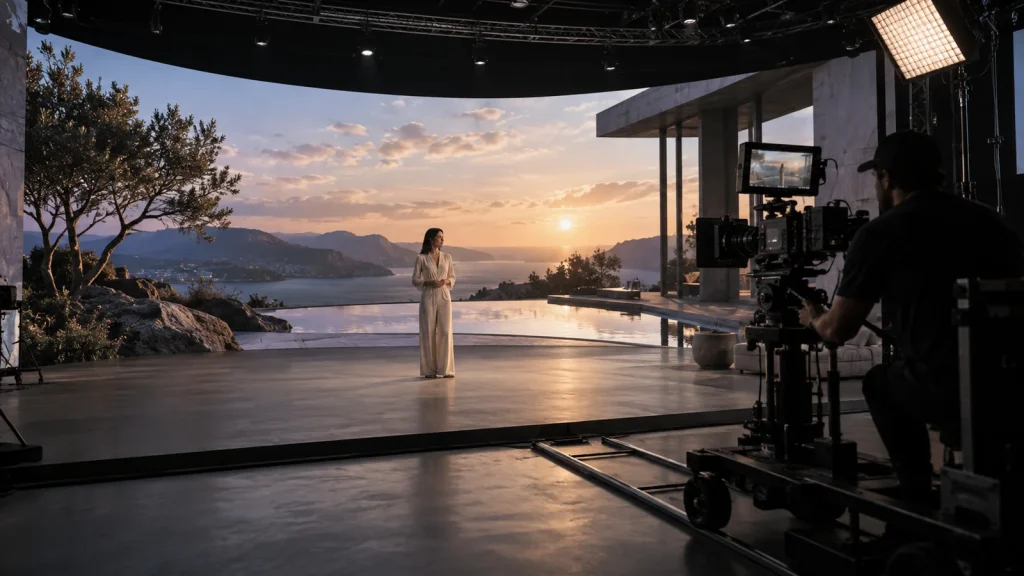
Engineering decisions
Supply pixel matrices, geometry and processor-input mapping for walls, floor and ceiling, then specify inner and outer frustums and simultaneous cameras. Camera count alone does not establish how many correct perspectives can be displayed at once. Confirm the multicamera strategy with both render and display systems.
Check cluster frame coordination, GPU output synchronization, LED processor timing and camera references individually. Cluster software does not itself establish hardware frame synchronization. Include required sync hardware, GPUs, drivers and processors in the tested configuration.
Provide sensor mode, shutter, lenses, camera-to-screen distances and color workflow. Moire, scan bands, reflections and exposure involve the display and camera as well as rendering. Server compute specifications alone cannot guarantee an in-camera final.
Run production mapping, target frame rate, inner and outer frustums and representative scenes. Include the heaviest view, asset loading and content changes. Record frame time, video-memory use and dropped frames per node, checking joins and continuity rather than substituting a reduced preview window.
Record translations, zooms, fast movement and brightness changes with the final camera, lens and shutter. Inspect perspective, bands, joins and color. Retain renderer, processor and camera settings; a reported synchronization lock still needs a recorded-image check.
Start all nodes from shutdown using the handover procedure. Confirm matching projects, plugins, assets, display mappings and reference sources. In isolation, check the response to node or reference faults and identify any manual intervention. Unconfigured redundancy is not a default capability.
FAQ
Determine pixels from dimensions and pitch, then account for partitioning, frame rate, scene complexity and frustums. Surface area alone does not determine node count.
Allocate canvas or frustum tasks through the platform, distribute consistent scene versions and timing, and configure the corresponding display synchronization.
Nodes need matching frame state, displays need coordinated presentation and cameras need appropriate capture timing. These related stages require separate configuration and verification.
Use the platform’s supported frustum, display and camera workflow to allocate processing and synchronization. Camera count alone is not a server capacity rating.
Provide pixel and partition maps, LED processors, cameras and lenses, tracking system, platform and a representative scene.
No. Pixel count, scene complexity, frustums, frame rate, output mapping and node allocation determine load. Equal physical screen areas can have different pixel matrices. Test the actual canvas and production scene.
Not necessarily. Different viewpoints may require different perspectives. Confirm overlapping frustums, switching or another supported multicamera display method and its hardware requirements. Two tracking streams alone do not guarantee correct simultaneous backgrounds for both cameras.
A Lecen LED VP rendering server is a project-configured compute node, not an entire LED stage. Engines, synchronization equipment, LED processors and cameras retain their respective brands. Confirm the equipment combination, licenses and integration scope, then validate compatibility and photographed results together.
These references explain principles and integration conditions. Confirm capabilities against the supplied revision, project configuration and agreed tests.
Project brief
Provide wall, floor and side-screen pixels and processor inputs.
Confirm GPU outputs, node assignments and tracked views.
Evaluate shutter, LED scan behavior, moiré, color and exposure.
Explore more
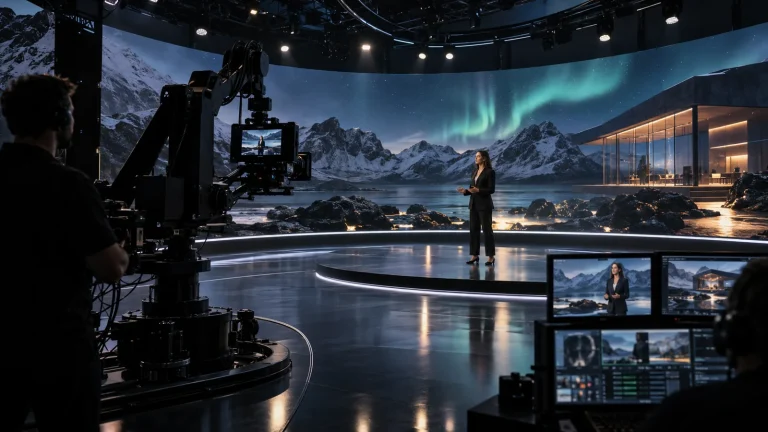
Professional Rendering Servers
A rendering platform for XR scenes, video integration and programme output.
AI-generated concept, not a product or project photograph.
View product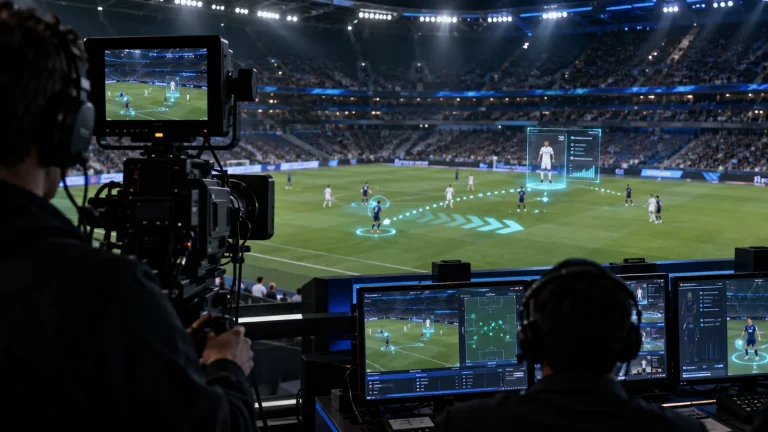
Professional Rendering Servers
Computing and video interfaces for live 3D graphics and AR production.
AI-generated concept, not a product or project photograph.
View product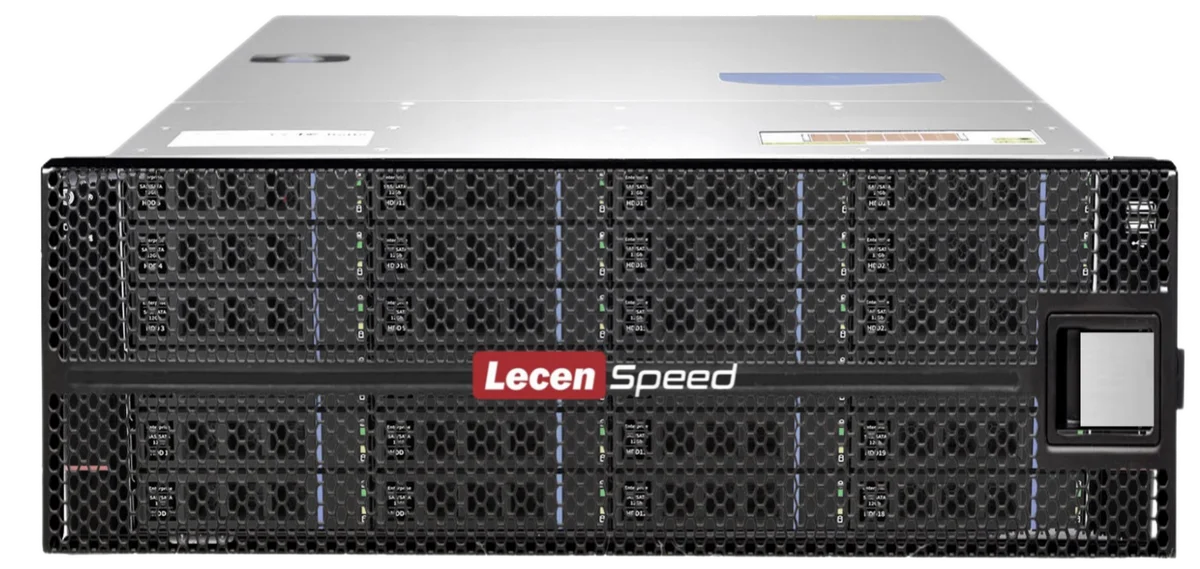
Professional Media Storage
Shared storage for concurrent editing, grading, graphics and ingest.
LecenSpeed rackmount series reference; appearance depends on configuration
View productTalk to Lecen
Share canvas maps, processor and camera details to establish node allocation, computing and synchronization.