Media Workflows & Asset Management

4K/8K Post-Production Network Solution

Shared media from ingest through finishing.

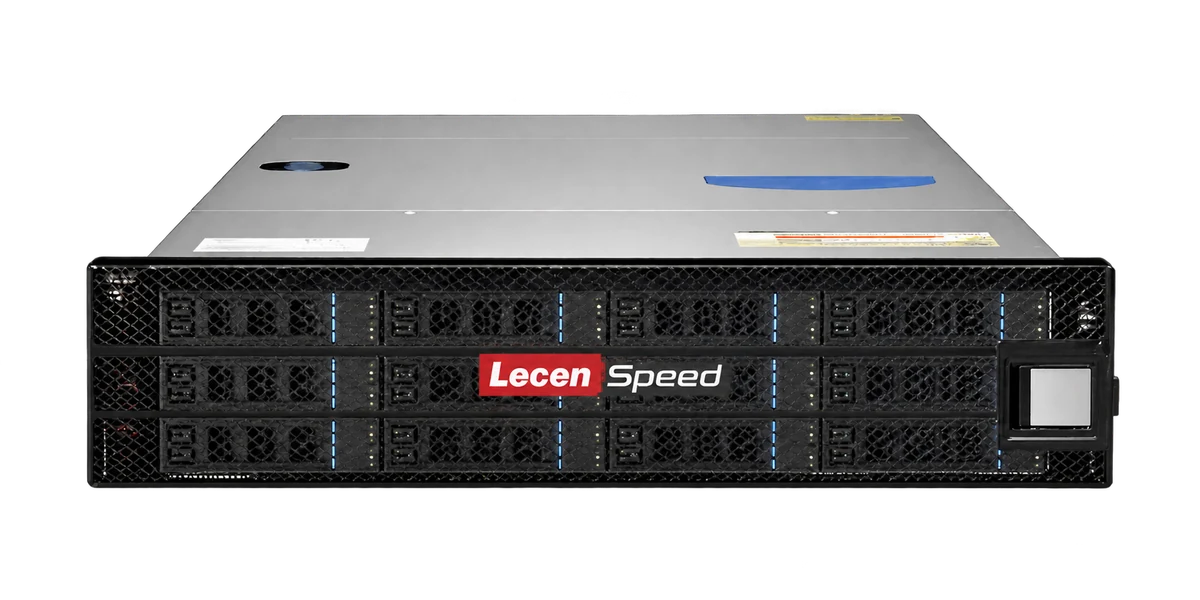
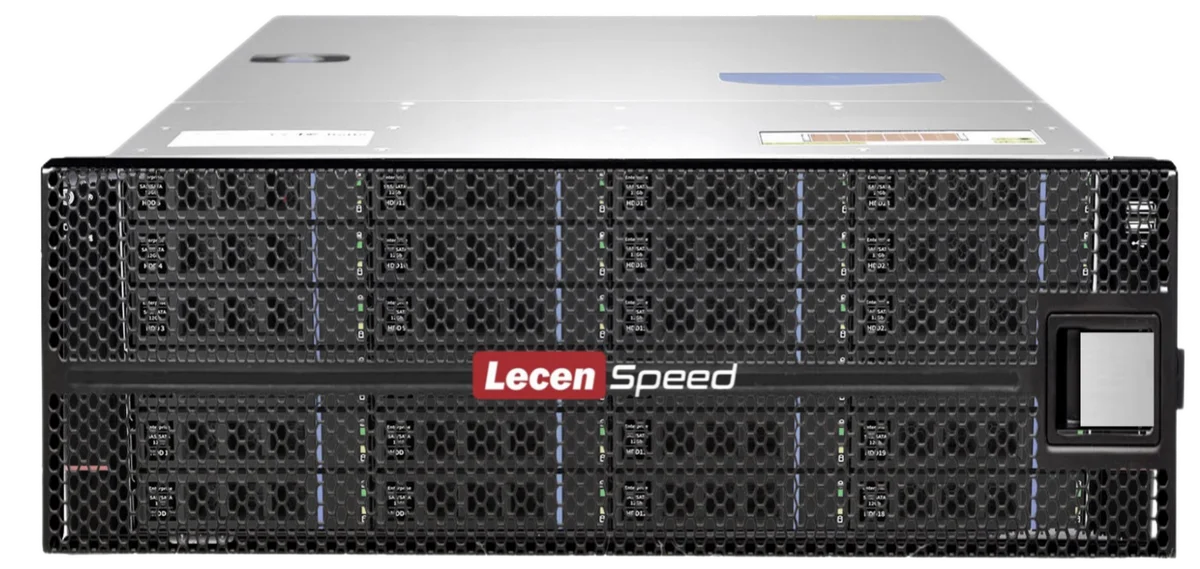
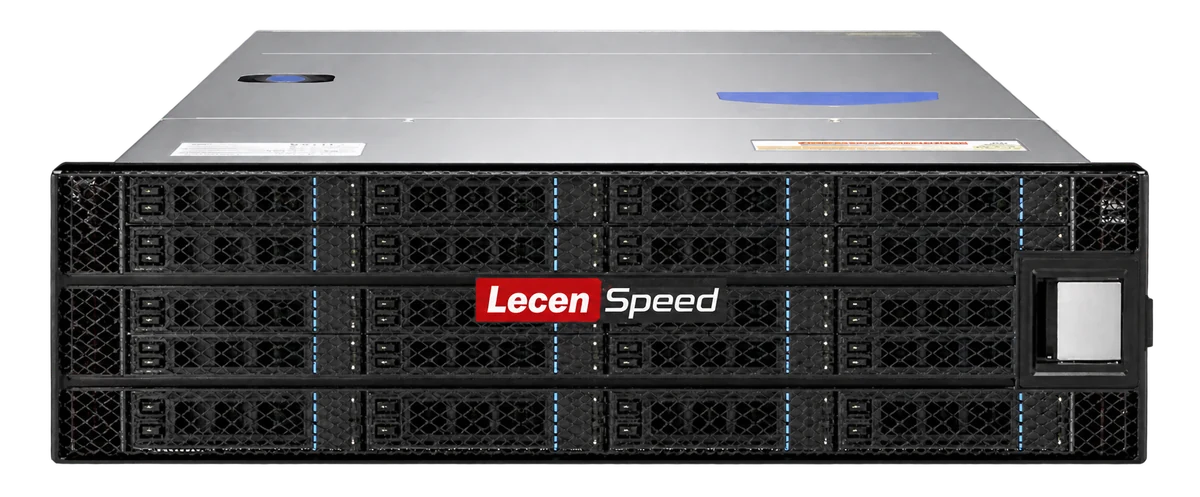
Lecen’s 4K/8K post-production network solution combines shared storage, high-speed networking and production workstations. Designed for broadcasters, post houses and media labs, it aligns media paths and access around codec bitrate, concurrent workstations and delivery schedules.

Product brand: Lecen Technology

4K/8K Post-Production Network Solution functional architecture illustration
Solution architecture illustration
Working scope
Shared media
Approach
Multi-user production
Project focus
Backup + recovery planning

Project goals

Coordinate media access and project collaboration

A production network is more than a NAS attached to several computers. Mixed reads and writes, project references, application-specific collaboration and backup schedules all affect day-to-day work. We start with representative projects, separate file access from project collaboration, and validate the complete path under production load.

In focus

What the solution covers

Share media without repeated transfers

Organize source media by program, project and production stage. Editors and colorists can reference the same source files, with agreed paths and version naming rather than a growing collection of temporary drive copies.
Size bandwidth around real concurrency

Budget simultaneous streams alongside ingest, caching, renders and backups. Include workstation connections, switching and storage uplinks. A port’s advertised speed is not the same as sustained throughput across the whole production network.

Respect application-specific workflows

Configure shared media separately from project locking and collaboration. Avid Bin sharing and other application mechanisms need their own compatibility checks. Test project opening, permissions and media relinking before migrating active work.

Design backup and recovery alongside storage

Separate the working array from independent backup copies. Define retention, backup windows and restoration targets. RAID provides array fault tolerance; recoverable project copies and a tested restoration process remain necessary.

Workflow

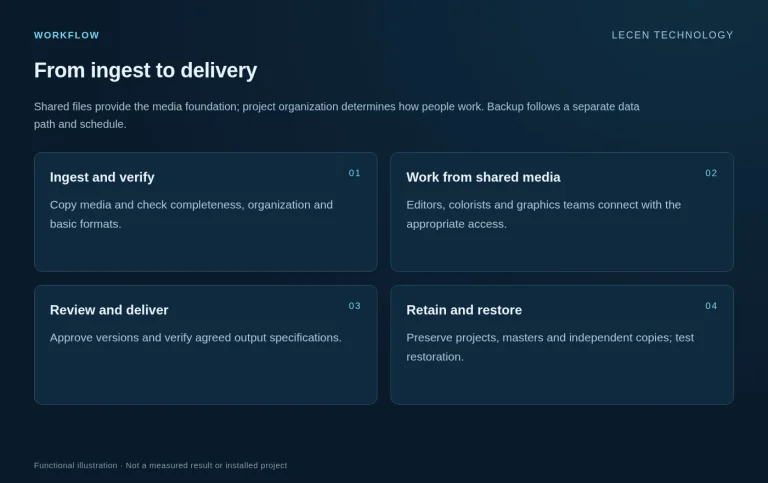
From ingest to delivery

Shared files provide the media foundation; project organization determines how people work. Backup follows a separate data path and schedule.

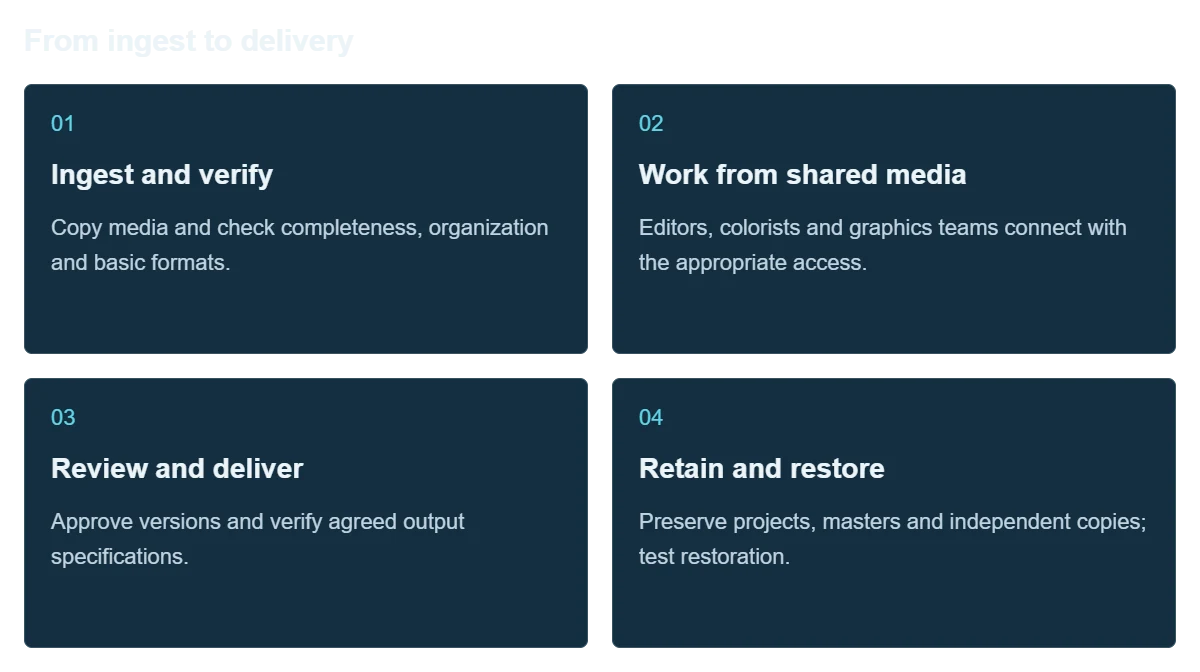
  1. Ingest and verify

    Copy media and check completeness, organization and basic formats.

  2. Work from shared media

    Editors, colorists and graphics teams connect with the appropriate access.

  3. Review and deliver

    Approve versions and verify agreed output specifications.

  4. Retain and restore

    Preserve projects, masters and independent copies; test restoration.

Integration

Deployment and production validation

Pilot a representative project before switching every workstation. Preserve a rollback path during migration.

4K/8K Post-Production Network Solution workflow illustration
Workflow illustration

Audit the workflow

Inventory source bitrates, users, software versions, networking and online capacity.

Configure the system

Plan arrays, uplinks, client connections, folders and access rights.

Test concurrent tasks

Run playback, ingest and transfers together; record drops, latency and sustained throughput.

Migrate and hand over

Copy in batches, verify files and relink projects; provide topology and recovery instructions.

Configuration

Architecture and planning inputs

4K/8K Post-Production Network Solution — Architecture and planning inputs
StorageSelect LecenSpeed around active projects, growth and mixed I/O
NetworkingDesign client access, switching, storage uplinks and cabling together
WorkstationsEditing, grading, graphics, ingest and delivery
Bandwidth estimateSum simultaneous media bitrates in Mb/s ÷ 8 for MB/s, then budget separately for writes, protocol overhead and operating headroom.
CollaborationShared media, folder rights and application-specific project mechanisms
Validation recordsWorkload results, file verification, media relinking and restoration checks

Applications

Where it fits

Broadcast production

Give program teams shared access to footage and graphics, with production-aware backup schedules.

Post-production facilities

Maintain consistent media paths across editorial, grading and compositing to reduce handoff transfers.

Education labs

Organize course and group folders so teaching projects follow a repeatable production process.

Application and workflow visuals

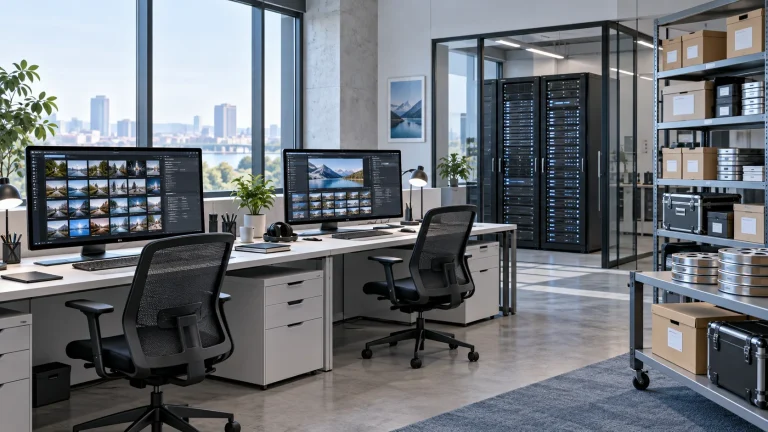
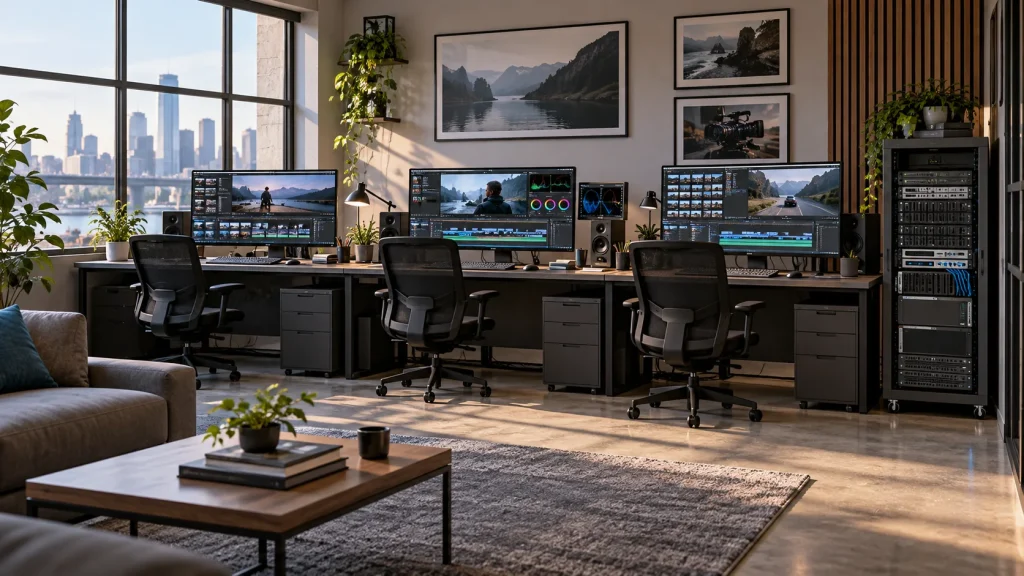
Multi-workstation editing and shared storage application concept
Multi-workstation editing and shared storage application concept; illustrates the application context.AI-generated concept, not a product test, software screenshot or customer project.

FAQ

Common questions

Does 4K or 8K always require a particular network speed?

Resolution alone is insufficient. Codec, frame rate, bitrate, concurrent streams and proxy use determine the load. Validate with actual media.

Must we replace our existing NAS and switches?

Not necessarily. Evaluate existing equipment and retain components that meet workload and maintenance needs. Upgrade the bottleneck rather than replacing everything by default.

Can several people edit the same project at once?

Shared storage provides file access. Concurrent project editing and locking depend on the production application and its configured collaboration workflow.

Why is backup still needed with RAID?

Array redundancy does not address every deletion, corruption or ransomware event. Independent copies, retention and restoration drills provide a different layer of protection.

Is a file-copy speed test enough for acceptance?

No. Include simultaneous playback, ingest and backup, project relinking, access checks and recovery. Record the source media and test conditions.

Project brief

Start with a project brief

Production load

Source samples, formats, workstation count and simultaneous streams.

Capacity and retention

Active project volume, expected growth and backup/archive policy.

Existing infrastructure

Applications, adapters, switches, storage and facility conditions.

Talk to Lecen

Let’s scope your project

Share media and workstation requirements, existing systems and project goals to scope what to keep and what to change.

Discuss your project