
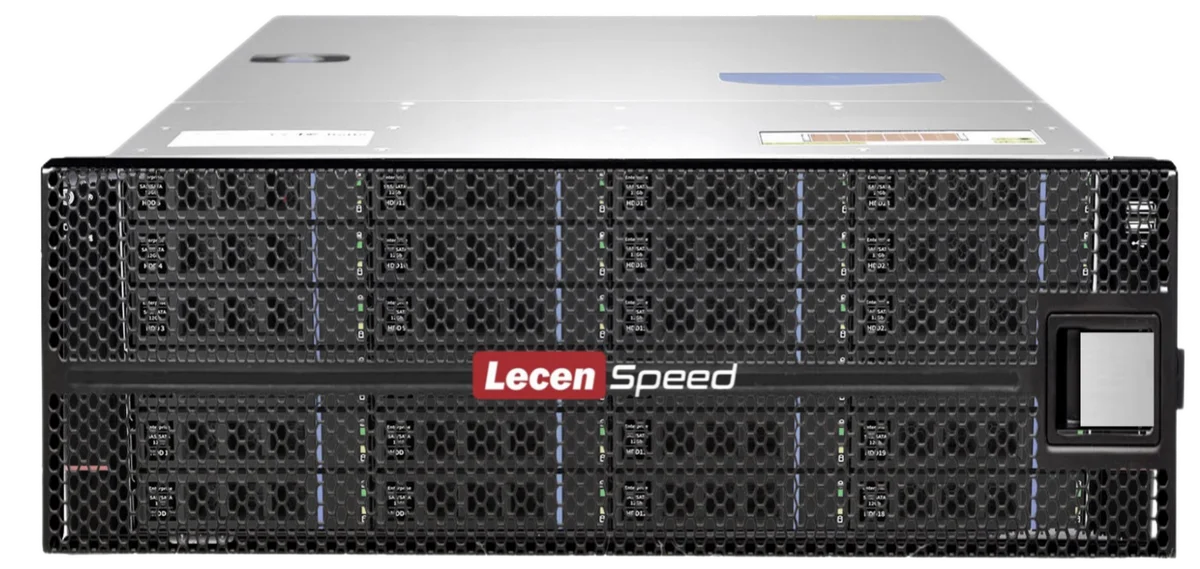
Shared storage for video editing is a centralized storage system that allows multiple editors, colorists, media managers and production workstations to access the same media files over a high-speed network.
In traditional editing workflows, media files are often copied between different workstations, external drives or local storage devices. This can lead to duplicated files, version confusion, slow collaboration and higher risk of data loss.
With shared storage, all media files, project files and production assets can be stored in one central system. Editing workstations connect to the storage through network protocols such as SMB, NFS or AFP, and access the same media library based on permission settings.
Why video teams need shared storage
Video production teams often work with large media files, especially in 4K, 6K and 8K workflows. A single project may include camera originals, proxies, graphics, audio files, project files, rendered files and final masters.
When multiple editors need to work on the same project, shared storage can help teams avoid repeated file copying and improve workflow efficiency.
Key benefits include:
- Centralized media management
- Faster collaboration between workstations
- Reduced duplicate files
- Better project organization
- Flexible user and folder permissions
- Scalable capacity for growing projects
- Improved data protection with RAID
Shared storage vs external hard drives
External hard drives are useful for simple single-user workflows, but they are not ideal for collaborative production environments. When several editors need to access the same media, external drives can quickly become inefficient.
Shared storage provides a central media pool that multiple users can access at the same time. It is more suitable for production teams, post-production studios, TV stations, education labs and enterprise media departments.

What performance is required?
The required storage performance depends on several factors:
- Video resolution
- Codec and bitrate
- Number of simultaneous users
- Editing software
- Network speed
- RAID configuration
- Proxy or native editing workflow
For many 4K editing workflows, 10GbE networking can be a good starting point. For high-bitrate 4K, 6K, 8K or multiple users, 25GbE, 40GbE or 100GbE may be required.
Typical applications
Shared storage is widely used in:
- 4K/8K post-production
- Broadcast production
- Film and television editing
- Color grading workflows
- Media asset management
- XR/VP virtual production
- Education media labs
- Creative studios
- Enterprise video departments
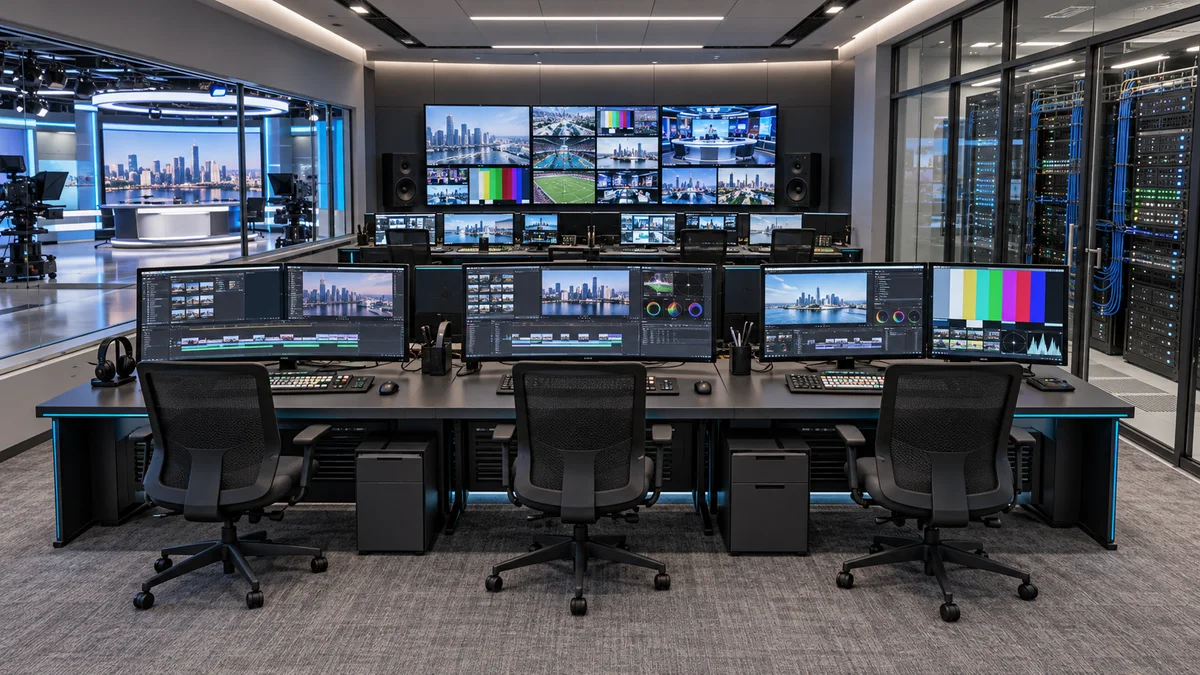
How LecenSpeed can help
LecenSpeed provides professional NAS and shared storage solutions for media production teams. The system supports multi-workstation access, RAID protection, flexible network configuration and scalable capacity from compact 12-bay systems to large-capacity storage platforms.
For teams working with 4K/8K video editing, broadcast production, media archive or collaborative post-production, LecenSpeed can recommend a suitable storage configuration based on workflow, capacity, user count and performance requirements.