
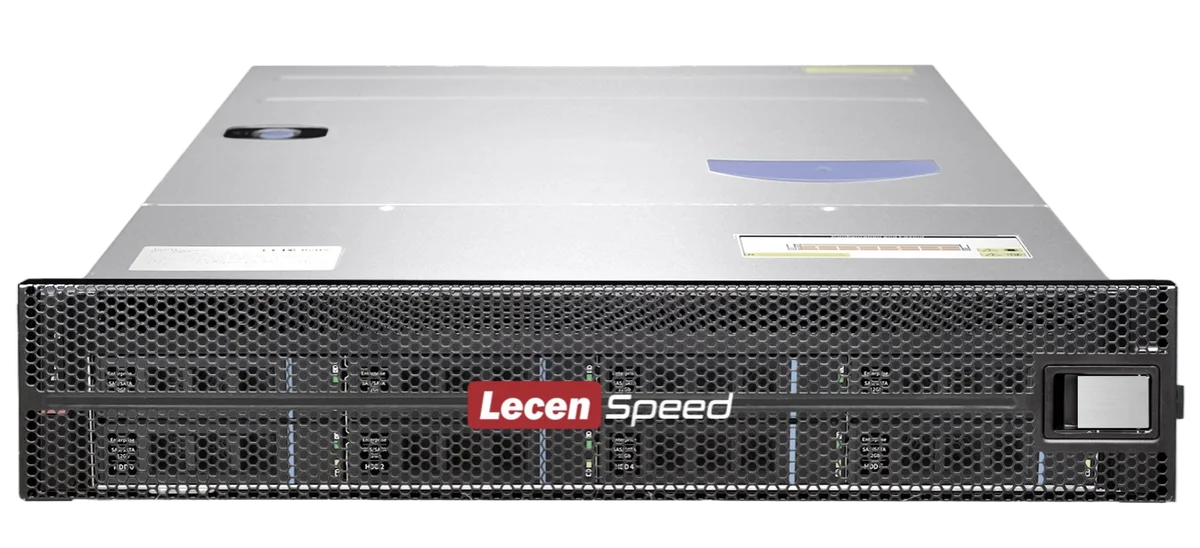
Choosing NAS storage for 4K video editing requires more than simply checking capacity. A professional post-production workflow needs the right balance of storage performance, network bandwidth, RAID protection, user access and future scalability.
For creative teams, the NAS system is not only a place to store files. It is part of the production workflow.
Capacity
The first factor is storage capacity. 4K video projects can quickly generate large volumes of data, especially when shooting with multiple cameras or high-bitrate formats.
When planning capacity, teams should consider:
- Camera format and bitrate
- Number of projects per month
- Project retention period
- Proxy workflow or native editing
- Backup and archive requirements
- Future expansion
Performance
For 4K editing, storage performance is critical. Even if the NAS has enough capacity, slow read/write performance can cause playback lag, dropped frames or inefficient editing.
Performance is affected by:
- Number of drives
- RAID configuration
- Drive type
- Network speed
- File system and cache optimization
- Number of simultaneous users
A 12-bay NAS with properly configured HDDs can provide much higher bandwidth than a small desktop NAS. For example, LecenSpeed 12-bay systems can be configured for high-bandwidth media workflows.

Network
Network speed is one of the most important factors in shared editing environments.
- 1GbE is usually not enough for professional 4K editing.
- 10GbE is a common starting point for many 4K workflows.
- 25GbE, 40GbE or 100GbE may be required for high-bitrate media, multiple users or 8K workflows.
The network design should match the number of editing workstations and the expected media bitrate.
RAID protection
Professional media storage should support RAID protection. RAID helps protect data when a drive fails and can improve performance depending on the configuration.
Common RAID options include:
- RAID 5
- RAID 6
- RAID 10
- RAID 50
- RAID 60
For important production workflows, RAID 6 or RAID 60 is often preferred because they provide better protection against multiple drive failures.
Workflow compatibility
A professional NAS should support common editing workflows and client systems, including:
- Mac
- Windows
- Linux
- Premiere Pro
- DaVinci Resolve
- Final Cut Pro
- Avid Media Composer
It should also support standard access protocols such as SMB, NFS, AFP, FTP and iSCSI.
User management
For teams, permission management is also important. Different users may need different access rights for project folders, archives, client materials or delivery files.
A professional NAS should support user accounts, groups, folder permissions and operation logs.
Scalability
A storage system should not only meet today’s needs. It should also allow future expansion.
Teams should consider:
- Can capacity be expanded?
- Can network interfaces be upgraded?
- Can more users be added?
- Can the storage support higher-resolution workflows later?
How LecenSpeed can help
LecenSpeed provides professional NAS and shared storage systems for media production. From compact 12-bay storage to large-capacity 24-bay, 48-bay and 60-bay platforms, LecenSpeed can recommend suitable configurations for 4K/8K editing, broadcast production and creative team collaboration.