Media Workflows & Asset Management

Broadcast Shared Storage Solution

Connect ingest, editing and delivery around a shared media workspace.

For broadcasters, media centers and program production teams, this approach brings source media, project files and deliverables onto shared storage accessed through a production network. Lecen plans storage, networking and access policies around media bitrates, concurrent workloads, retention and existing systems. Newsroom, media-management and playout integrations require separate interface and version checks.

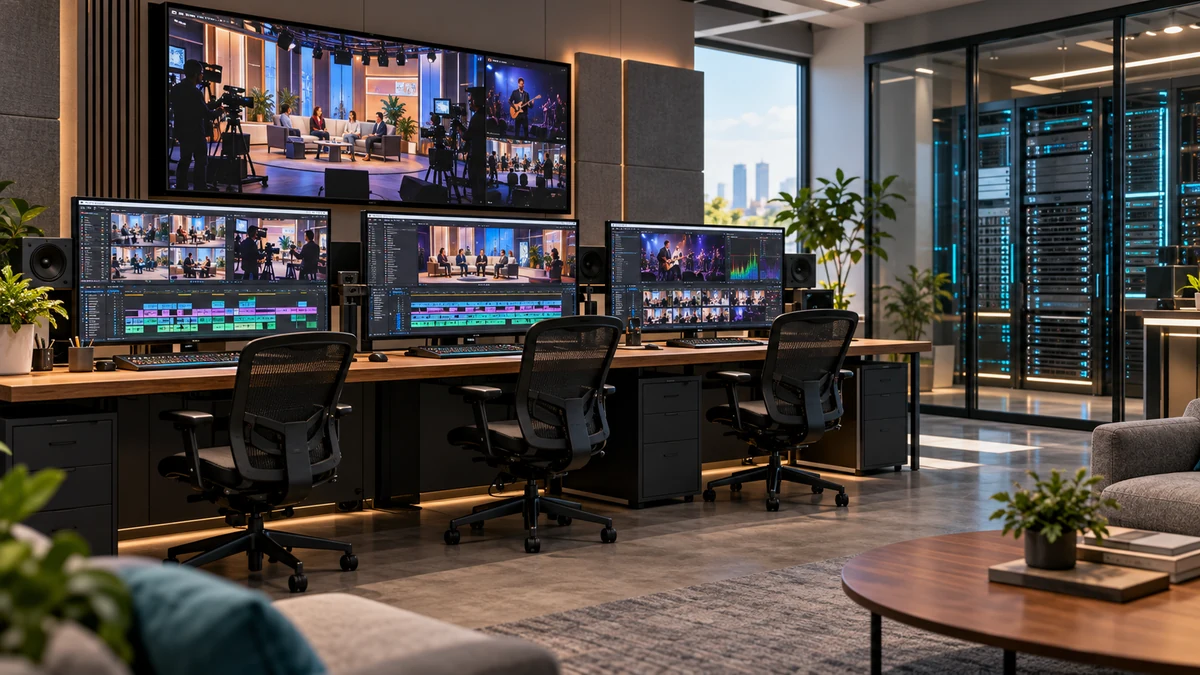
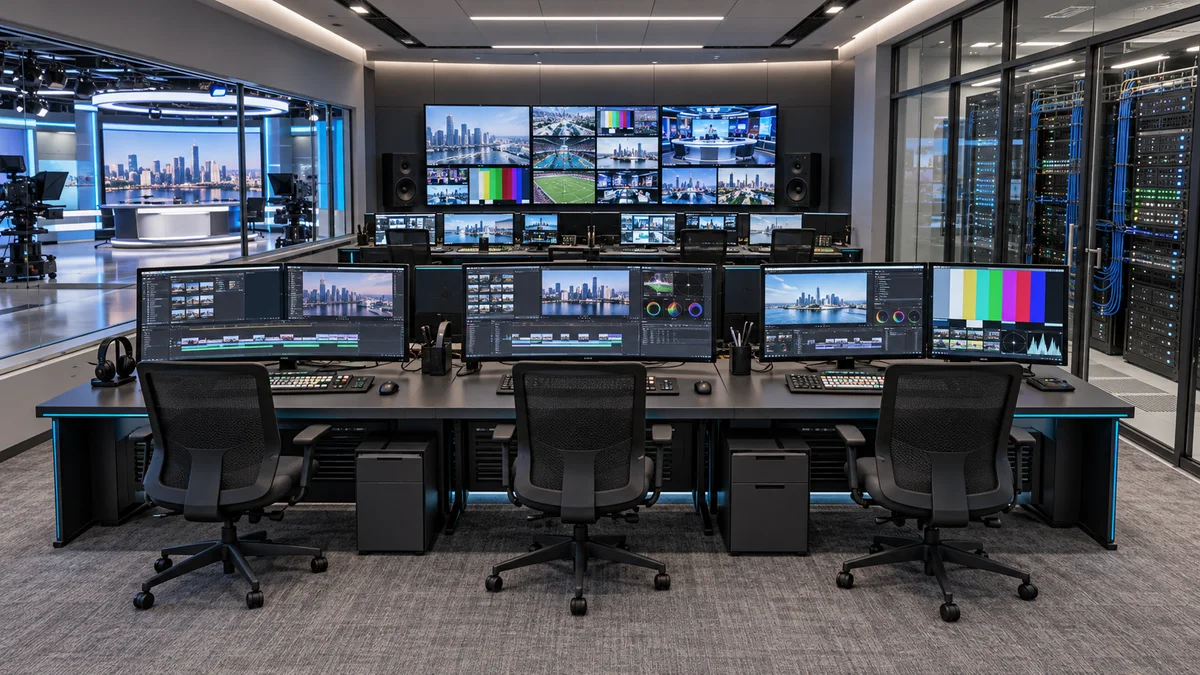
Concept of a broadcast control suite with shared-media editing workstations
AI-generated application concept, not a customer installation or delivered equipment.
Shared assets
Media, projects and deliverables
Planning basis
Concurrency and retention
Acceptance
Real projects and restore tests

Project goals

Organize production, not just disk capacity

Scattered drives and repeated copies can make media paths, project handovers and version control difficult to maintain. Shared storage provides a common file-access foundation; effective collaboration also depends on directory conventions, permissions, application locking, backup and recovery. Planning starts with the production chain and a defined validation scope, not a promise based on drive-bay count, port speed or one file-copy benchmark.

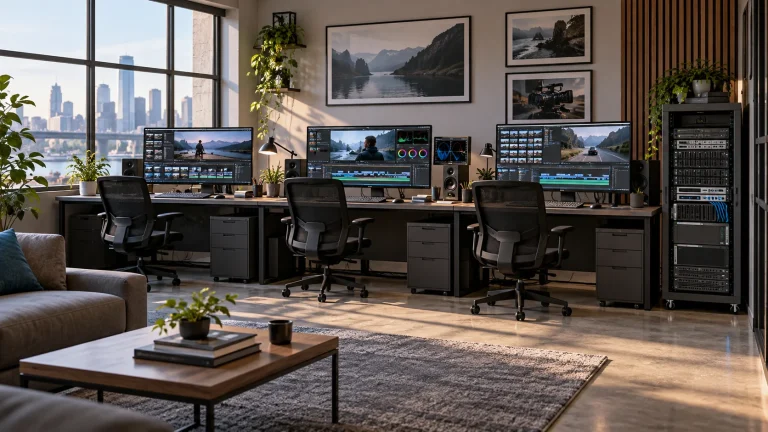
Multi-editor program post-production concept
Multi-editor program post-production conceptAI-generated application concept, not a photograph, delivered equipment or measured result from this project.

In focus

Plan production access and operational boundaries together

Consistent media and project paths

Organize directories by program, project, date or task. Define locations for originals, proxies, projects, caches and deliveries, with consistent mounting and naming rules to reduce relinking during workstation handovers.

Concurrent production workloads

Separate ingest writes, timeline reads, render output and background archive tasks. Size the system for tasks that overlap at peak times, considering workstation links, switch uplinks and sustained storage performance together.

Access, protection and maintenance

Assign read and write permissions by role and restrict destructive access to critical directories. Plan independent backup, restore checks, capacity alerts and maintenance windows; available protection features depend on the supplied configuration.

Workflow

From ingest to program delivery

This is a functional workflow, not a fixed bill of materials. Protocols, directories and automation interfaces must be agreed with the existing production platforms.

  1. Ingest and verify

    Write source media to agreed directories, checking file completeness, names and required metadata. Back up important originals separately; ingest alone does not complete data protection.

  2. Edit on shared media

    Workstations access authorized shares through the production network. Plan original media, proxies and local caches according to application requirements, then verify locking, identities and cross-platform path mapping.

  3. Review and deliver

    Organize versions and review results in designated delivery directories. Confirm output formats and validation procedures; check permissions, transfer interfaces and failure handling when exchanging files with playout or distribution systems.

  4. Archive and recover

    Move completed projects to agreed archive or backup targets according to retention policy. Record ownership, indexing and recovery steps, and periodically restore media and verify that projects open again.

Integration

Integrate with the systems already in use

Confirm file access, client environments and operational responsibilities before deployment and migration. The diagram describes functional relationships, not site wiring.

Functional relationships between ingest, the production network, shared storage and independent backup
Shared-storage functional illustration, not measured results or site wiring.

Inventory media and tasks

Record codecs, bitrates, resolution, multicamera counts, active workstations and daily ingest. Distinguish online production capacity from long-term archive capacity.

Check networking and clients

Review operating systems, network adapters, switch ports and uplinks. When considering a protocol such as SMB, verify server and client revisions, authentication and permissions together.

Validate application behavior

Test opening, saving, locking, relinking and exporting real projects. Application collaboration is separate from file sharing; accessible files do not establish full multi-user editing compatibility.

Migrate and hand over

Plan staged migration, file verification and rollback. Deliver permission records, network settings, directory conventions, alert handling and documented recovery procedures.

Configuration

Configuration decisions to confirm

Broadcast Shared Storage Solution — Configuration decisions to confirm
Usable capacityCalculate daily ingest, online retention, project and proxy space; allow for redundancy overhead, growth and maintenance headroom.
Sustained workloadCombine concurrent ingest, editing, rendering and archive tasks. Test representative media and workstation counts rather than deriving stream counts from resolution alone.
Production networkPlan workstation connections, switch aggregation and storage uplinks together. Confirm link speeds, interfaces and redundancy for the proposed configuration.
Application collaborationCheck software revisions, project locking, cache locations and client mount paths. Specialized sharing or database services require a separate assessment.
Data protectionDefine redundancy, backup targets, retention and recovery objectives. RAID is not an independent backup; snapshot and high-availability support must be verified.
Equipment environmentReview rack space, power, cooling, noise limits, management networking and service access. Agree realistic maintenance windows.

Applications

Where shared production storage fits

Newsrooms and media centers

Organize directories for multi-role media exchange, editing, review and delivery. Confirm newsroom, asset-management and playout interfaces individually rather than assuming turnkey interoperability.

Programs and variety-show post

Plan access to multicamera originals, proxies, graphics and deliverables for parallel teams. Schedule rendering and backup around peak production workloads where practical.

4K/8K production and media libraries

Size storage and networking around actual codec bitrates, timeline complexity and online retention. High resolution is not a fixed throughput specification; validate the intended workflow.

Engineering decisions

Define the configuration. Validate the workflow.

Define the workload first

List overlapping peak tasks with their read, write and retention requirements. Include background transcodes and backup rather than testing only a single workstation copying files.

Separate protection objectives

Distinguish disk-failure tolerance, file-version recovery, independent backup and service continuity. Agree the configuration and owner for each requirement instead of treating security as one undifferentiated feature.

Keep expansion practical

Check drive bays, expansion interfaces, uplinks, rack and power headroom. Confirm whether expansion requires downtime or migration for the proposed hardware and software revision.

Suggested validation and handover checks

  1. Test concurrent real tasks

    Run the agreed ingest, editing and output workloads together. Record media, application and network settings, throughput and playback stability, including latency and errors rather than peak speed alone.

  2. Exercise permissions and recovery

    Verify read, write and deletion permissions in an isolated test directory and restore controlled test losses from backup. Back up first and obtain site approval before fault exercises; do not experiment on production originals.

  3. Hand over reproducible records

    Document identities, directory mappings, topology, versions, test conditions and operating steps. Have operators open, export and restore a project using the documentation to confirm maintainability.

FAQ

Common questions

Does shared storage let everyone edit the same project simultaneously?

Not by itself. Shared storage provides file access; concurrent project editing depends on the application's locking, collaboration services and version rules. Premiere Productions, for example, provides project locking. Configure the application according to its documentation and test representative projects.

How many 4K or 8K editing streams can it support?

Resolution alone cannot determine a reliable stream count. Codec, bitrate, layers, multicamera editing, proxy choices and concurrent writes all change the workload. Supply representative media and target workstation counts so test conditions and acceptance criteria can be agreed.

Is backup still necessary with RAID?

Yes. Disk redundancy addresses specified hardware failures, not every risk such as accidental deletion, ransomware or loss of the entire system. Plan independent backups and recovery procedures, then record restore time and verify data integrity.

Can it connect to existing newsroom, MAM or playout systems?

Confirm application versions, formats, sharing protocols, permissions and vendor interfaces separately. Copying a file into a directory does not establish business-level integration or guarantee automated production and playout compatibility.

What information is needed to start planning?

Provide sample media, codecs and bitrates, current capacity and growth, workstations and concurrent tasks, network topology, software versions, and recovery and delivery objectives. An equipment inventory helps define what can remain and what needs to be added.

Technical references and supply scope

Lecen plans storage, networking and implementation around the project. Software and third-party integrations remain subject to their own licensing, versions and interface requirements.

These references explain principles and integration conditions. Confirm capabilities against the supplied revision, project configuration and agreed tests.

Talk to Lecen

Plan around the existing production workflow

Share media formats, workstation counts, networking and capacity requirements to define the configuration and validation scope.

Discuss shared storage