Start with a usable foreground
Plan the screen material, lighting, subject distance, wardrobe and props. Evaluate hair, fingers, motion blur and reflective edges to reduce avoidable problems before compositing.

Virtual Production & Live Graphics
One capture space for multiple virtual sets.
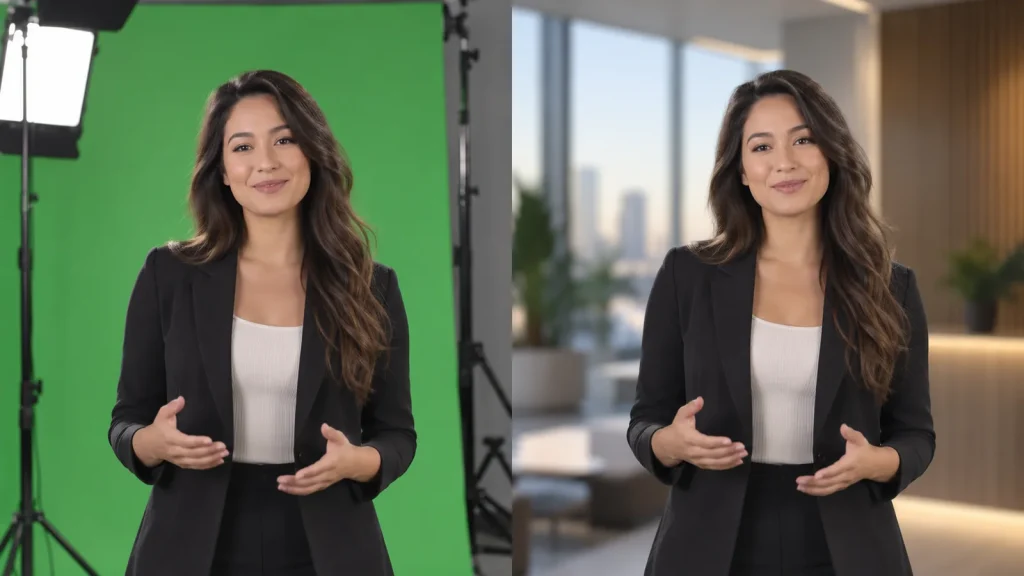
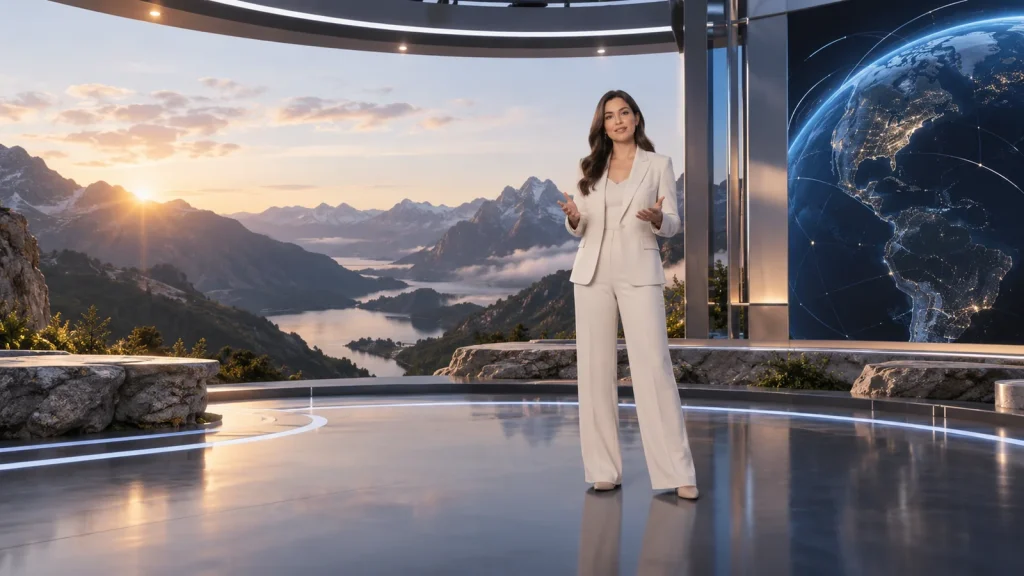
Lecen’s green-screen virtual studio solution combines lighting, camera capture, keying, virtual scenes and programme output for news, interviews, courses and corporate video. Fixed or moving cameras are configured around the production, allowing one space to serve different sets and formats.
Product brand: Lecen Technology
Project goals
A virtual studio must address both the photographed foreground and the digital background. Even lighting alone does not ensure a convincing result; edges, color, perspective, contact relationships and timing also matter. Plan photography, keying, rendering and operation around the people and actions in the production.
In focus
Plan the screen material, lighting, subject distance, wardrobe and props. Evaluate hair, fingers, motion blur and reflective edges to reduce avoidable problems before compositing.
Fixed cameras can use matched static views; moving cameras need the appropriate tracking and lens configuration. Set dimensions, camera height and perspective should fit the real subject.
Select keying and production tools around the project. Inspect the matte, color treatment and final composite separately. AI background separation is a separate testable route, not an assumed replacement for every chroma-key workflow.
Save shot sizes, sets, graphics, lighting and operating steps as a repeatable production setup. This is useful for recurring programs, courses and regular recordings.
Workflow
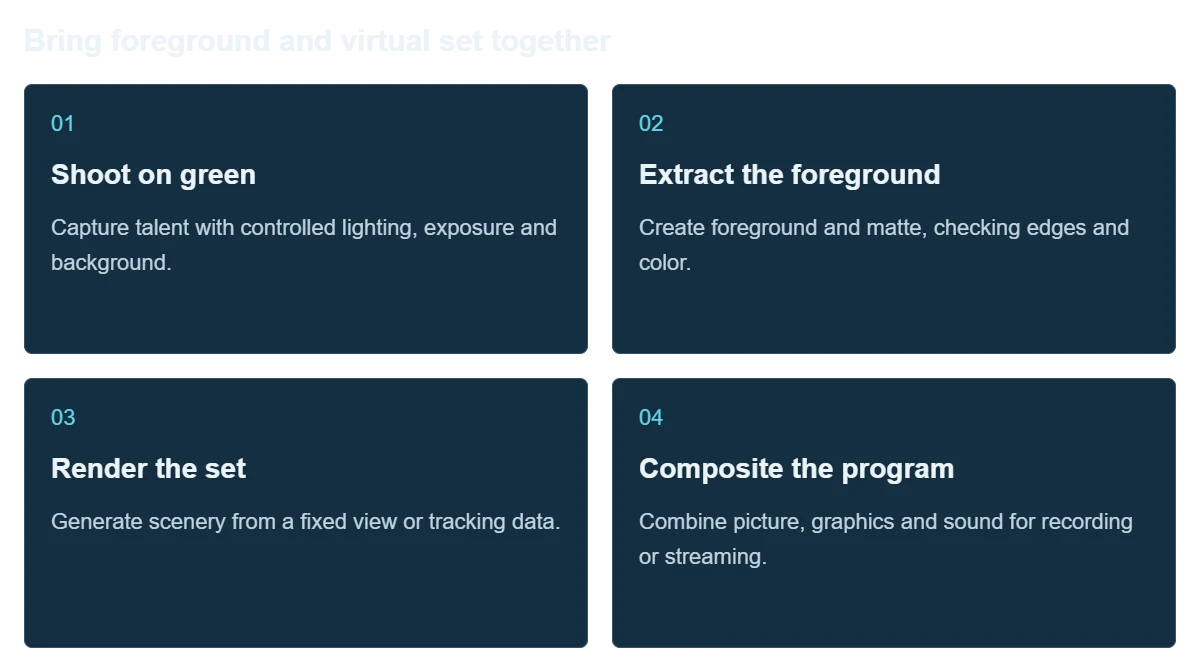
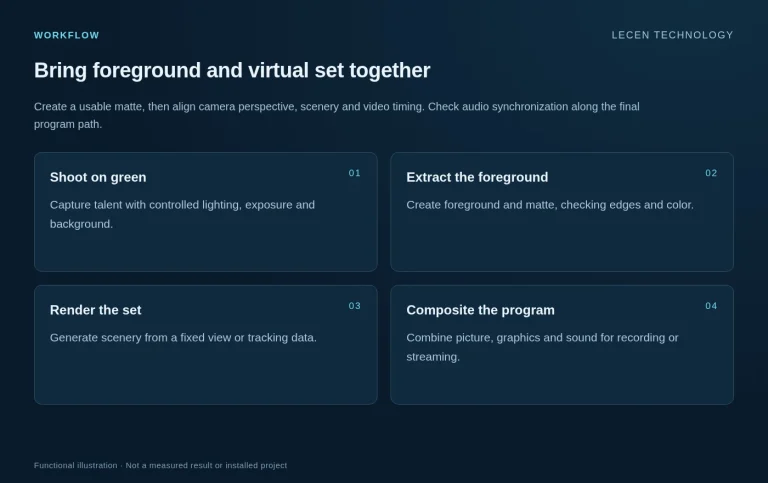
Create a usable matte, then align camera perspective, scenery and video timing. Check audio synchronization along the final program path.
Capture talent with controlled lighting, exposure and background.
Create foreground and matte, checking edges and color.
Generate scenery from a fixed view or tracking data.
Combine picture, graphics and sound for recording or streaming.
Integration
Test the real wardrobe, lighting and movement rather than judging a stationary demonstration subject.
Define background, lighting, movement, sound and cameras.
Confirm format, keying, rendering and program output.
Check perspective, subject scale, edges, color and timing.
Rehearse shot and scene changes, then preserve projects, settings and procedures.
Configuration
| Capture | Green screen, talent lighting, sound and cameras |
|---|---|
| Keying | Project-specific keying platform and foreground treatment |
| Tracking | Fixed views or optical/head tracking selected around movement |
| Virtual content | Program-specific sets, shot sizes and graphics |
| Output | Recording or live production with defined format and audio/video timing |
| Handover | Program files, shot configurations, connections and daily checks |
Applications
Create repeatable sets around established shots and graphic layouts.
Use one space for different courses and practical lessons in photography, keying and virtual production.
Standardize branded sets and graphic treatment for regular training and video content.
FAQ
No. This page covers green-screen capture combined with rendered virtual sets for broadcast-style production.
A static shot can use a fixed matched view. Select tracking and lens capture when the planned moves or zooms require them.
Compare methods with the actual material and output target. Chroma keying and AI background separation have different conditions; an algorithm name is not enough to choose.
Inspect the matte, finished composite and continuous playback for edges, reflections, color contamination and temporal stability.
Design different scene and shot templates, then check subject scale, lighting, lenses and output for each configuration.
Project brief
Dimensions, screen, lighting, sound and existing cameras.
People, actions, shots, graphics and recorded or live use.
Keying platform, tracking, video I/O, format and switching.
Explore more
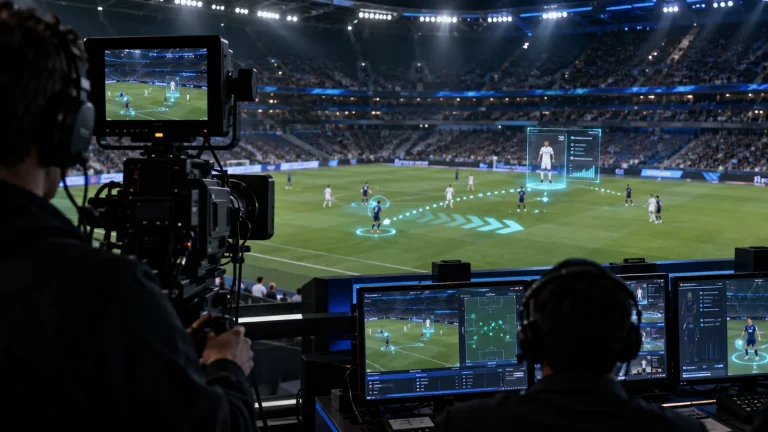
Professional Rendering Servers
Computing and video interfaces for live 3D graphics and AR production.
AI-generated concept, not a product or project photograph.
View product
Camera Tracking Systems
Optical camera position, lens data and real-time production integration.
RedSpy tracking camera assembly
View product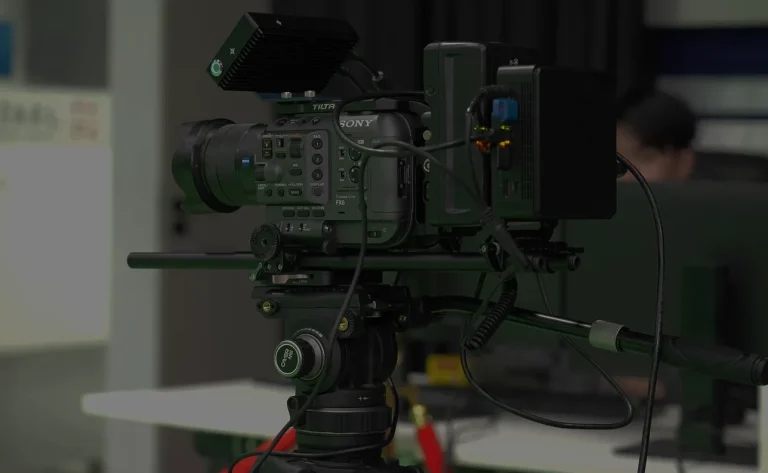
Camera Tracking Systems
Optical camera and lens tracking for everyday XR, VP and AR production.
Optical camera tracking setup illustration
View productExplore more
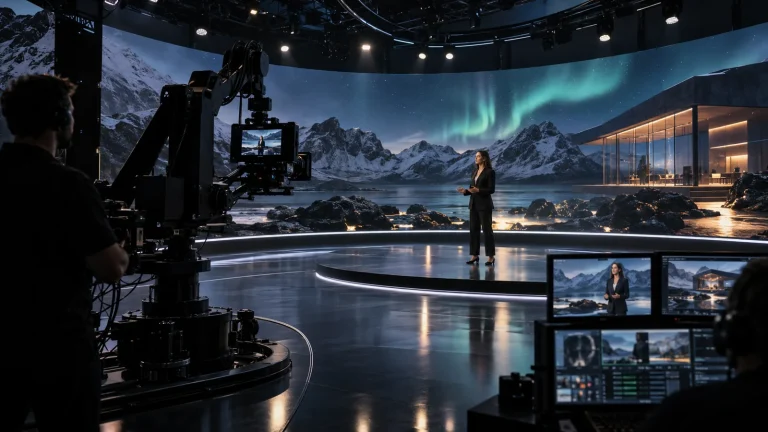
Virtual Production & Live Graphics
Connect LED content, set extension and foreground AR.
AI-generated concept, not a product or project photograph.
Explore solution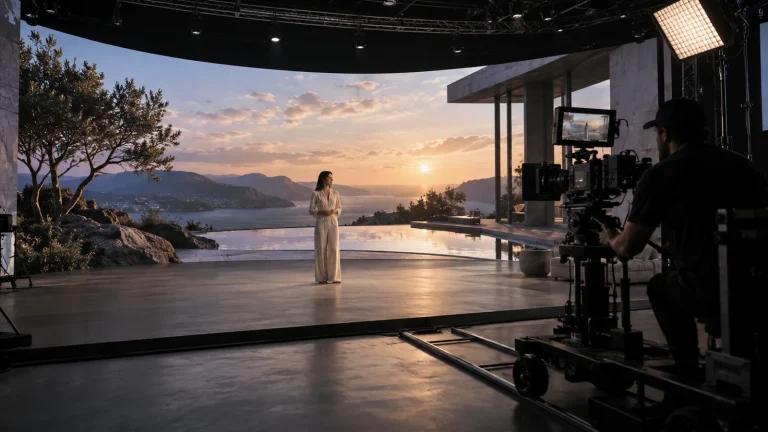
Virtual Production & Live Graphics
Digital environments that take part in the real shot.
AI-generated concept, not a product or project photograph.
Explore solutionVirtual Production & Live Graphics
Place live graphics and data in the real scene.
AI-generated concept, not a product or project photograph.
Explore solutionTalk to Lecen
Share the space, cameras, displays or green-screen setup and a programme example to scope the production chain.