Shared read and write access
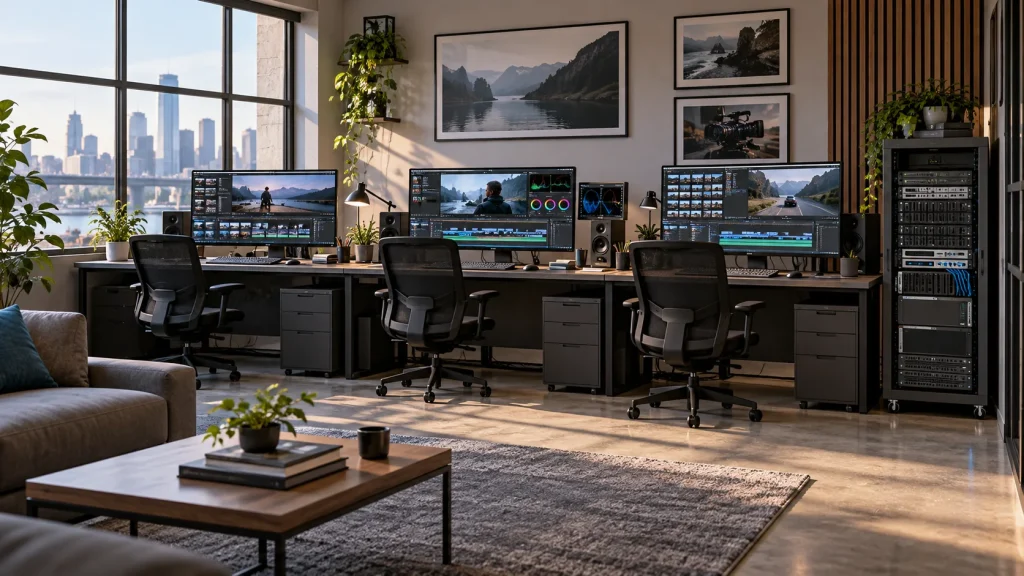
Give editing, grading, graphics and ingest workstations access to central media, reducing transfers between roles. Organize directories by programme, project and production stage.

Professional Media Storage
Shared storage for concurrent editing, grading, graphics and ingest.
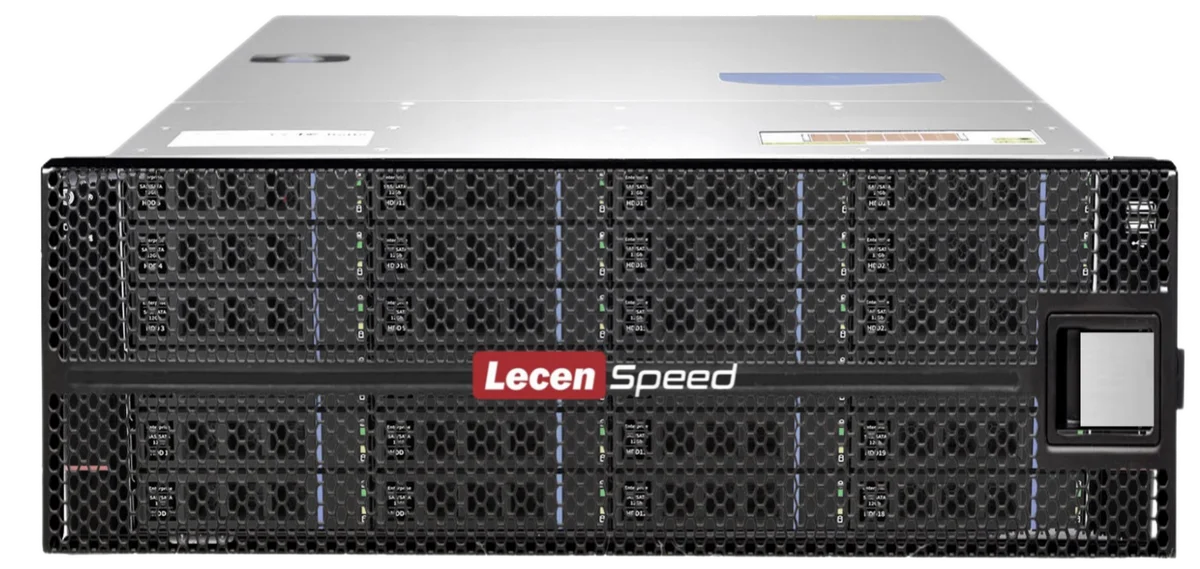
LecenSpeed 24-bay media storage centralizes online media and production assets for broadcasters, post-production facilities and multi-project teams. Drive arrays, workstation access and storage uplinks are configured together for sustained reads, writes and concurrent production tasks.
Product brand: LecenSpeed
Overview
Playback, ingest, rendering reads and delivery writes can place simultaneous demands on drives and networking. The 24-bay series provides a shared media foundation, with drive layout, array strategy and network connections matched to that combined workload.
In focus
Give editing, grading, graphics and ingest workstations access to central media, reducing transfers between roles. Organize directories by programme, project and production stage.
Use bitrate, simultaneous streams, read/write balance and project count to select drives and interfaces. Include multi-camera playback and background writes in the workload profile.
Configure workstation access, switch ports, storage uplinks, optics and cabling as one system. Assign connectivity to each role’s workload and address bottlenecks along the path.
Separate active projects, common assets and deliveries within the storage layout. Define access permissions, independent backup and maintenance windows for routine operation and capacity management.
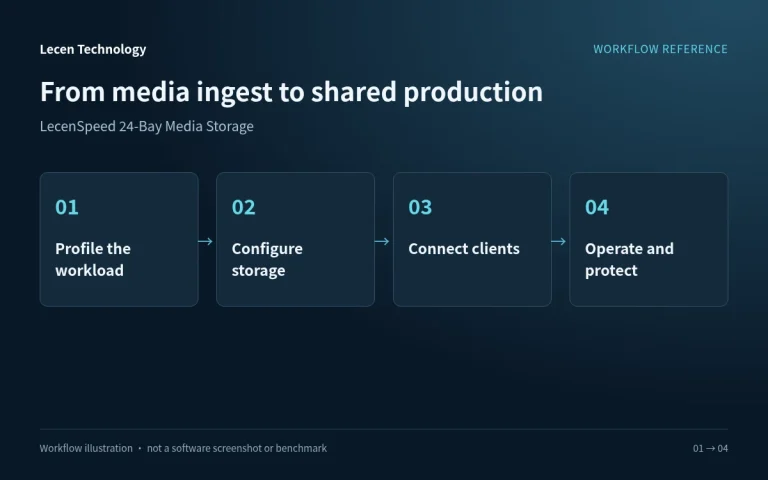
Workflow
Network access, directory structure, permissions and media references establish how the production team uses central storage.
Place camera media, audio and graphics in project directories and check file integrity.
Configure capacity and protection and separate sources, working files and deliveries.
Set up networking, shared paths and access rights for production applications.
Manage project versions against retention needs and preserve important content in an independent backup.
Integration
Size the configuration from project capacity, media formats and concurrent workstations, then verify networking and production access together.
Identify source bitrates, concurrent streams, incoming writes and online retention. Distinguish raw capacity, array-usable space and operating headroom.
Set client access, switches and storage uplinks alongside directories, accounts and permissions. Record the paths used by production applications.
Test representative playback, ingest and delivery. Preserve configuration and independent backups and check the recovery procedure.
Configuration
| Product series | LecenSpeed 24-bay professional media storage |
|---|---|
| Deployment | Rackmount; installation specifications follow the selected model |
| Media access | Central media sharing across production workstations |
| Capacity sizing | Drive capacity, drive count, RAID layout and hot spares |
| Network configuration | Matched client access, switching and storage uplinks |
| Production workload | Codec bitrate, concurrent streams and read/write balance |
| Data organization | Project directories, permissions and independent backup |
Applications
Plan capacity and I/O for ingest, programme editing and final deliveries within one production environment.
Provide a shared media structure for editors, colourists and graphics artists, sized for the actual codecs.
Keep active projects online while separating working media, deliveries and independent backup copies.
Engineering decisions
Evaluate how ingest writes, editorial seeks, sustained grading reads and graphics exports interact on the 24-bay configuration. Build a schedule-based workload matrix and assess a shared pool against separate groups. Separate folders do not provide physical I/O isolation.
Review proposed drives, protection groups, controller and cache policy alongside switch aggregation, client access and uplink oversubscription. Capacity, sustained throughput and small-file response are separate requirements. A brief sequential copy to an empty array is not a production workload test.
Specify acceptable degraded operation, backup windows and production priorities during rebuilds. Choose group width, drive capacity and population with failure impact and maintenance time in mind. Do not presume one 24-drive array or dual controllers from the series name.
Use representative long-form, multicamera and graphics projects while running the agreed reads, ingest and exports. Cover the planned range of capacity utilization and sustained behavior beyond cache benefits. Record stalls, per-client response, disk queues and uplink utilization.
With test data and a verified backup, use manufacturer-approved procedures to assess degradation, rebuilding or background verification. Record the workload during recovery and elapsed completion time. Mark untested failure scenarios explicitly; do not infer uninterrupted service.
Take media from ingest through editing, grading and graphics to delivery. Verify paths, permissions, file integrity and version relationships. Deliver the workload matrix, topology, protection layout and test conditions as a baseline for future expansion.
FAQ
Profile codec bitrate, concurrent streams, timeline complexity and background I/O, then test actual projects. Equal image resolution does not imply equal storage demand.
List both raw and array-usable capacity. RAID, spares and file-system overhead affect usable space; operating and growth reserves are allocated within it.
Design client connections, switching and storage uplinks together. Link aggregation and SMB Multichannel use different mechanisms; single-connection speed is not simply the sum of port ratings.
Storage provides a shared media location. Application locking, project databases or bin sharing are managed by the selected production software and integration and verified separately.
Run concurrent playback, ingest, rendering reads, delivery and backup workloads. Record sustained performance and check recovery and media references.
Decide from protection overhead, failure impact, rebuild windows and workload. A large volume simplifies space management but does not remove contention. Multiple volumes on the same pool may still share the same physical performance limits.
Agree actual media formats, concurrent streams, quality settings and background writes. Measure sustained playback and seeking in the target software. Capacity and interface ratings describe configuration, not application-level acceptance.
LecenSpeed 24-Bay is a Lecen storage series. Protection layout, controllers, protocols and performance require verification against the supplied configuration. References support engineering decisions, not an assumed operating system, certification level or completed benchmark.
These references explain principles and integration conditions. Confirm capabilities against the supplied revision, project configuration and agreed tests.
Project brief
Test long playback and writes with real projects, not cache bursts alone.
Validate file sharing and project locking separately.
Document maintenance, backup and restoration exercises.
Explore more
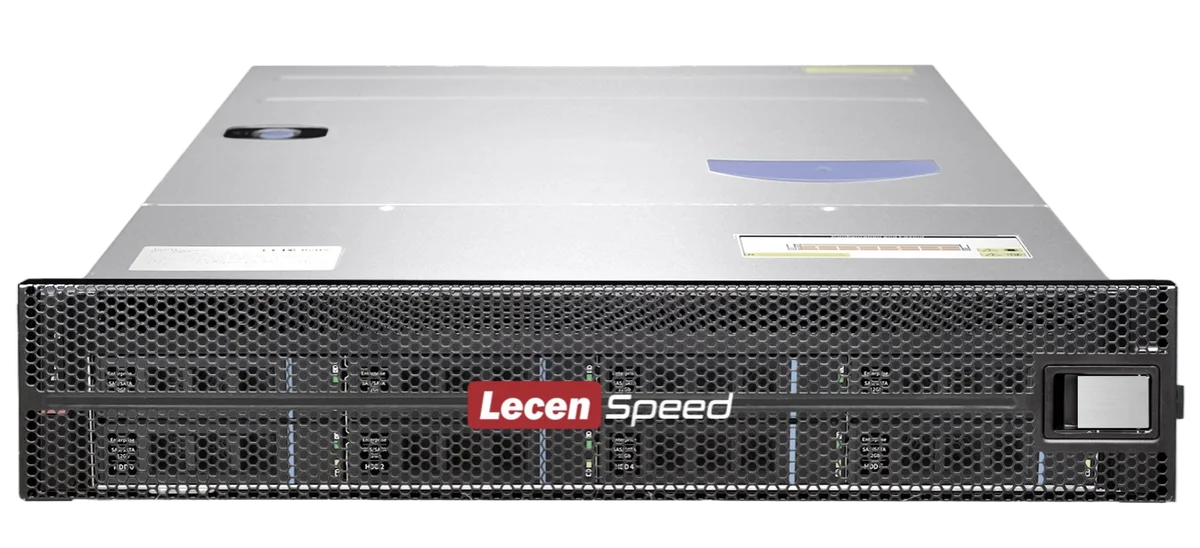
Professional Media Storage
Shared media storage sized for compact production environments.
View product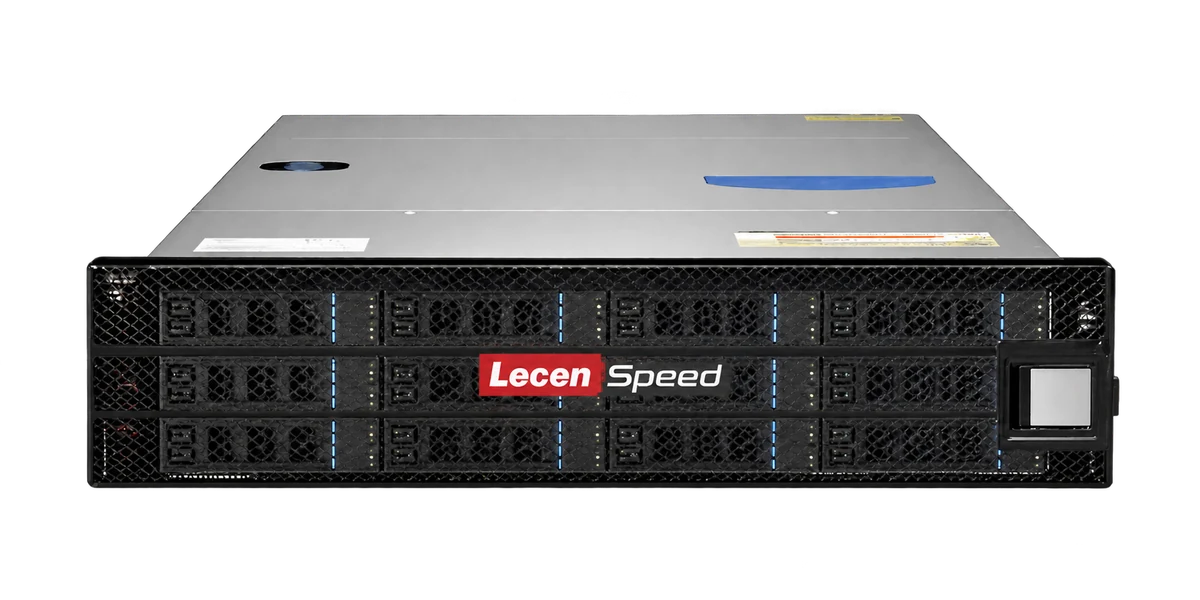
Professional Media Storage
Rackmount shared storage for departmental production networks.
LecenSpeed series reference, not a verified photo of this bay-count model
View product
AI Media Asset Management
Content indexing and time-based discovery for media production.
AI-generated concept, not a product or project photograph.
View productExplore more
Media Workflows & Asset Management
Shared media from ingest through finishing.
AI-generated concept, not a product or project photograph.
Explore solution
Virtual Production & Live Graphics
Connect LED content, set extension and foreground AR.
AI-generated concept, not a product or project photograph.
Explore solutionTalk to Lecen
Share media formats, online capacity, workstation count and existing networking to match storage to the production workload.