Real-time graphics and animation
Size CPU, GPU and VRAM for templates, models, animation and materials used in scoreboards, rosters, tactical analysis and virtual product presentations.

Professional Rendering Servers
Computing and video interfaces for live 3D graphics and AR production.
Lecen AR graphics rendering servers provide processing and interfaces for sports, studio and event graphics. The selected graphics platform determines scene rendering, camera-data reception and video output, integrating scores, tactical graphics, virtual models and presentations with live footage.
Product brand: Lecen
Overview
AR production needs graphic processing, spatial alignment and a controlled on-air workflow. The server runs the chosen platform, receives data and operator commands, and uses camera information to render the scene. Internal compositing or external fill/key delivery defines the video I/O, synchronization and operation configuration.
In focus
Size CPU, GPU and VRAM for templates, models, animation and materials used in scoreboards, rosters, tactical analysis and virtual product presentations.
Configure scene coordinates, tracking reception and lens mapping for fixed or moving cameras. Organize screen-space graphics and scene-anchored AR according to their different production purposes.
Select inputs and outputs for internal compositing, external switching or fill/key workflows, with matching resolution, frame rate, reference timing and downstream interfaces.
Connect scores, rosters or statistics to template fields through the graphics platform. Define operator cues, updates and removal; configure standby state and switching separately where required.
Workflow
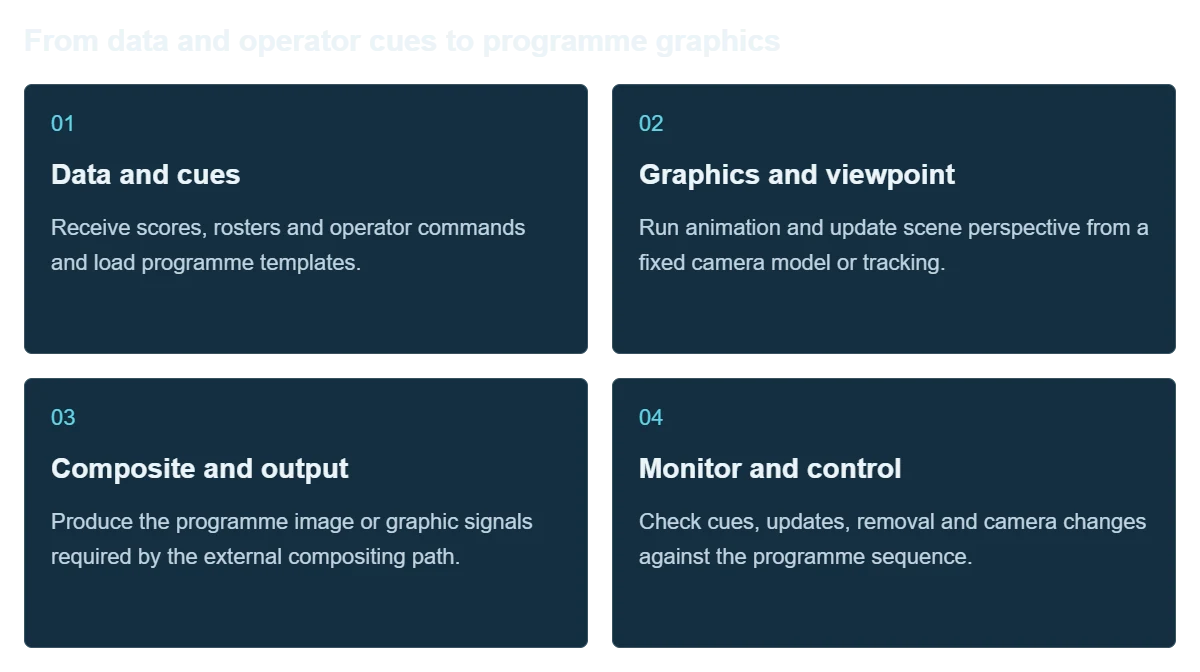
Project data sources provide information, graphics software defines templates and on-air behavior, and the server supplies processing and video connections.
Receive scores, rosters and operator commands and load programme templates.
Run animation and update scene perspective from a fixed camera model or tracking.
Produce the programme image or graphic signals required by the external compositing path.
Check cues, updates, removal and camera changes against the programme sequence.
Integration
Choose the platform and video format before finalizing hardware. Use the real project for acceptance testing.
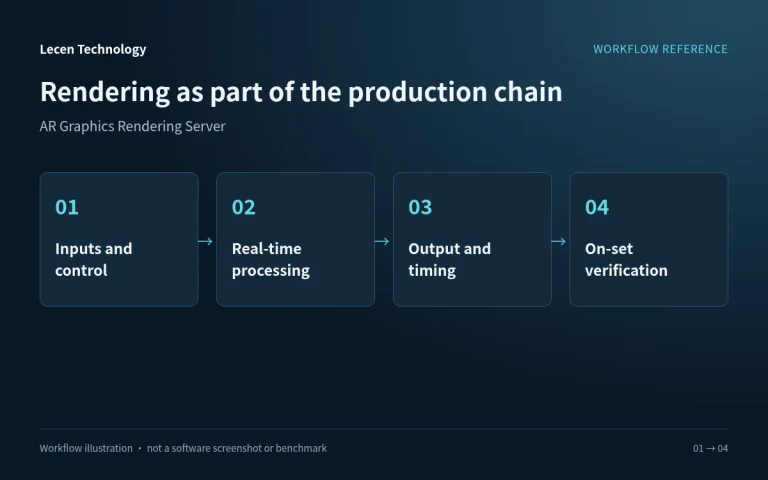
List scenes, cameras, display or programme outputs, networking and timing as a connection plan.
Check platform version, GPU, drivers, expansion slots and video equipment together.
Use demanding scenes, real camera moves and the full output path; record timing and resource use.
Document software, drivers, project and I/O settings; keep a recovery copy and repeatable test project.
Configuration
| Product role | Live AR and 3D graphics rendering server |
|---|---|
| Computing | Sized for templates, models, animation and software |
| Camera data | Fixed view or integrated camera tracking |
| Business data | Project sources connected through the graphics platform |
| Video path | Internal or external compositing for the selected I/O |
| Fill/key | Configured for software, video card and downstream switcher |
| Networking | Graphics control, tracking and data traffic planned separately |
| Operation checks | Graphic updates, camera switching, timing and continuous output |
Applications
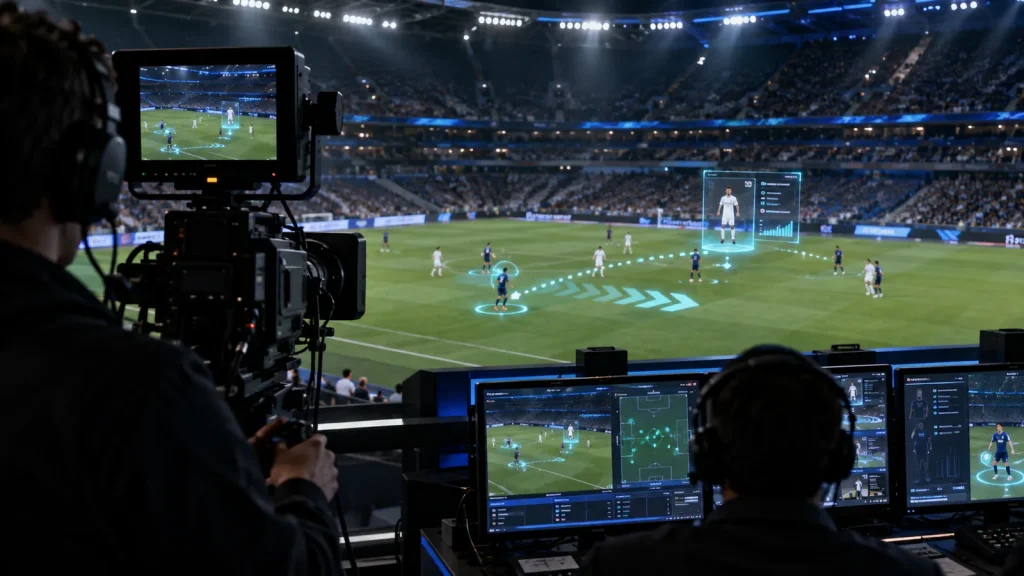
Configure rendering for tactical presentation, field graphics or data visualizations, with clear tracking and data responsibilities.
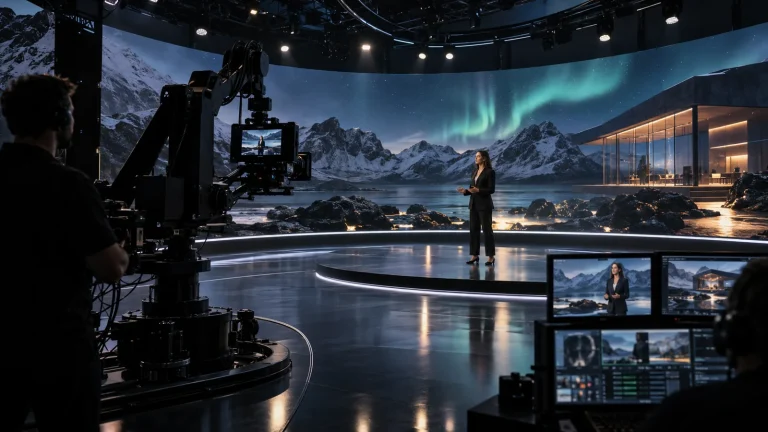
Build an operating workflow around the presenter, practical set and virtual graphics.
Coordinate 3D graphics with speakers, cameras and stage cues in the running order.
Engineering decisions
Establish whether the job is a screen-space score graphic or a 3D element that follows the venue's perspective. Spatial AR needs camera, lens and scene coordinates. Moving or zooming the camera generally invalidates fixed framing assumptions, so confirm the tracking and lens-data paths.
Map graphics, background video, switcher and programme output. For fill/key, confirm paired channels, format, reference timing, alpha interpretation and downstream keying. Internal compositing instead requires capture and end-to-end latency checks. Display-connector count is not sufficient for I/O selection.
Provide score, roster or statistics fields, update timing, malformed examples and operating procedures. Identify the software responsible for preview, take, update, removal and manual override. Confirm standby requirements, interface permissions and licenses; generic rendering hardware does not supply those functions by itself.
Send transparency ramps, fine lines, text edges and moving graphics through the actual switcher. Check matching fill/key frames, polarity and alpha interpretation. Confirm color range and video format, inspecting the final programme for halos, jitter and cropping.
Use surveyed venue references across production focal lengths, pans, tilts and camera cuts. Check near and distant graphics for perspective, lens distortion and video delay. Camera changes must select the correct tracking and calibration, not just a different background feed.
In isolation, inject late, duplicate, missing and malformed data and verify the agreed rejection, warning or manual procedure. Test graphic removal, application restart and any configured failover. Record output interruption and restored state, distinguishing application responsibilities from server responsibilities.
FAQ
AR emphasizes templates, business data, on-air operation and compositing. XR may add broader scene and display tasks. The actual software workflow determines the hardware.
Scene-anchored graphics viewed by a moving camera need pose and lens data. A fixed-view project can establish alignment through a fixed camera calibration.
Use the existing switcher architecture and graphics software. Internal compositing forms the final image in the platform; fill/key sends picture and key signals downstream, with different I/O needs.
Project data interfaces or operator entry feed template fields through the platform, with defined update and review procedures.
Follow the programme sequence through cues, data updates, graphic removal and camera changes while checking video format, timing and sustained operation.
No. Software alpha handling, card output mode, channel allocation, synchronization and downstream keying must all agree. Validate paired output with the intended application, driver and switcher together.
Not by itself. Incorrect scores involve source data and update logic; drift may involve coordinates, lenses, tracking or timing. Diagnose the data path and spatial composite separately before attributing the problem to compute capacity.
Lecen AR graphics servers are configured around the application and video chain. Graphics control, data interfaces, fill/key and standby behavior require separate confirmation. Platform and image-format references do not establish implemented features, included licenses or certification.
These references explain principles and integration conditions. Confirm capabilities against the supplied revision, project configuration and agreed tests.
Project brief
Define scores, names, 3D assets and animation triggers.
Specify internal compositing or external Fill/Key and switching.
Rehearse camera cuts, corrections, graphic removal and fault handling.
Explore more
Professional Rendering Servers
A rendering platform for XR scenes, video integration and programme output.
AI-generated concept, not a product or project photograph.
View product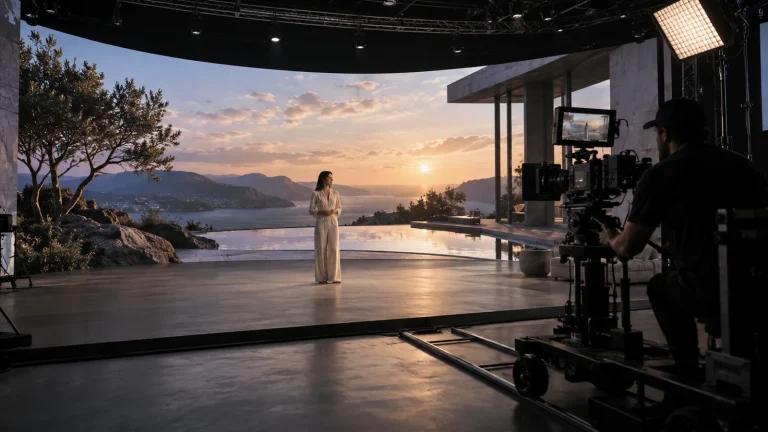
Professional Rendering Servers
Render nodes configured for LED canvases, camera views and synchronized output.
AI-generated concept, not a product or project photograph.
View product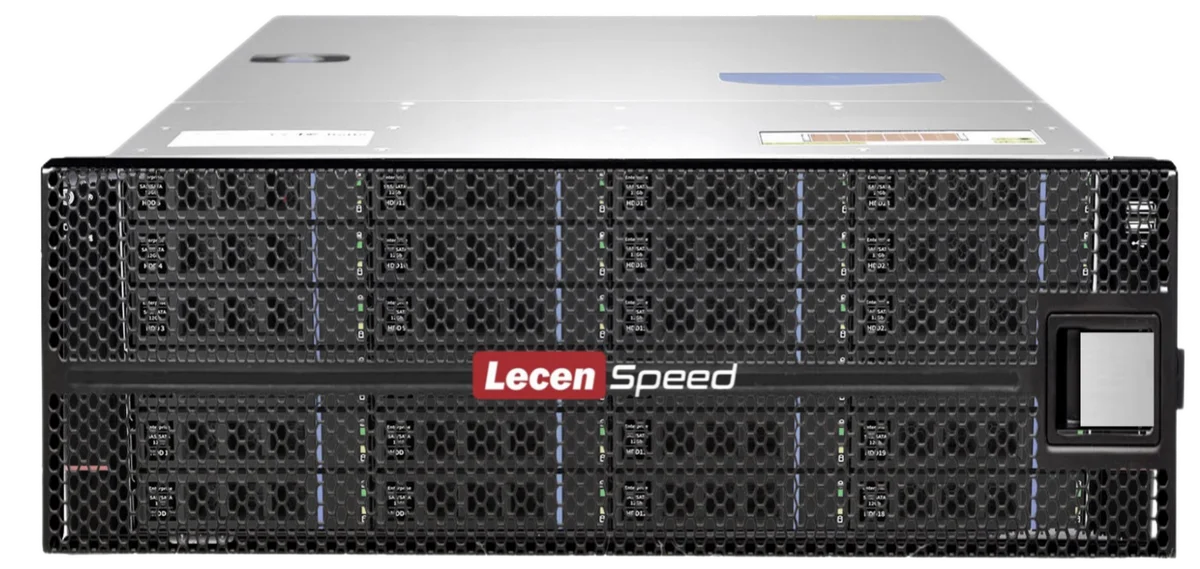
Professional Media Storage
Shared storage for concurrent editing, grading, graphics and ingest.
LecenSpeed rackmount series reference; appearance depends on configuration
View productExplore more
Virtual Production & Live Graphics
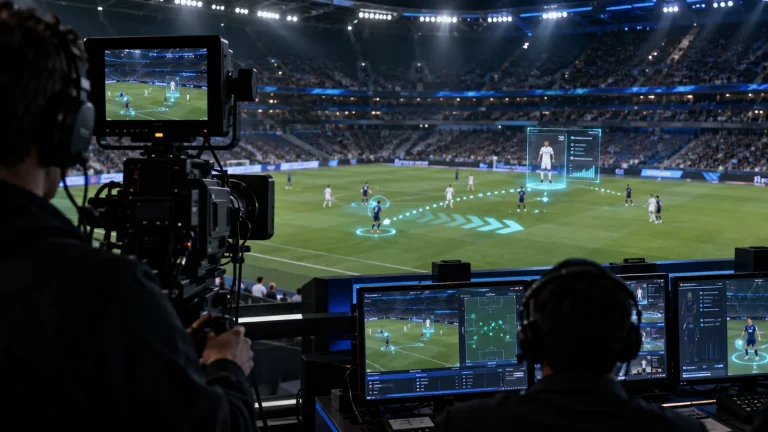
Place live graphics and data in the real scene.
AI-generated concept, not a product or project photograph.
Explore solution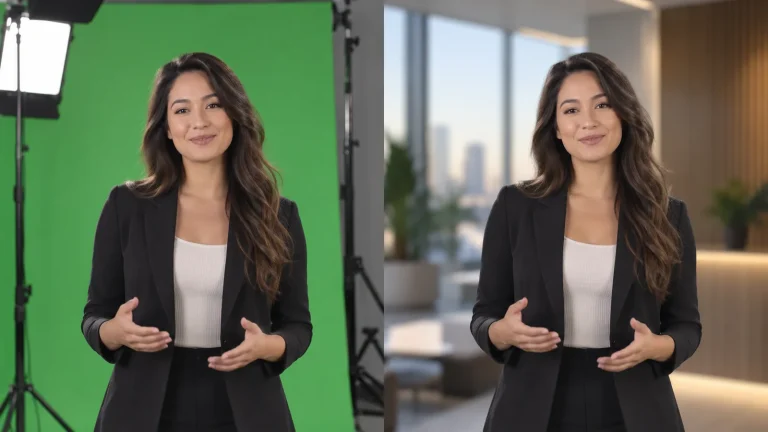
Virtual Production & Live Graphics
One capture space for multiple virtual sets.
AI-generated concept, not a product or project photograph.
Explore solutionTalk to Lecen
Share graphic types, platform, data sources and switcher interfaces to establish processing, video I/O and operator workflow.