Noise and compression artifacts
Address grain-like noise, blocking and edge artifacts while balancing suppression against detail retention. Source-specific settings help avoid excessive smoothing from a single preset.

AI Vision & Visual Processing
Image restoration for archive footage and existing video collections.
Lecen AI Video Restoration addresses noise, compression damage and detail clarity in historical programmes, archive footage and existing video. Source assessment, sample processing and temporal review establish a restoration workflow for production and publication while retaining the link to the original material.
Product brand: Lecen
Overview
Tape transfers, early digital compression and repeated transcoding produce different defects. Restoration begins by separating noise, blocking, soft edges and frame-to-frame changes, then choosing appropriate processing strength. For archive material, improved clarity must remain consistent with the people, text and scene information preserved in the source.
In focus
Address grain-like noise, blocking and edge artifacts while balancing suppression against detail retention. Source-specific settings help avoid excessive smoothing from a single preset.
Examine subject outlines, captions and fine textures against the output frame and intended use. Keep the source available during comparison to assess whether important information is preserved.
Review moving edges, texture variation, flicker and cuts during normal playback. A useful restoration balances individual-frame appearance with consistency across the sequence.
Associate originals, processed versions and processing records. Define frame dimensions, frame rate, audio and delivery format for editing, reuse and archiving.
Workflow
Define the defects and intended use, establish a standard with representative clips, then review and deliver the complete material.
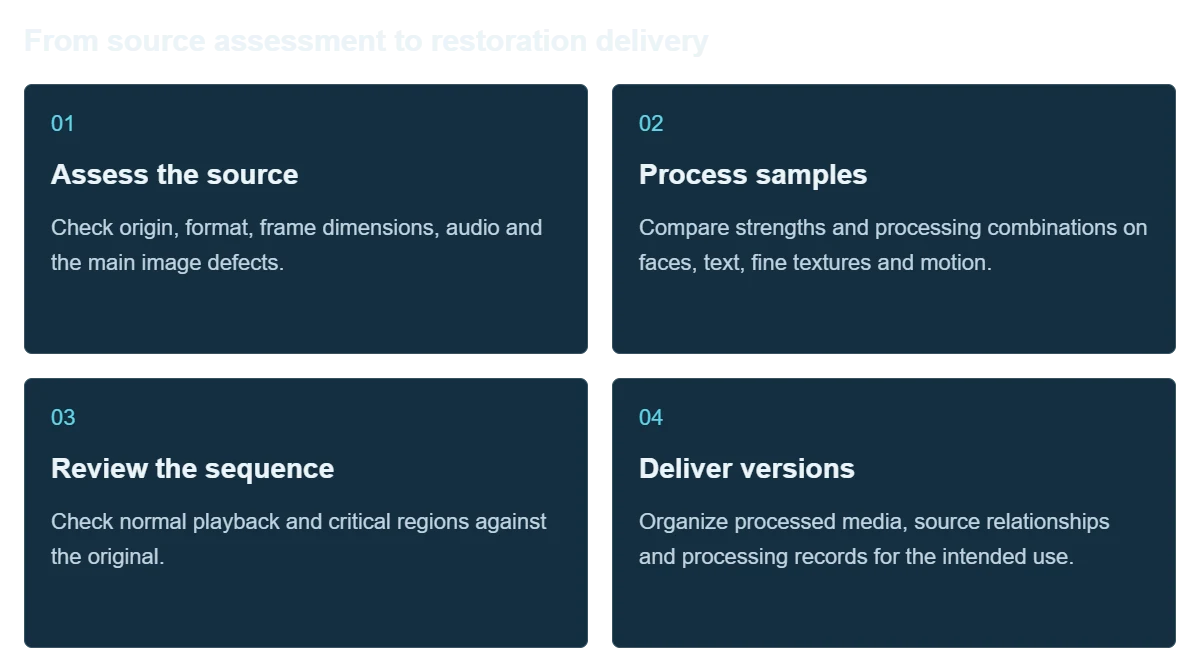
Check origin, format, frame dimensions, audio and the main image defects.
Compare strengths and processing combinations on faces, text, fine textures and motion.
Check normal playback and critical regions against the original.
Organize processed media, source relationships and processing records for the intended use.
Integration
Use source types and delivery requirements to define the workflow, with retained originals and consistent review criteria.
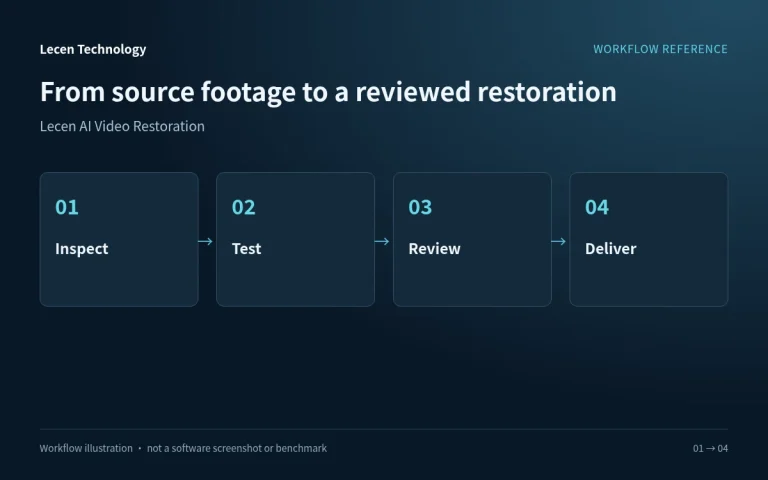
Classify origin, resolution, codec and main defects and choose representative samples.
Identify desired improvements and information to preserve, using playback, keyframes and local comparisons.
Test actual formats, processing and outputs against duration to estimate hardware demand and the task schedule.
Check duration, frame geometry, frame rate, audio alignment and version naming before hand-off.
Configuration
| Product focus | Restoration of archive and existing video |
|---|---|
| Image priorities | Noise, compression damage, clarity and temporal consistency |
| Source preparation | Original files, formats, codecs and representative clips |
| Quality review | Source comparison, critical regions and continuous playback |
| Output planning | Defined by production, publication and preservation needs |
| Handoff records | Processed versions, source relationships and processing notes |
| Resource assessment | Sample speed, programme duration and delivery schedule |
Applications
Prepare previous programmes for reuse while retaining the relationship between people, captions and the recorded event.
Apply source-specific review strategies to footage from different periods before combining it in a new work.
Prepare old events, promotional films and training recordings as traceable editorial versions.

Engineering decisions
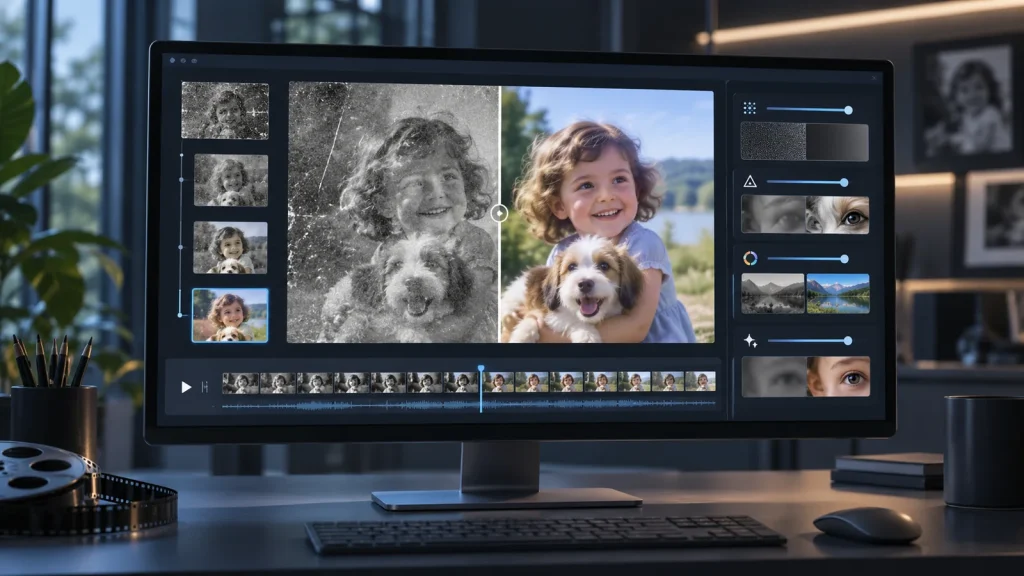
Supply representative media without another compression pass and identify noise, blocking, scratches, interlacing, instability or color issues. Distinguish preservation, restoration and enhanced publication versions. Agree whether frame rate, geometry or texture may change, and verify each requested treatment in the proposed release.
Inventory duration, dimensions, codec, bit depth, audio tracks and deadline. Request sample tests covering decoding, processing, encoding, storage and human review. Single-frame speed cannot establish programme turnaround; include model loading, retries and intermediate-file capacity.
Preserve the original independently and require processed versions to identify source, settings, model revision and editorial decisions. Define processing location, any external transfers and temporary-file handling. An AI product name does not establish offline operation or local-only data processing.
Select faces, text, fine texture, shadows and fast movement. Compare originals and candidate treatments under consistent viewing conditions. Record lost detail, invented texture and oversharpening to establish acceptable treatment boundaries. A sharper appearance does not prove recovery of historically accurate detail.
Alongside frame inspection, watch at normal speed for flicker, trails and changes around cuts. Verify frame count, duration, audio synchronization, tracks and subtitles. Identify any unapproved cropping, frame generation or color transformation.
Use a test batch including malformed inputs to check completion reporting, failures and output naming. Record elapsed time and resource use. Confirm retry or resume behavior explicitly, then open samples in the target editorial and archive workflow, retaining approvals and source relationships.
FAQ
Group by codec and defect, then compare faces, text, textures and motion at different processing strengths. Apply the selected approach to similar material.
Assess detail retention, noise, artifacts and playback consistency, with close review of people, text and events. Output resolution alone is not a quality measure.
Keep the source master separately and manage restoration as a derivative. Verify important text and people against the original rather than treating inferred detail as documentary evidence.
Test the source format and intended processing on candidate hardware, then account for effective processing speed, duration and review time.
Provide an authorized original clip, duration, main defects, intended use and delivery requirements, including representative static and moving shots.
Not necessarily. A model can introduce detail unsupported by the source. For historical or evidential material, retain originals and processing records and manually check important text, identifiers and faces. Visual enhancement is not factual reconstruction.
Not without specifying the model, media, hardware and complete tested workflow. Measure representative batches end to end, report processing, encoding and review time separately, and disclose failed samples and test limits.
Confirm the supplied version and project configuration of Lecen AI Video Restoration. Models, formats, batch processing, offline operation and results need release-specific validation. FADGI and NIST references inform workflow planning, not software certification or proof of capability.
These references explain principles and integration conditions. Confirm capabilities against the supplied revision, project configuration and agreed tests.
Project brief
Keep originals and include faces, text, fast motion and damage.
Compare moving clips for invented detail and flicker, not still frames alone.
Specify duration, source format, intended use and turnaround.
Explore more

AI Media Asset Management
Content indexing and time-based discovery for media production.
AI-generated concept, not a product or project photograph.
View product
Professional Media Storage
Central storage for large media libraries and long-lived online projects.
LecenSpeed series reference, not a verified photo of this bay-count model
View productTalk to Lecen
Share the original and intended use to define image priorities, review criteria and delivery requirements.