Subject and background separation
Define the foreground for interviews, seated presentation or full-body movement. Separate subject retention from background replacement to prepare material for virtual backgrounds and layered composites.

AI Vision & Visual Processing
Foreground separation, matte quality and compositing for presenter video.
Lecen AI Keying addresses foreground separation, edge quality and temporal consistency in interviews, courses, presenter videos and virtual-background production. Separated foregrounds are prepared for background replacement, compositing and the required production output.
Product brand: Lecen
Overview
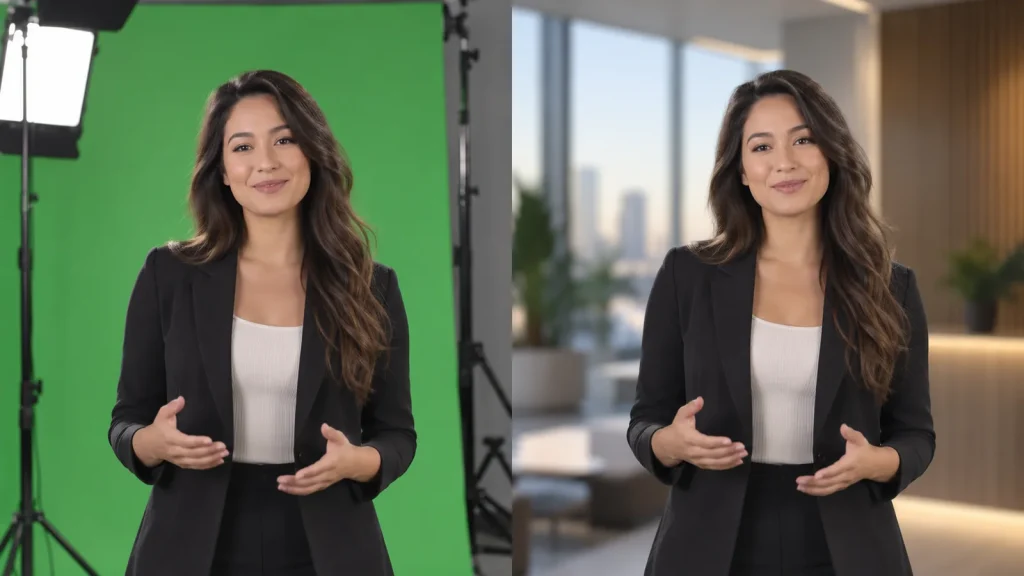
Professional foreground extraction must handle hair, fingers, motion blur and semi-transparent edges as well as the main subject. The matte defines retained areas and edge transparency controls blending with the new background. Actual wardrobe, lighting and movement establish the processing and review needs for recorded or live work.
In focus
Define the foreground for interviews, seated presentation or full-body movement. Separate subject retention from background replacement to prepare material for virtual backgrounds and layered composites.
Inspect hair, fingers, clothing and motion-blurred regions in both the matte and composite. Evaluate retained contours, residual background and visible edge transitions.
Review turns, crossing occlusions, entrances, exits and fast actions. Check that contours follow the movement without distracting edge flicker or transient omissions.
Define foreground, matte and composite delivery around the receiving application or programme output. Specify transparency interpretation, frame geometry, frame rate and the destination background.
Workflow
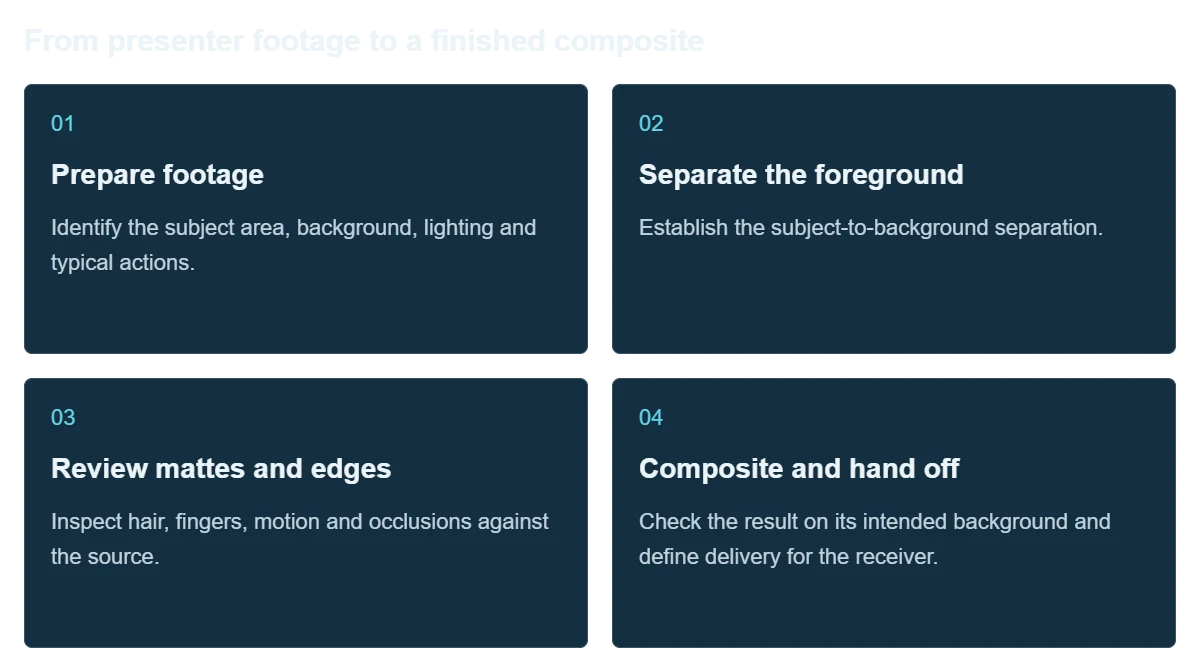
Define the foreground, evaluate edge transparency and motion continuity, then match the result to the background and output requirements.
Identify the subject area, background, lighting and typical actions.
Establish the subject-to-background separation.
Inspect hair, fingers, motion and occlusions against the source.
Check the result on its intended background and define delivery for the receiver.
Integration
Use the actual shoot and intended background for evaluation rather than judging the workflow from a single static frame.
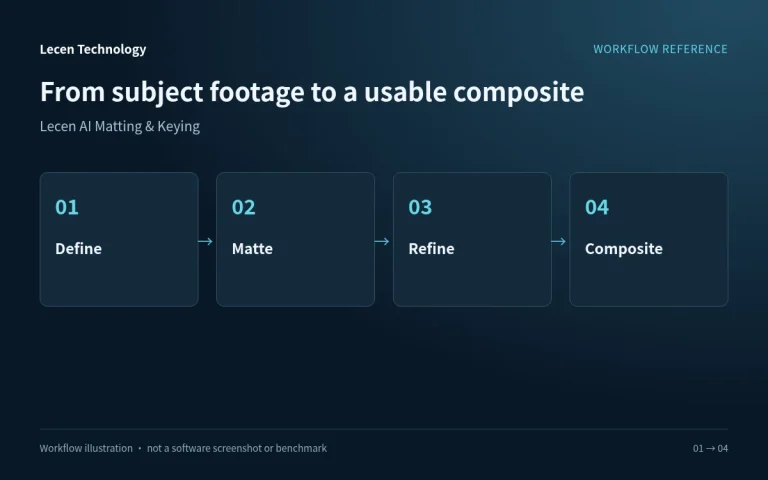
Record framing, wardrobe, background, lighting and actions, selecting clips with difficult edges.
Identify background replacement, layered post-production or live use and the required foreground, matte or final image.
Review the matte and final background composite for detail, spill and contour changes.
Verify codec, alpha interpretation, frame geometry and frame rate. Live work also tests the actual hardware and I/O timing.
Configuration
| Product focus | Presenter foreground extraction and compositing |
|---|---|
| Source material | Interviews, courses, demonstrations and virtual backgrounds |
| Foreground quality | Subject integrity, hair, clothing edges and motion blur |
| Temporal quality | Contour continuity, occlusions and edge stability |
| Handoff | Foreground, matte or final composite as required |
| Output requirements | Resolution, frame rate, codec and alpha interpretation |
| Evaluation conditions | Actual wardrobe, background, lighting and movement |
Applications
Place instructors or presenters into a consistent setting while preserving gestures and clean edges.
Prepare reviewed foreground elements from recorded footage for a revised composition or background.
Validate latency, edge stability and video output before incorporating a live keying stage into production.

Engineering decisions
Identify file, capture-card or network inputs and whether delivery needs a foreground with alpha, a separate matte or a final composite. Live use also needs frame-rate, latency and failure-picture requirements. Offline work emphasizes quality and batch turnaround; passing one workflow does not validate the other.
Supply production wardrobe, hair, backgrounds, lighting and movement, including similar foreground/background colors, props, occlusion and motion blur. Treat non-green-screen work, multiple people, translucent objects and fast action as separate requirements rather than extrapolating from a static presenter demo.
Specify geometry, frame rate, color space, codec and straight versus premultiplied alpha, including the receiver's interpretation. A separate matte also needs agreed polarity and frame alignment. Verify the required precision in the actual file or live interface.
Composite the same output over bright, dark and high-contrast backgrounds. Examine hair, fingers, clothing and transparent regions for lost foreground, spill and background leakage. Inspect both matte and composite, recording the proportion of shots needing manual repair and how that repair will be done.
Test turns, handheld props, crossing people, entrances, exits and fast gestures. Record edge flicker, missing foreground and recovery. For live requirements, measure the complete capture-to-output path; attractive still frames do not demonstrate stable real-time operation.
Import candidate outputs into the intended compositing or editing application. Check alpha interpretation, color, frame count and audio timing. Exercise malformed inputs and output failures. Retain versions, settings and approved samples, keeping untested codecs and hardware interfaces open.
FAQ
Use the background, wardrobe, motion and delivery requirements. Green-screen keying uses color separation; AI methods work around subject recognition. Compare both on the same material and destination background.
Inspect mattes and composites on contrasting backgrounds, checking detail retention, residual edges and stability in motion.
Confirm alpha support in the receiving software, codec and container, and agree alpha interpretation. A filename extension alone does not establish support.
Recorded work can use offline processing and segment review. Live use additionally requires hardware, I/O, sustained frame-rate and latency testing.
Use actual wardrobe, lighting and the intended background, with hair, hand movements, turns, occlusions and entrances or exits.
No. Output precision, partial transparency and temporal behavior matter. Binary segmentation, a grayscale matte and a foreground file with alpha are different deliverables. Evaluate the intended background and receiving application, not just an approximate silhouette.
Do not assume it can. Compression, underexposure, motion blur and ambiguous foreground/background boundaries can still cause failures. Improve the source, test production conditions and retain a green-screen, manual-repair or alternate-shot option where needed.
Confirm the supplied version and project configuration of Lecen AI Keying. Live input, multi-person processing, alpha encoding and interfaces require separate validation. OpenEXR documentation explains interchange principles, not verified format support or software certification.
These references explain principles and integration conditions. Confirm capabilities against the supplied revision, project configuration and agreed tests.
Project brief
Include hair, motion blur, occlusion and similar background colors.
Inspect the matte, foreground and final composite separately.
Specify alpha format; define format and I/O separately for live use.
Explore more
Professional Rendering Servers
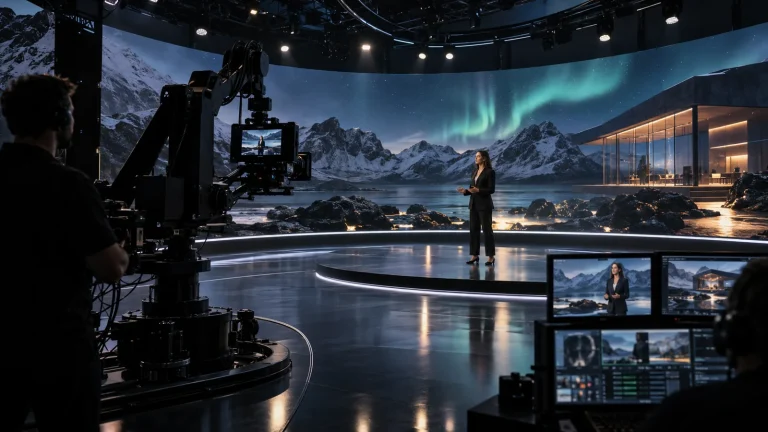
A rendering platform for XR scenes, video integration and programme output.
AI-generated concept, not a product or project photograph.
View product
AI Media Asset Management
Content indexing and time-based discovery for media production.
AI-generated concept, not a product or project photograph.
View productTalk to Lecen
Share footage, the destination background and delivery requirements to assess subject integrity, edges and motion consistency.