Task-specific target definition
Define object classes, the working image area and relevant actions. Establish whether the task concerns one target or several so results answer the intended analysis question.

AI Vision & Visual Processing
Cross-frame association and motion records for video targets.
Lecen AI Visual Tracking organizes observations of people and objects across video frames into motion tracks. Its product direction covers target analysis, subject-following processing and time-based annotation, with source-linked movement information for subsequent image processing and analysis.
Product brand: Lecen
Overview
Detection describes an object in one frame; tracking associates it through a sequence. Target selection, cross-frame matching and timing organize a trajectory that can be reviewed against the video. Image coordinates and source references make occlusion, crossing movement and shot changes visible to the operator.
In focus
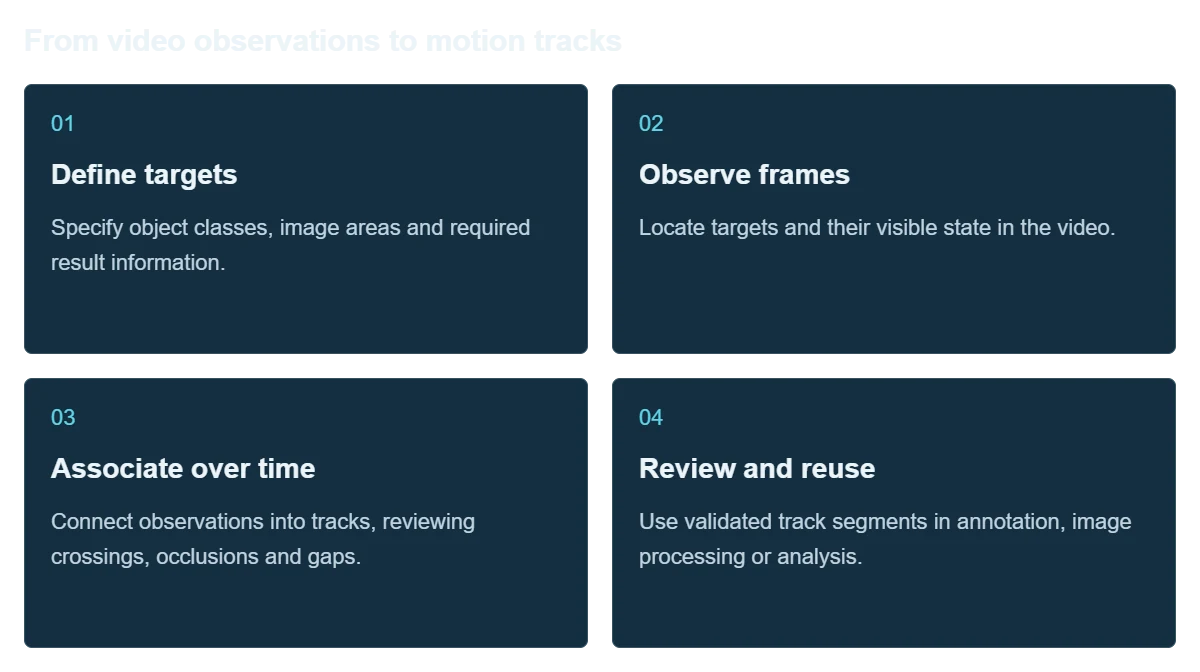
Define object classes, the working image area and relevant actions. Establish whether the task concerns one target or several so results answer the intended analysis question.
Associate target observations over time to describe position changes and motion segments. Review occlusions, crossings and reappearances for incorrect track associations.
Keep image positions, video timing and track segments together for subject-following, annotation or subsequent analysis, with a route back to the source context.
Organize difficult clips by target size, speed and obstruction. Evaluate missed observations, incorrect associations and interruptions against the continuity needed by the workflow.
Workflow
Keep observations and time references together so downstream analysis can be checked against the source image.
Specify object classes, image areas and required result information.
Locate targets and their visible state in the video.
Connect observations into tracks, reviewing crossings, occlusions and gaps.
Use validated track segments in annotation, image processing or analysis.
Integration
Use the target, footage and intended results to define evaluation, with agreed coordinate and time conventions.
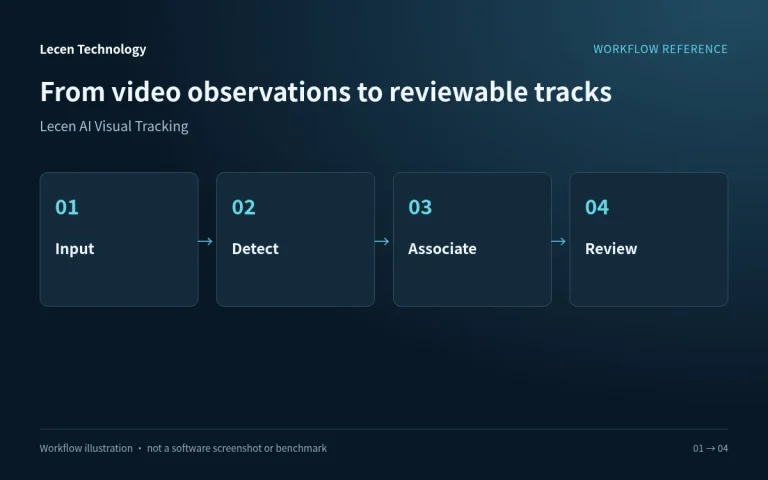
Provide original footage, target examples, size and movement, noting fixed or moving cameras and edits.
Agree image coordinates, time units and track organization for the receiving workflow.
Inspect obstructions, crossings, fast movement and reappearances, recording gaps and incorrect associations.
View the data against the video and retain valid segments and exceptions requiring manual attention.
Configuration
| Product focus | Continuous video-target tracking and content analysis |
|---|---|
| Targets | People or object classes defined for the task |
| Coordinates | Image-space positions, distinct from physical coordinates |
| Time association | Observations linked to video time and track segments |
| Evaluation | Continuity, occlusion, crossings and track gaps |
| Handoff definition | Target identifiers, coordinate and time conventions |
| Project inputs | Source video, target examples, difficult clips and intended use |
Applications
Organize appearances and movement into reviewable excerpts for a content-management workflow.
Evaluate visible motion in event footage, with particular attention to target visibility and continuity.
Use observations for interaction or research while keeping image measurements distinct from physical-space measurements.
Engineering decisions
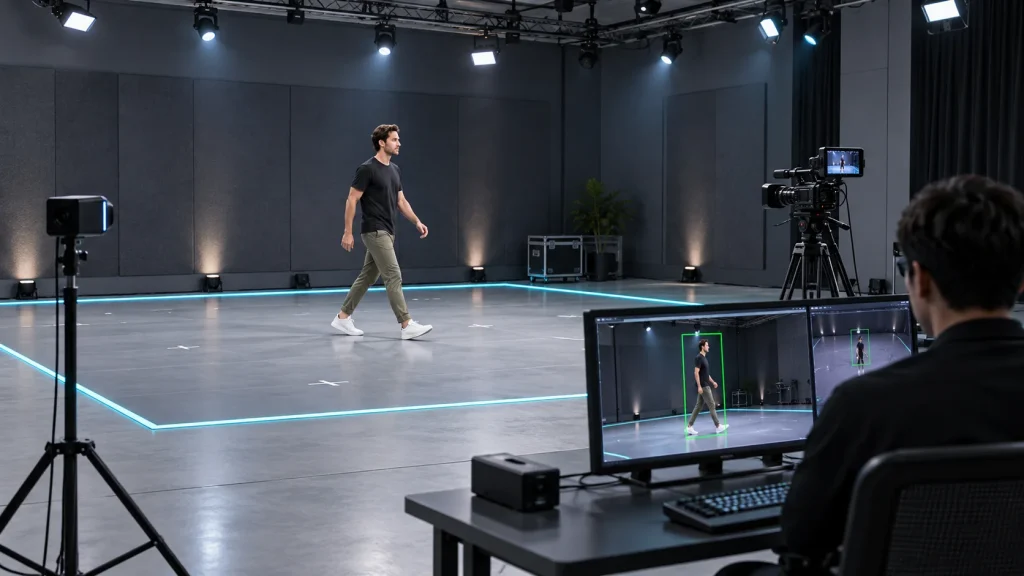
Provide examples of the people or objects and explain whether the task is single-target tracking, multiple targets, subject-following crops or segment annotation. Define association after exits and how long an occlusion may last before a new track begins. A persistent track ID is not proof of a person's identity.
Specify boxes, centers or other location outputs, original versus resized image coordinates, and frame numbers, timestamps or timecode. Two-dimensional image positions are not physical distances. Spatial measurement needs separate calibration, scale evidence and error testing.
List stream count, dimensions, frame rate, target density and maximum clip length, distinguishing live from offline use. Include decoding, detection, association and result writing in sample tests. Confirm model revision, processing location, media access and retention requirements.
Include small targets, similar appearances, fast movement, crossings, occlusion and camera cuts. Annotate targets and time ranges. Keep tuning material separate from acceptance material, reporting misses, false detections, ID switches and track breaks by scenario rather than one aggregate score.
Overlay results on the source to verify scaling, timing and target IDs. For follow-crops, inspect lost subjects and abrupt reframing; for search, inspect segment boundaries. Agree tolerances and manual-review effort before testing, rather than merely checking that a result file exists.
Test empty frames, corrupt frames, interrupted inputs and restarts in isolation. Establish whether IDs continue and how exceptions are marked. Re-run a retained sample set after model or threshold changes, keeping versions, settings and failure examples.
FAQ
Detection locates objects in an individual frame. Tracking associates observations across frames into a time-based record of movement.
Check correct target association, completeness of relevant segments and behavior through occlusion. Single-frame detection results alone are insufficient.
Pixel positions and physical distances are different quantities. Distance or 3D measurement requires appropriate calibration, spatial models or dedicated measurement equipment.
It organizes observations and tracks, not a name, facial identity or cross-scene identity determination.
Agree coordinates, time references and relevant track segments, then connect them to the annotation, subject-processing or analysis workflow. Retain source video for review.
Not by itself. Track IDs associate observations; they are not identity credentials. Pixel displacement is not physical distance. Identification and spatial measurement are separate requirements needing their own evidence, conditions and validation.
Detection concerns finding the correct target in a frame. Tracking also concerns maintaining the correct association over time. Boxes can remain visible while IDs swap during crossings, so assess misses, mistaken associations, broken tracks and recovery separately.
Confirm the supplied version, target classes, live-stream capacity and interfaces of Lecen AI Visual Tracking. Accuracy requires project-specific testing. Video tracks should not be treated as identity credentials, metrology results or safety-control inputs without separate validation.
These references explain principles and integration conditions. Confirm capabilities against the supplied revision, project configuration and agreed tests.
Project brief
Object classes, pixel size, crossing targets and camera cuts.
Distinguish image tracks, world coordinates and personal identity.
Include missed targets, wrong associations and reappearances.
Explore more
Motion Capture & Spatial Tracking
Track cameras, talent and props within a shared coordinate space.
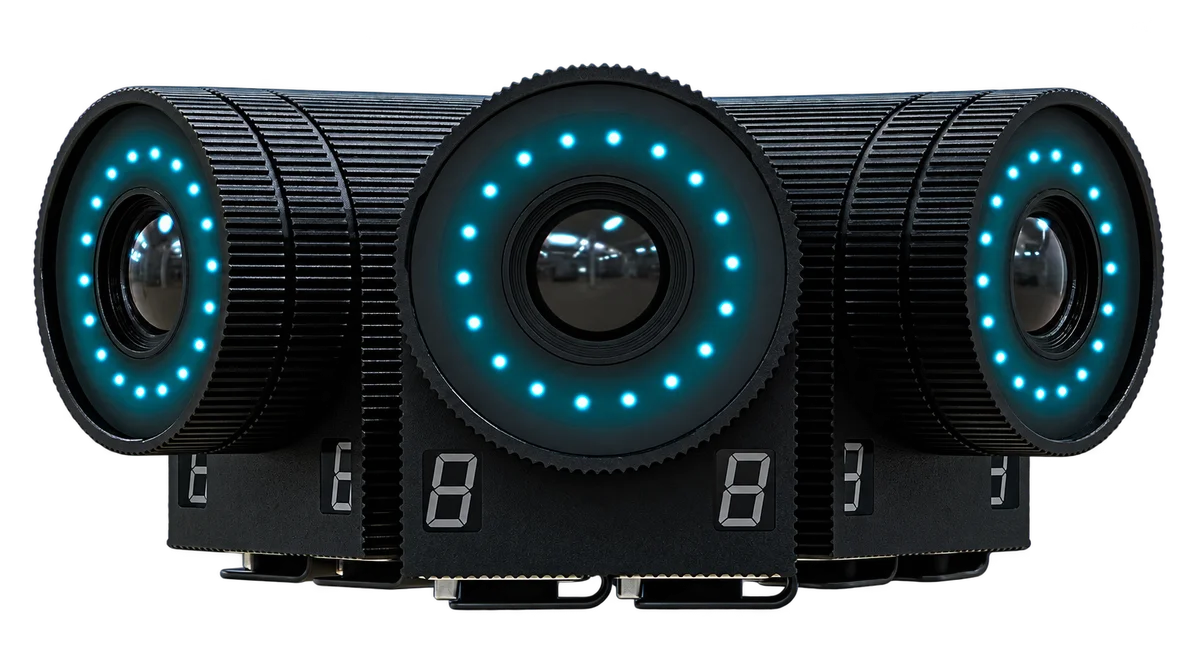
Follower witness cameras shown in the supplied material
View product
AI Media Asset Management
Content indexing and time-based discovery for media production.
AI-generated concept, not a product or project photograph.
View productTalk to Lecen
Share representative footage, target examples and the intended result to establish scope, data conventions and review criteria.