Desktop and rackmount choices
Choose a desktop arrangement near the production team or a rackmount arrangement for centralized power, cabling and service access. Match the actual model to ventilation and workspace noise requirements.

Professional Media Storage
Shared media storage sized for compact production environments.
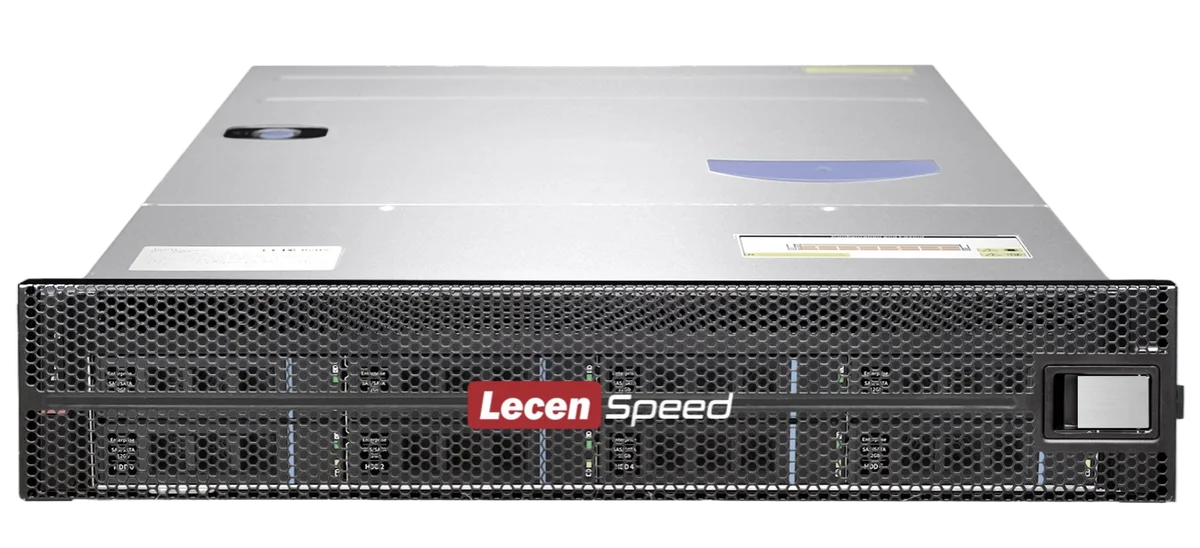
LecenSpeed 12-bay media storage provides a shared repository for editing, media organization and delivery in studios, education and departmental video teams. Desktop and rackmount options address different workspace, online capacity and client-access requirements.
Product brand: LecenSpeed
Overview
Central storage gives the team a consistent place to access source media and reduces repeated copying during hand-off. The 12-bay series suits compact shared-production environments, with capacity sized for active projects and storage and network throughput matched to media bitrate and concurrent streams.
In focus
Choose a desktop arrangement near the production team or a rackmount arrangement for centralized power, cabling and service access. Match the actual model to ventilation and workspace noise requirements.
Serve the same media files to multiple workstations over the network. Organize camera originals, proxies, audio, graphics and deliverables in a consistent project directory structure.
Match client adapters, switching and storage uplinks as one path. Account for playback alongside ingest, export and backup traffic.
Configure users and folder access, then plan storage protection and independent backups. Separate source media, working files and deliveries for manageable retention and recovery.
Workflow
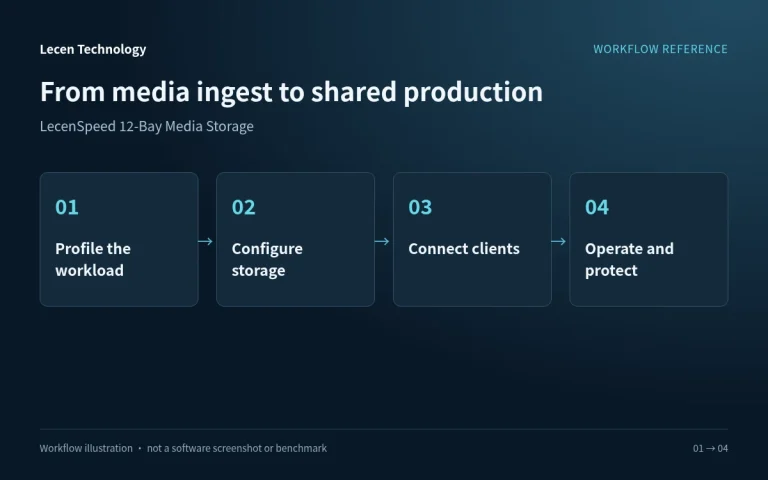
Network access, directory structure, permissions and media references establish how the production team uses central storage.
Place camera media, audio and graphics in project directories and check file integrity.
Configure capacity and protection and separate sources, working files and deliveries.
Set up networking, shared paths and access rights for production applications.
Manage project versions against retention needs and preserve important content in an independent backup.
Integration
Size the configuration from project capacity, media formats and concurrent workstations, then verify networking and production access together.
Identify source bitrates, concurrent streams, incoming writes and online retention. Distinguish raw capacity, array-usable space and operating headroom.
Set client access, switches and storage uplinks alongside directories, accounts and permissions. Record the paths used by production applications.
Test representative playback, ingest and delivery. Preserve configuration and independent backups and check the recovery procedure.
Configuration
| Product series | LecenSpeed 12-bay professional media storage |
|---|---|
| Deployment | Desktop or rackmount, according to model |
| Media access | Central media sharing across production workstations |
| Capacity sizing | Drive capacity, drive count, RAID layout and hot spares |
| Network configuration | Matched client access, switching and storage uplinks |
| Production workload | Codec bitrate, concurrent streams and read/write balance |
| Data organization | Project directories, permissions and independent backup |
Applications
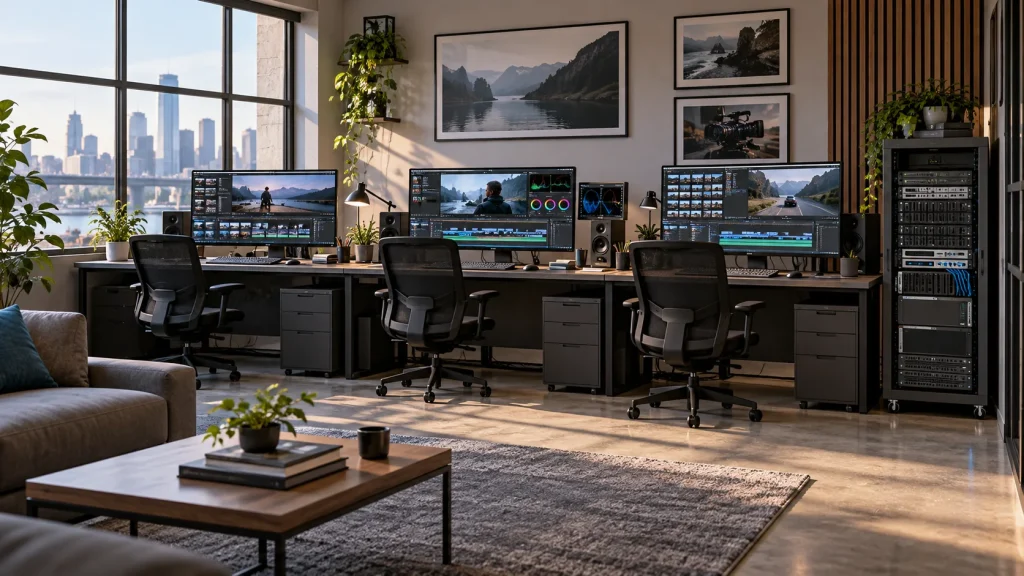
Give editing, graphics and media preparation a shared location instead of passing temporary drives between desks.
Organize course media and access rules so students practise a consistent production workflow.
Keep event, interview and promotional footage in an organized location for revisions and reuse.
Engineering decisions
The 12-bay name does not determine chassis format, populated drives or network interfaces. For a desktop location, confirm loaded noise, cooling and power; for a rack, check depth, rails and service clearance. The quoted model, photographs and installation requirements should agree.
Inventory originals, proxies, audio, project files, caches and delivery versions, with retention periods and growth allowance. Drive capacity multiplied by installed drives gives raw capacity only. Usable space also depends on protection layout, spares, filesystem overhead and operating reserve; distinguish decimal TB from binary TiB.
Estimate reads from simultaneous media streams and their bitrates, then add ingest, exports and backup traffic. A multicamera timeline can read several sources, and proxies differ from originals. Check the client-to-switch-to-storage path rather than treating port speed as delivered throughput.
On the intended workstations and editing software, test multicamera playback, timeline seeking, exports and simultaneous ingest. Include cold-cache access and sustained runs. Record dropped frames, response times, read/write traffic and client decoding load to separate storage limitations from workstation limitations.
Record enclosure, drive models and count, protection layout, usable capacity, negotiated network links and software versions. Run a representative workload in the installation location and check temperature, alerts and noise impact on recording or office work. Do not mark unmeasured conditions as passed.
Recover media, project files and permissions from an independent backup, then reopen the project in the editing application. Record elapsed recovery time and missing-file checks. Any disk-failure exercise requires non-production data, a verified backup and the manufacturer's approved procedure.
FAQ
Estimate the combined workload from each editor’s media bitrate, concurrent streams and read/write tasks, then match the array and client network. Native multi-camera footage and proxy editing should be assessed separately.
Desktop placement emphasizes workspace, noise and ventilation. Rack deployment emphasizes cabinet depth, power, cabling and service clearance. Configure the actual model for those conditions.
Shared storage serves media through consistent paths. Project locking, application collaboration and media sharing are separate layers and follow the software’s workflow.
RAID provides the disk protection of the selected array level. Independent backups support recovery from deletion, corruption or equipment failure. Plan both and test restoration.
Provide source formats and bitrates, workstation count, online capacity, adapters and switches, plus desktop or machine-room installation conditions.
No. Codec, bitrate, multicamera streams, concurrent writes, disk layout, networking and client decoding all matter. Agree a workload using the actual projects and verify that concurrent combination.
Yes. Array redundancy addresses disk failures within its design limits, not every accidental deletion, chassis failure or ransomware incident. Maintain an independent recovery path and demonstrate that restored projects and media are usable.
LecenSpeed 12-Bay is a Lecen storage series. Confirm the enclosure, drives, networking and software configuration. References inform networking and data-protection planning; they do not establish Windows Server deployment, every documented feature or certification.
These references explain principles and integration conditions. Confirm capabilities against the supplied revision, project configuration and agreed tests.
Project brief
Provide representative bitrates, simultaneous streams and ingest tasks.
Calculate retention and independent backup requirements.
Choose desktop or rackmount around acoustics, cooling and networking.
Explore more
Professional Media Storage
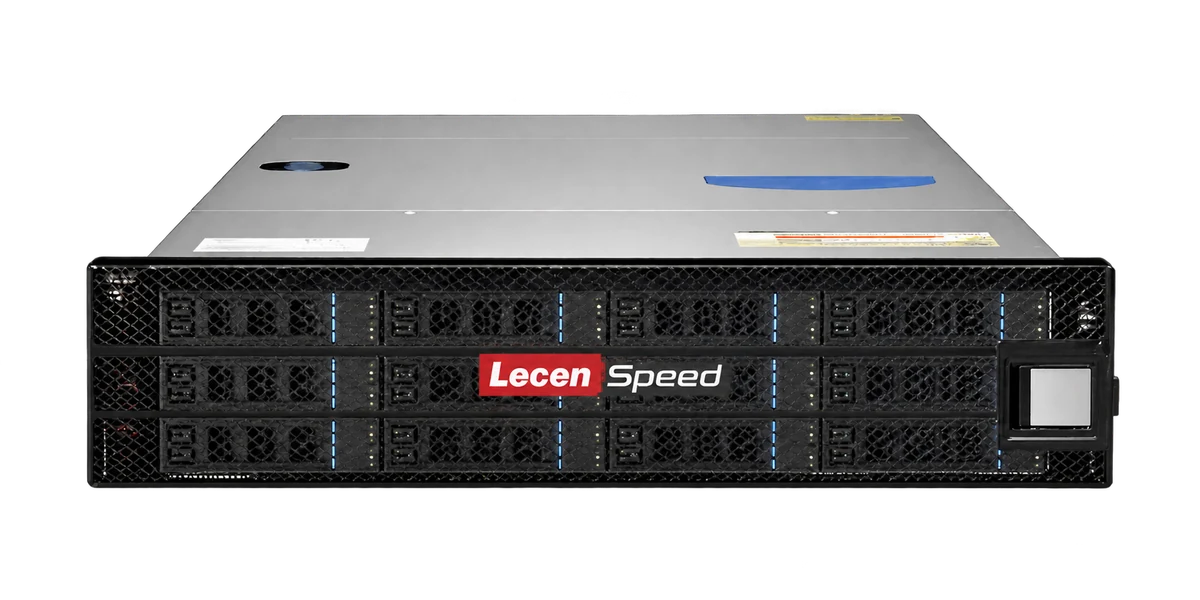
Rackmount shared storage for departmental production networks.
LecenSpeed series reference, not a verified photo of this bay-count model
View product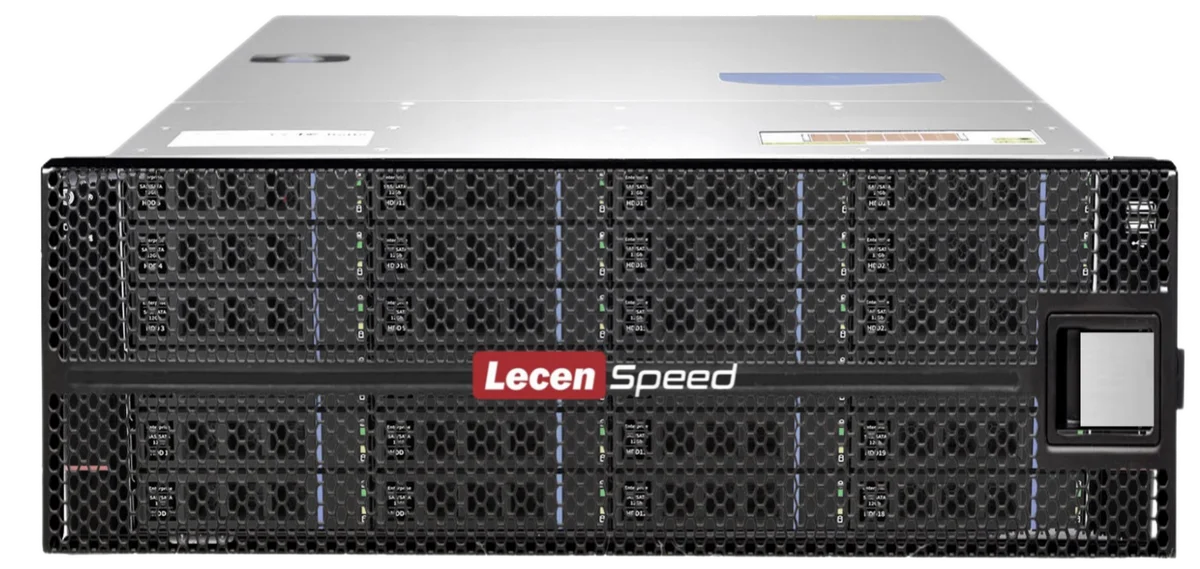
Professional Media Storage
Shared storage for concurrent editing, grading, graphics and ingest.
LecenSpeed rackmount series reference; appearance depends on configuration
View product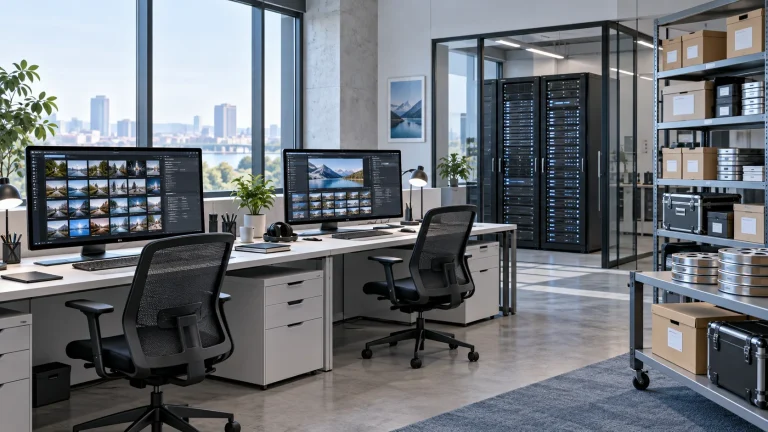
AI Media Asset Management
Content indexing and time-based discovery for media production.
AI-generated concept, not a product or project photograph.
View productExplore more
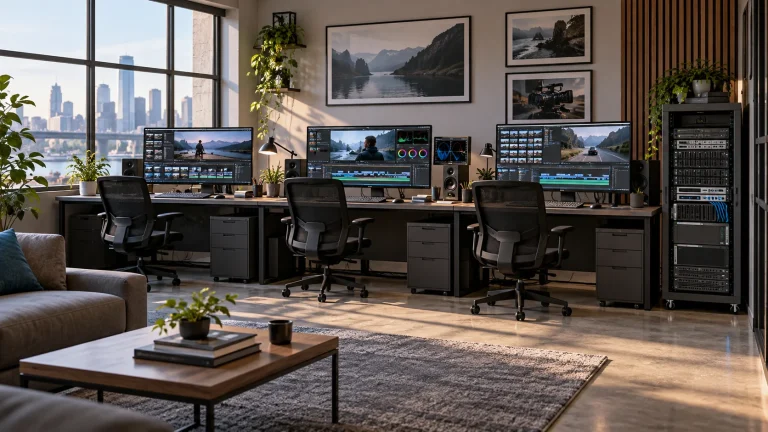
Media Workflows & Asset Management
Shared media from ingest through finishing.
AI-generated concept, not a product or project photograph.
Explore solutionMedia Workflows & Asset Management
Make the existing media library easier to search and reuse.
AI-generated concept, not a product or project photograph.
Explore solutionTalk to Lecen
Share media formats, online capacity, workstation count and existing networking to match storage to the production workload.