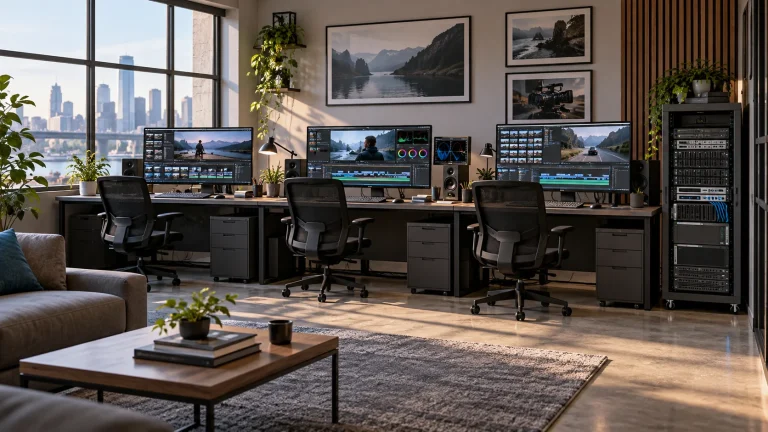
Build around existing media
Inventory shared paths, folder structures and formats before defining ingest rules. Keep indexes separate from original files to avoid treating a complete duplicate library as a prerequisite for search.

Media Workflows & Asset Management
Make the existing media library easier to search and reuse.
Lecen’s intelligent media asset centre connects AI MAM, shared storage, analysis tasks and business metadata. It builds cataloguing, content search and segment-preview workflows around existing video, audio and images for broadcasters, education and organizational content teams.
Product brand: Lecen Technology
Project goals
An interview can contain useful people, locations, dialogue and visual details. A media asset center links those clues to files and time positions, reducing repeated viewing and cataloging. The design preserves the role of existing storage and organizes analysis around media types, access rights and actual search tasks.
In focus
Inventory shared paths, folder structures and formats before defining ingest rules. Keep indexes separate from original files to avoid treating a complete duplicate library as a prerequisite for search.
Use keywords, semantic queries and media attributes to narrow results. Link findings to the source and relevant time positions, then review context before selecting footage rather than relying on a summary alone.
Agree naming for people, programs, scenes and projects. Preserve human-checked catalog information. Automated recognition provides clues; important names and factual interpretations still require review.
Estimate initial indexing, daily additions, search concurrency and production reads separately. Schedule processing so library scans do not compete unnecessarily with active editing.
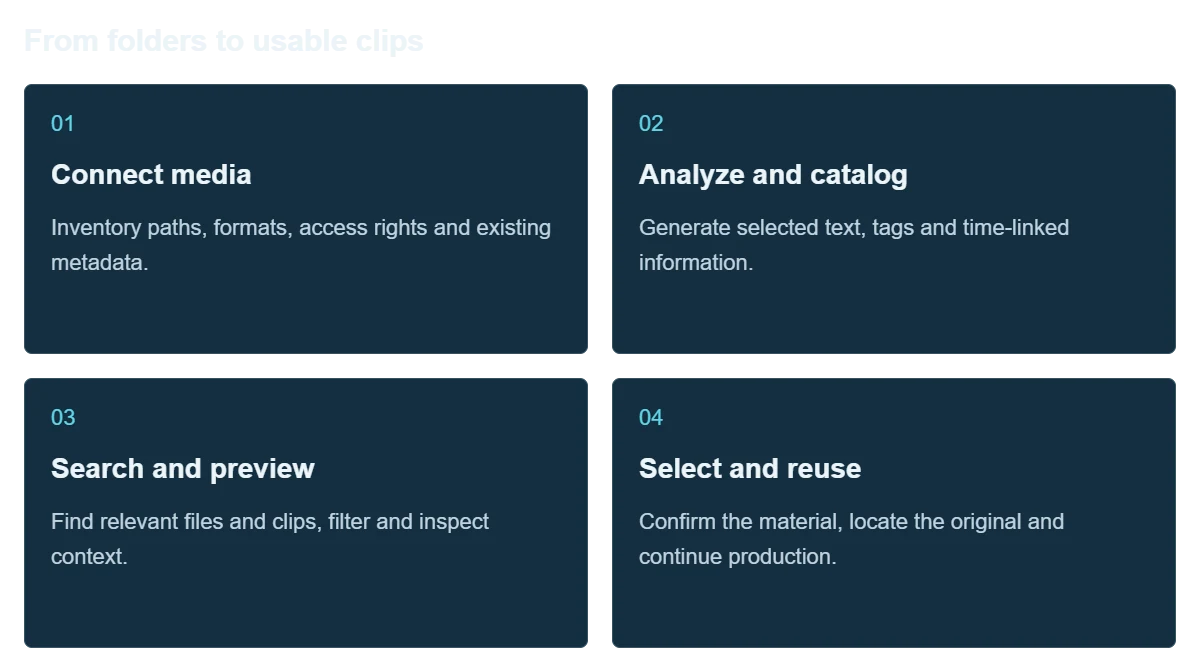
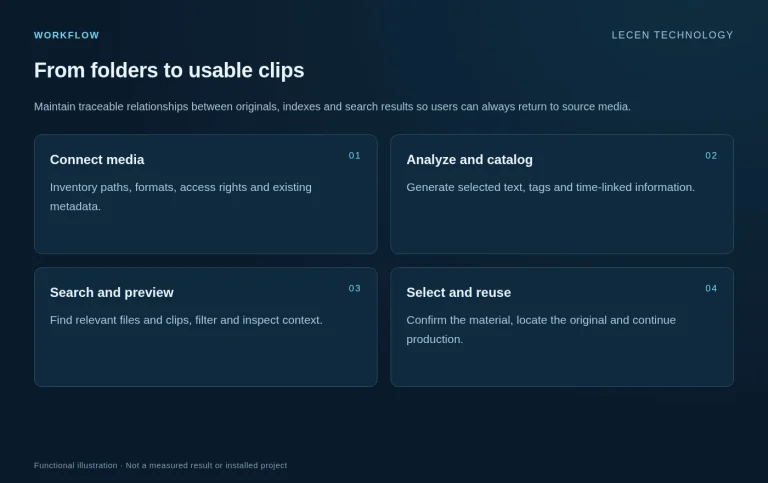
Workflow
Maintain traceable relationships between originals, indexes and search results so users can always return to source media.
Inventory paths, formats, access rights and existing metadata.
Generate selected text, tags and time-linked information.
Find relevant files and clips, filter and inspect context.
Confirm the material, locate the original and continue production.
Integration
Include difficult and ambiguous material alongside straightforward clips; a library trial should do more than reproduce a prepared demonstration.
Select varied formats, dates and departments; document real queries and expected clips.
Define source locations, index storage, user roles and permitted content.
Review transcripts, visual clues, clip locations and false matches; record corrections.
Schedule additions, index backups and restoration tests; document administration.
Configuration
| Media layer | Video, audio, images and existing file paths |
|---|---|
| Analysis layer | Selected speech, visual, text and semantic capabilities by software version |
| Index layer | Metadata, business tags, descriptions and time associations |
| User workflow | Search, filtering, preview and source-file location |
| Deployment inputs | Library size, growth, deadlines, concurrency and network policy |
| Validation | Real queries, expected clips, access checks and restoration records |
Applications
Find material through people, events, dialogue or visual descriptions for reports and retrospective programs.
Organize courses, meetings, events and communications without repeated cross-department searching.
Create searchable shot collections for documentary research and reuse across projects.
FAQ
Storage preserves and shares originals; the media platform manages indexes, search and previews. Evaluate existing access paths before deciding whether storage needs expansion.
Deployment follows your data policy and can be planned around local storage and processing. Check every model, external API and connected service in the actual data path.
Filename search depends on naming conventions. Content search uses text, tags and semantic clues. Evaluate it with your own media and queries.
Review important names and clips, correct catalog records and apply consistent naming. Record false and missed matches during the pilot.
Define whether users need file locations, shot lists or timeline exchange. Validate the chosen application and version; finding a clip does not itself create a complete editable project.
Project brief
Capacity, file count, formats, folders and daily additions.
Real queries, business tags, user roles and expected clips.
Network restrictions, storage, compute and backup requirements.
Explore more
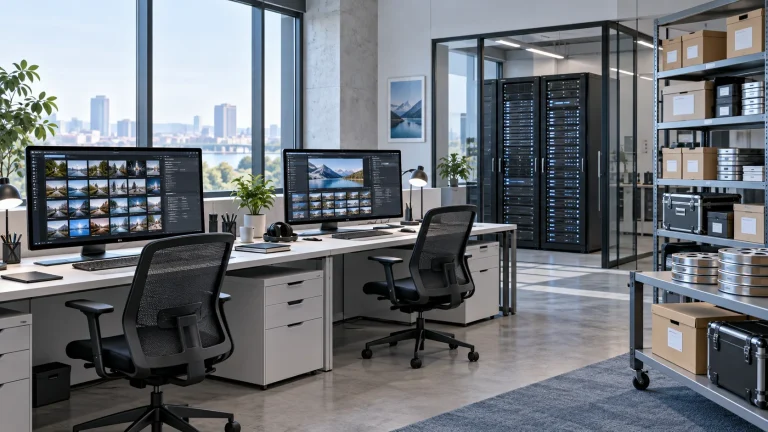
AI Media Asset Management
Content indexing and time-based discovery for media production.
AI-generated concept, not a product or project photograph.
View product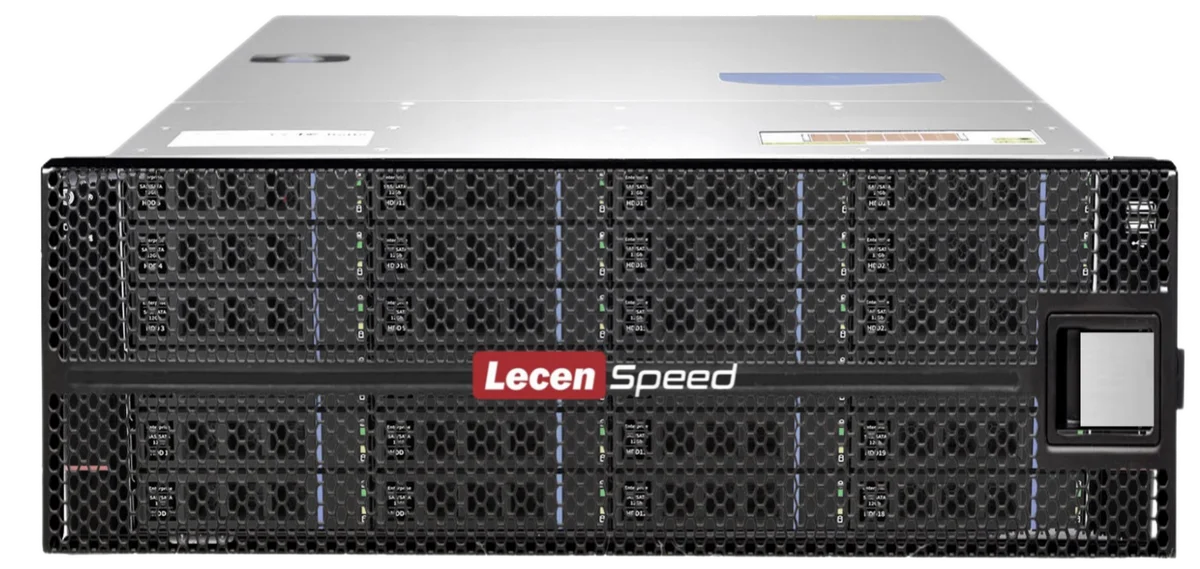
Professional Media Storage
Shared storage for concurrent editing, grading, graphics and ingest.
LecenSpeed rackmount series reference; appearance depends on configuration
View product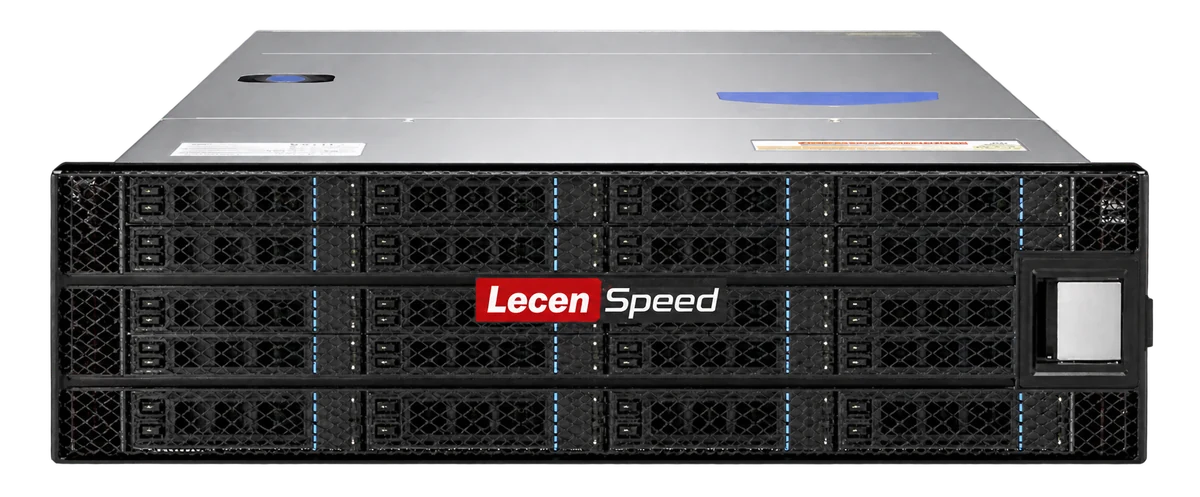
Professional Media Storage
Central storage for large media libraries and long-lived online projects.
LecenSpeed series reference, not a verified photo of this bay-count model
View productTalk to Lecen
Share media and workstation requirements, existing systems and project goals to scope what to keep and what to change.