Design from lenses and the pixel canvas
Document screen pixels, shape and partitions, then plan views around camera positions and focal lengths. Display area, total pixels and the camera frustum are separate design inputs.

Virtual Production & Live Graphics
Digital environments that take part in the real shot.
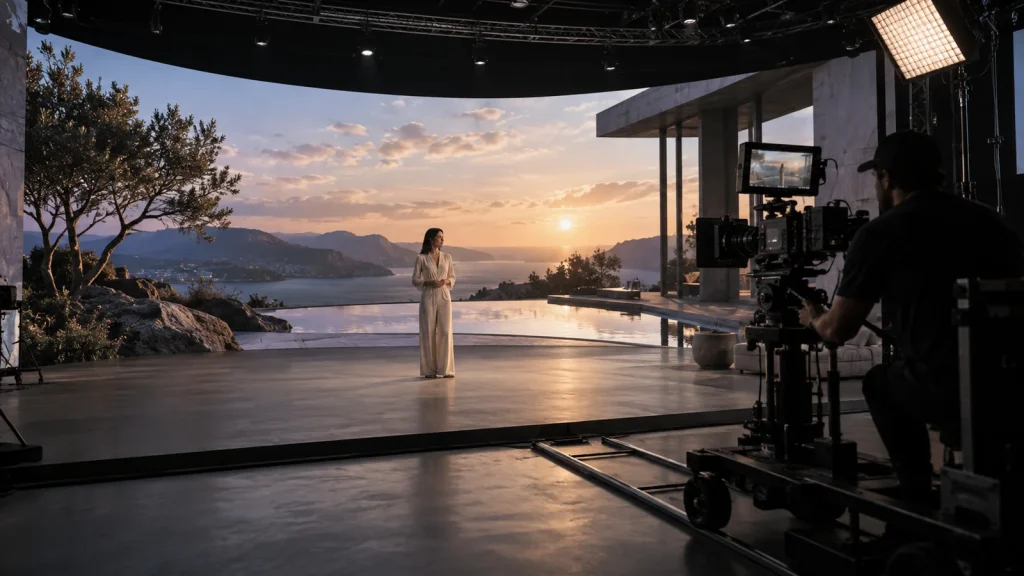
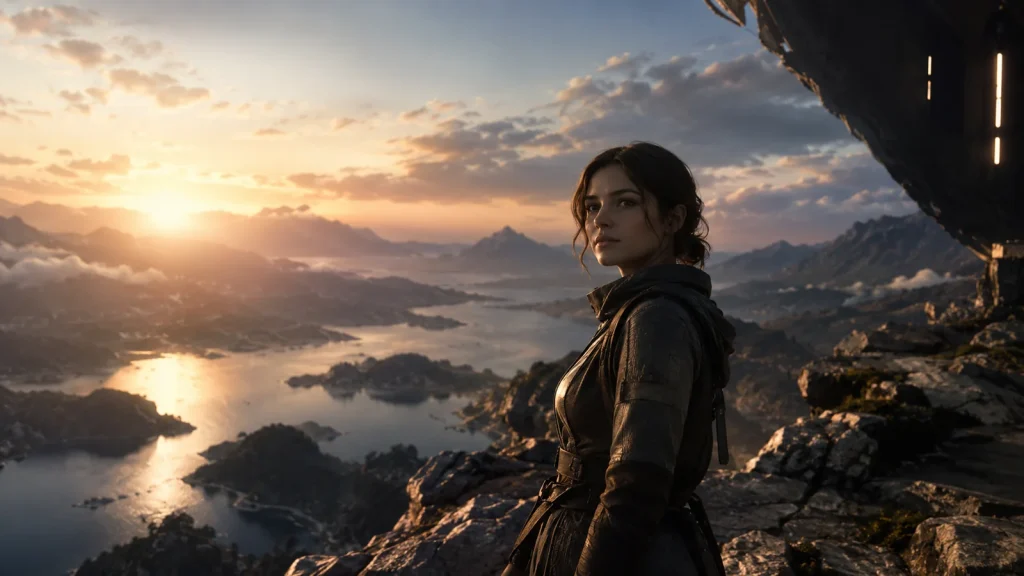
Lecen’s LED VP solution brings together the LED canvas, camera tracking, real-time scenes and capture timing for film, advertising and product shoots. Display, rendering and camera settings are coordinated so digital environments contribute to backgrounds, illumination and reflections.
Product brand: Lecen Technology
Project goals
The final camera image is the reference for LED VP. A clean render preview does not rule out banding, moiré or color differences on camera. Start with the intended shots, connect the content and display pipeline, then validate the usable shooting range through representative footage.
In focus
Document screen pixels, shape and partitions, then plan views around camera positions and focal lengths. Display area, total pixels and the camera frustum are separate design inputs.
Moving-camera workflows use camera and lens information to update the corresponding scene view. Lens calibration, scene scale and coordinate alignment work together to maintain perspective through near and distant elements.
Plan software nodes, output timing, LED processing and camera reference separately. A powerful GPU does not automatically support every hardware synchronization method; the selected platform determines the complete combination.
Balance scene brightness and color with physical lighting, exposure and shutter. Include reflective objects and fine textures. Judge recorded shots rather than the display’s appearance to the naked eye.
Workflow
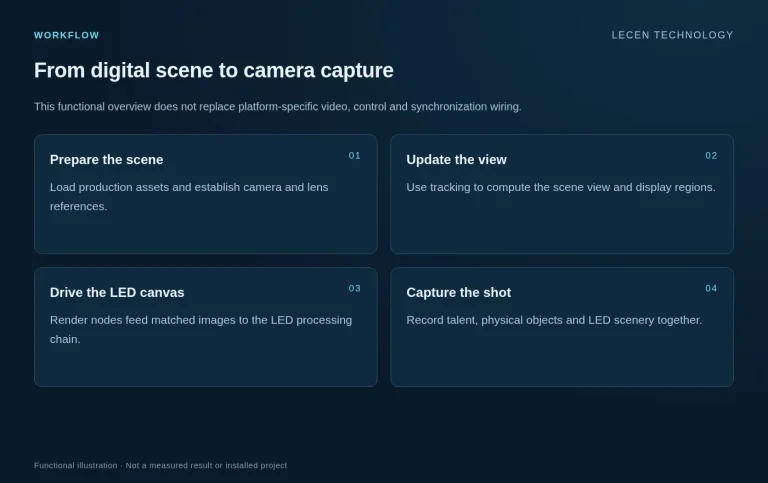
This functional overview does not replace platform-specific video, control and synchronization wiring.
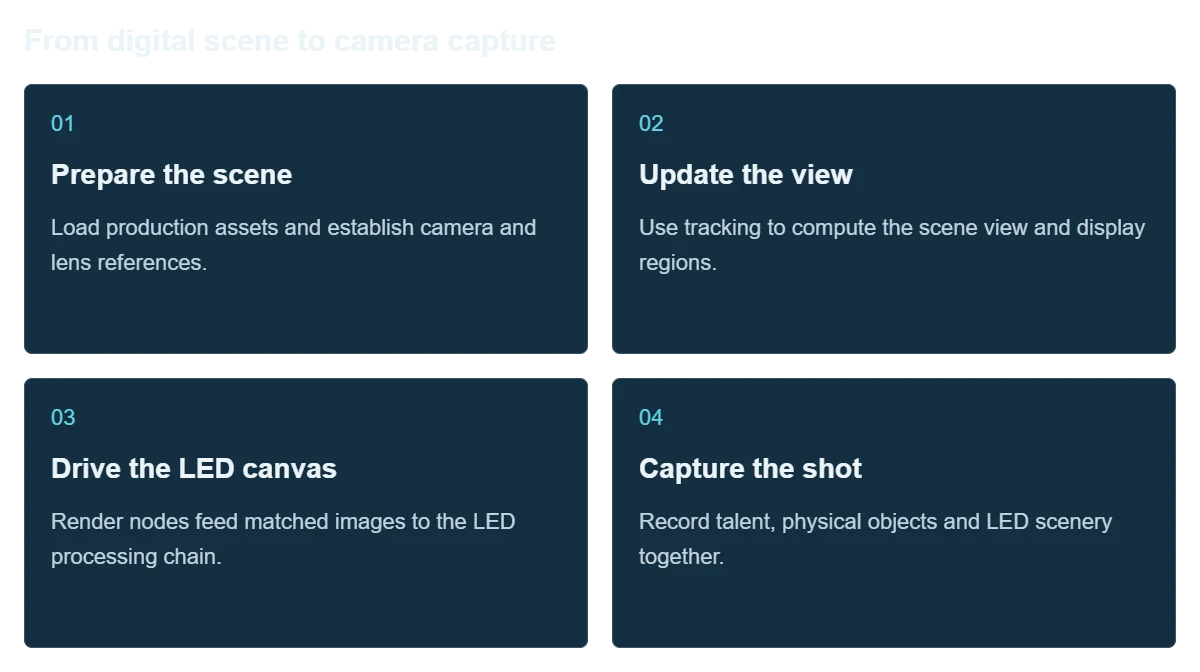
Load production assets and establish camera and lens references.
Use tracking to compute the scene view and display regions.
Render nodes feed matched images to the LED processing chain.
Record talent, physical objects and LED scenery together.
Integration
Validate a representative display and shot with real equipment before finalizing a full-volume node count.
Collect pixel layout, scan behavior, processor inputs, geometry and camera distance.
Allocate rendering, connections and timing equipment around the scene and canvas.
Check coordinates, focal lengths, scale, brightness and captured color.
Test camera moves, reflective objects and fast action; record stable settings and usable limits.
Configuration
| Display inputs | Actual pixels, shape, partitions, processors and scan characteristics |
|---|---|
| Camera inputs | Camera and lens models, movement range and simultaneous shooting method |
| Rendering | Platform-specific single or multiple nodes and scene resources |
| Storage | Scene projects, textures, versions and recorded media |
| Synchronization | Selected GPU, display, video devices and software considered together |
| Handover | Canvas/node diagrams, lens settings, scene versions and camera test records |
Applications
Design shots around adjustable scenery, product reflections and physical lighting.
Combine LED environments with physical sets and camera movement to shape the recorded image.
Create repeatable exercises in frustums, timing, color and scene optimization.
FAQ
Video backgrounds can be useful, but tracked real-time views also require camera data, lens alignment and a rendering scene. Choose the workflow around the shot.
No. Check actual screen pixels, partitions, channels, frame rate and processor capability rather than a generic “4K” label.
No. Pixel pitch, shooting distance, focus, lens and display scanning all affect the result. Test the camera and display together.
Different cameras observe the scene from different positions. Simultaneous multi-camera workflows need a platform-specific display and switching design.
Start with compatibility evaluation. Check display inputs, tracking protocols, lens files and the intended camera conditions using the actual models.
Project brief
Pixels, dimensions, scan method, processors and existing inputs.
Bodies, lenses, frame rates, shutters, distances and movement.
Representative scenes, shot types, recording and media management.
Explore more
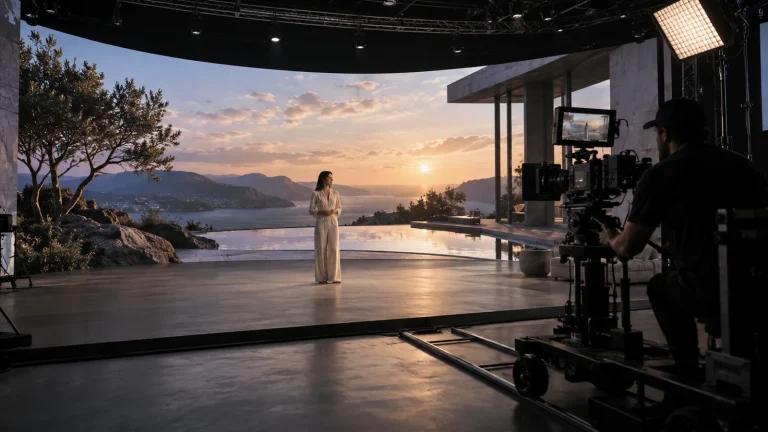
Professional Rendering Servers
Render nodes configured for LED canvases, camera views and synchronized output.
AI-generated concept, not a product or project photograph.
View product
Camera Tracking Systems
Optical camera position, lens data and real-time production integration.
RedSpy tracking camera assembly
View product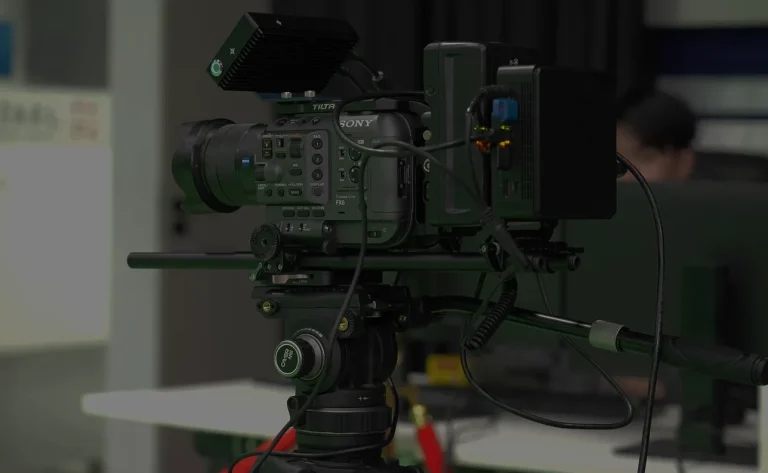
Camera Tracking Systems
Optical camera and lens tracking for everyday XR, VP and AR production.
Optical camera tracking setup illustration
View productExplore more
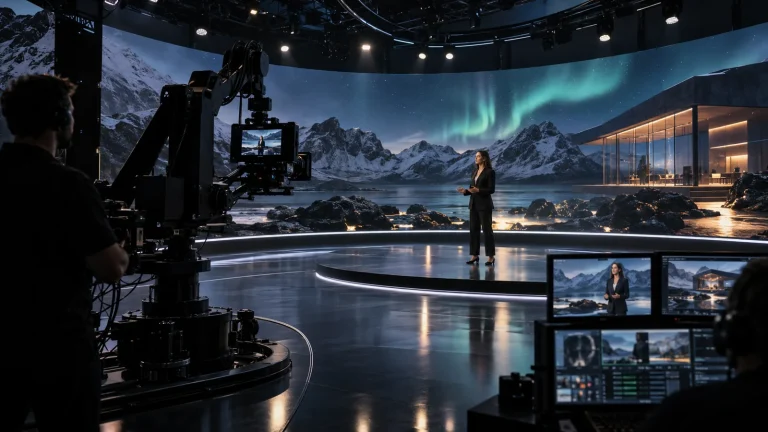
Virtual Production & Live Graphics
Connect LED content, set extension and foreground AR.
AI-generated concept, not a product or project photograph.
Explore solution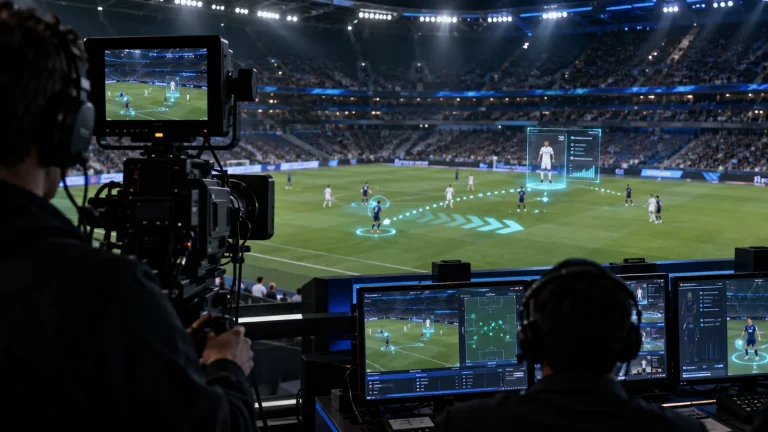
Virtual Production & Live Graphics
Place live graphics and data in the real scene.
AI-generated concept, not a product or project photograph.
Explore solution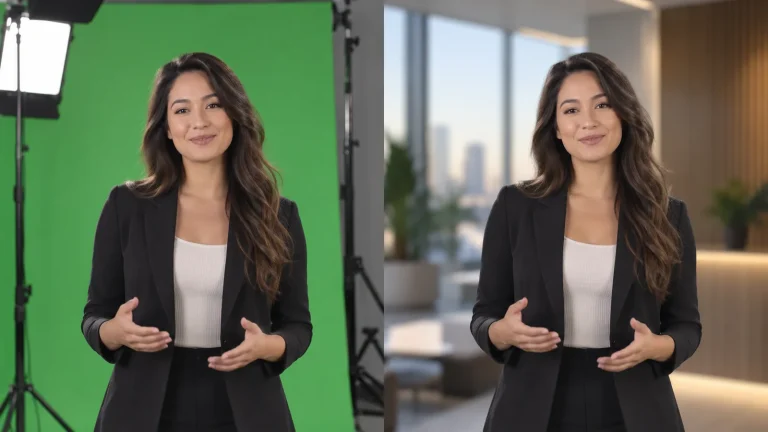
Virtual Production & Live Graphics
One capture space for multiple virtual sets.
AI-generated concept, not a product or project photograph.
Explore solutionTalk to Lecen
Share the space, cameras, displays or green-screen setup and a programme example to scope the production chain.