Centralized rack deployment
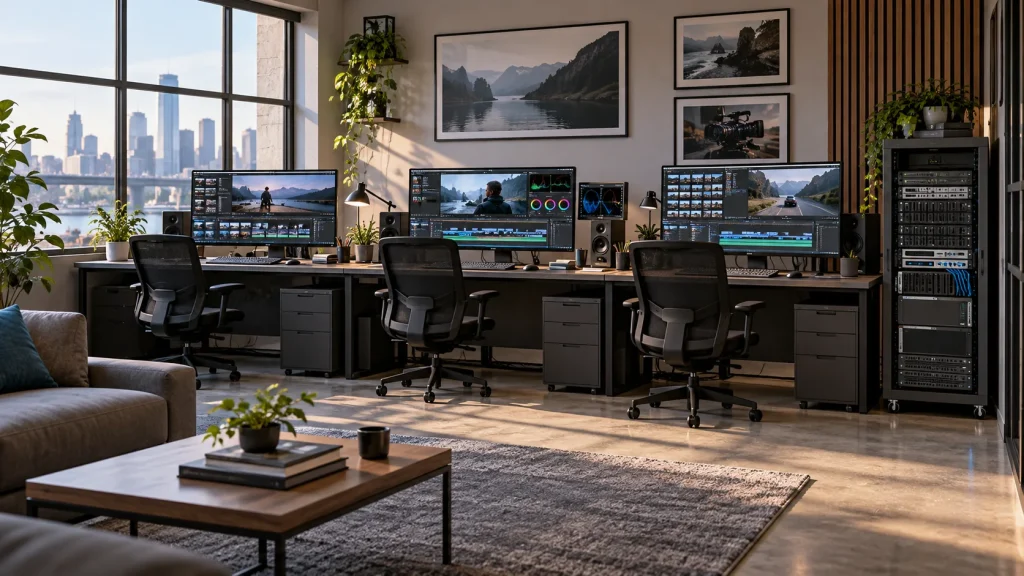
Arrange storage, switching and workstation connections with defined power, cabling and service access. This suits departmental production rooms and teaching facilities.

Professional Media Storage
Rackmount shared storage for departmental production networks.
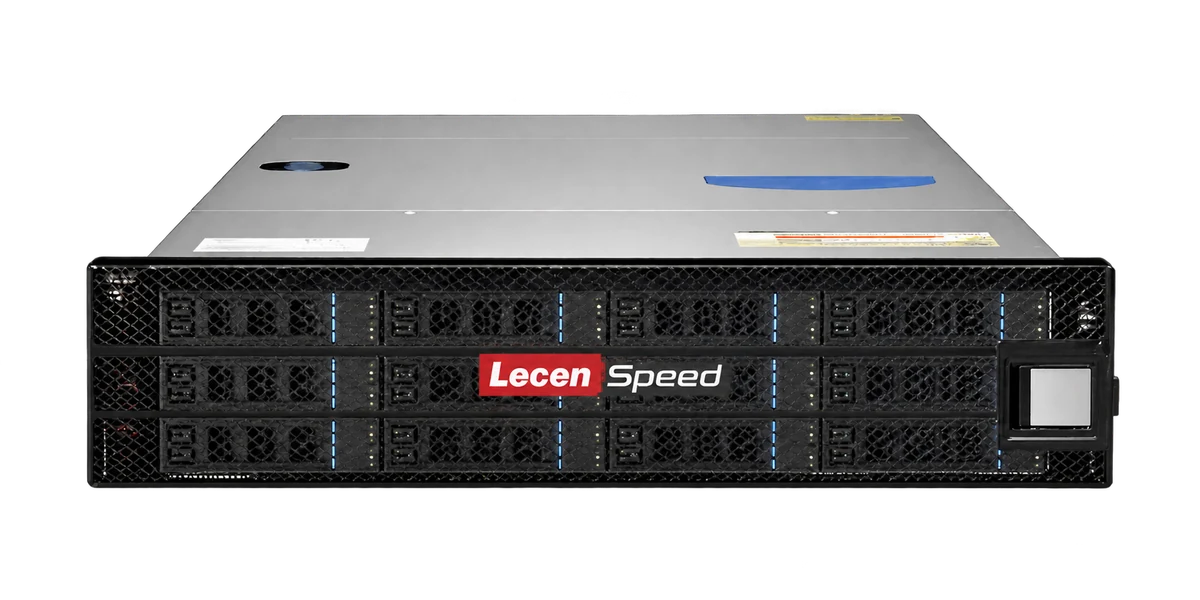
LecenSpeed 16-bay media storage centralizes project media for multi-editor teams, teaching facilities and departmental production. Its configuration balances online capacity, concurrent workstation access and incoming media for ingest, editing and graphics workflows.
Product brand: LecenSpeed
Overview
As ingest, editing and graphics roles expand, storage must serve playback, incoming files and project organization together. The 16-bay series provides a rackmount basis for matching drive layout, connectivity and capacity to the department’s concurrent workload.
In focus
Arrange storage, switching and workstation connections with defined power, cabling and service access. This suits departmental production rooms and teaching facilities.
Establish directories and permissions for ingest, editing, graphics and delivery. Shared media remains central while project files follow the collaboration rules of the production software.
Size drive groups and interfaces against active project count, retention and bitrate, with headroom for sustained reads, writes and team growth.
Plan staged transfer around existing directories, permissions and project references. Verify files and media relinking before switching production to the new storage.
Workflow
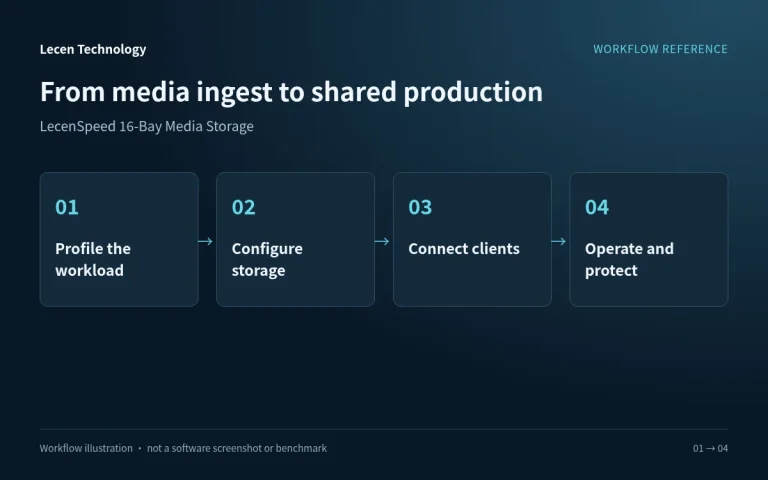
Network access, directory structure, permissions and media references establish how the production team uses central storage.
Place camera media, audio and graphics in project directories and check file integrity.
Configure capacity and protection and separate sources, working files and deliveries.
Set up networking, shared paths and access rights for production applications.
Manage project versions against retention needs and preserve important content in an independent backup.
Integration
Size the configuration from project capacity, media formats and concurrent workstations, then verify networking and production access together.
Identify source bitrates, concurrent streams, incoming writes and online retention. Distinguish raw capacity, array-usable space and operating headroom.
Set client access, switches and storage uplinks alongside directories, accounts and permissions. Record the paths used by production applications.
Test representative playback, ingest and delivery. Preserve configuration and independent backups and check the recovery procedure.
Configuration
| Product series | LecenSpeed 16-bay professional media storage |
|---|---|
| Deployment | Rackmount; installation specifications follow the selected model |
| Media access | Central media sharing across production workstations |
| Capacity sizing | Drive capacity, drive count, RAID layout and hot spares |
| Network configuration | Matched client access, switching and storage uplinks |
| Production workload | Codec bitrate, concurrent streams and read/write balance |
| Data organization | Project directories, permissions and independent backup |
Applications
Organize media for several courses and define how teachers, students and administrators use it.
Bring ingest, editing and graphics media into a shared working space organized by programme and project.
Establish consistent storage paths and networking as the team expands, instead of accumulating temporary shares.
Engineering decisions
Evaluate the 16-bay series for simultaneous editing, graphics, ingest or classroom access, not simply the extra capacity over 12 bays. List each role's working media, read/write pattern and peak period. Validate the proposed drives, controller and network rather than scaling seat counts with bay count.
List Windows and macOS versions, sharing protocol, switch uplinks and authentication. If SMB Multichannel is required, check server, client and adapter support; it is not the same mechanism as link aggregation. Shared media storage also does not establish conflict-free simultaneous editing of project files.
Inventory drive letters or mount paths, filename case, user identities and project references. Start with representative projects. Define initial copy, delta transfer, verification, write freeze and rollback, including the effect of migration traffic on ongoing production.
Have the agreed workstations open projects, browse and play media while ingest or export jobs run. Record response and dropped frames per role during both bursts and sustained operation. Retain network and client settings instead of reporting only aggregate array bandwidth.
Use editing, ingest, guest and administrator test accounts to check permitted and denied actions. Verify locking or collaboration behavior in the target application. Where multichannel or path resilience is required, inspect active connections and test path loss in isolation rather than checking a feature switch alone.
Compare sample file counts, sizes and content checksums, review permissions and reopen original projects to check relinking. Rehearse failed-cutover recovery and document acceptable downtime and data loss. Obtain operational approval before production cutover; a completed copy is not sufficient acceptance.
FAQ
Compare usable capacity, sustained throughput, concurrent access and management under the same media workload. Bay count is a configuration input, not a standalone speed rating.
Back up and record directories, permissions and media references. Copy in stages, verify files, check application relinking and then schedule the production cutover.
Define array layout, expansion method and network headroom initially. Additional workstations also affect uplinks and concurrent I/O; schedule capacity changes in a maintenance window.
Allocate backup windows around the production schedule and include backup reads and writes in the storage and network load profile.
Provide present and planned workstation counts, bitrates, retention, network topology, rack and power conditions.
No. Drives, controllers, protection layouts and interfaces may differ, and client networking or decoding may be the limit. Compare proposed configurations using the same media, concurrency and protection requirements.
Not necessarily. Using multiple paths depends on the protocol and actual client, server, adapter and switch configuration, with storage remaining another limit. Inspect the established paths and test production projects before making a throughput commitment.
LecenSpeed 16-Bay is a Lecen storage series. Confirm configuration, migration responsibilities and acceptance scope. Sharing protocols, multichannel, project locking and high availability require individual validation; platform guidance is not product certification or a performance endorsement.
These references explain principles and integration conditions. Confirm capabilities against the supplied revision, project configuration and agreed tests.
Project brief
Check paths, fonts, plugins and media references before migration.
Include editing, ingest, graphics and backup activity.
Plan capacity, adapters and switching as one upgrade path.
Explore more
Professional Media Storage
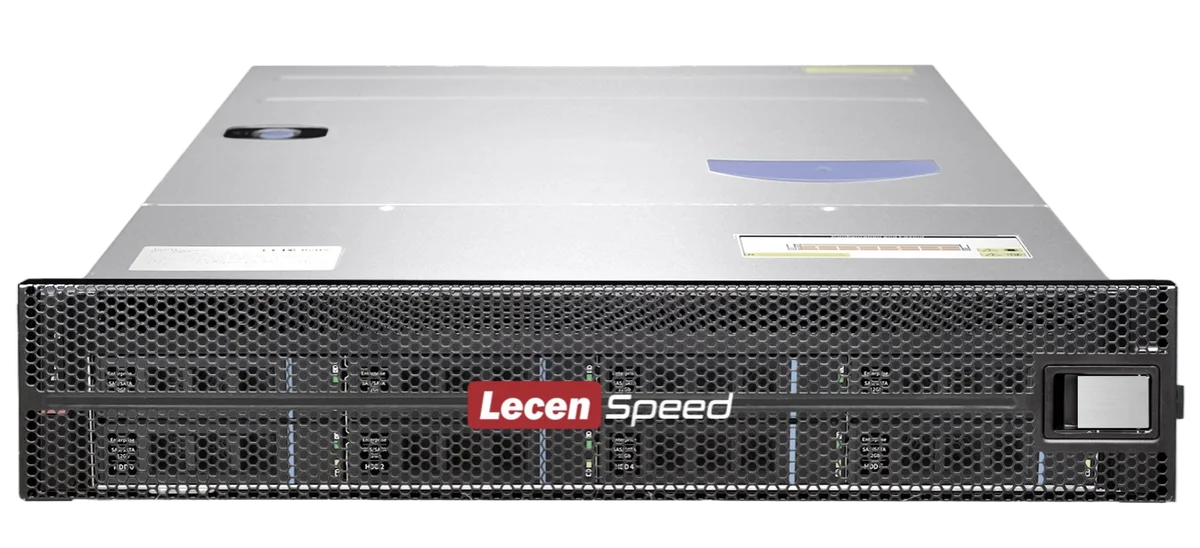
Shared media storage sized for compact production environments.
View product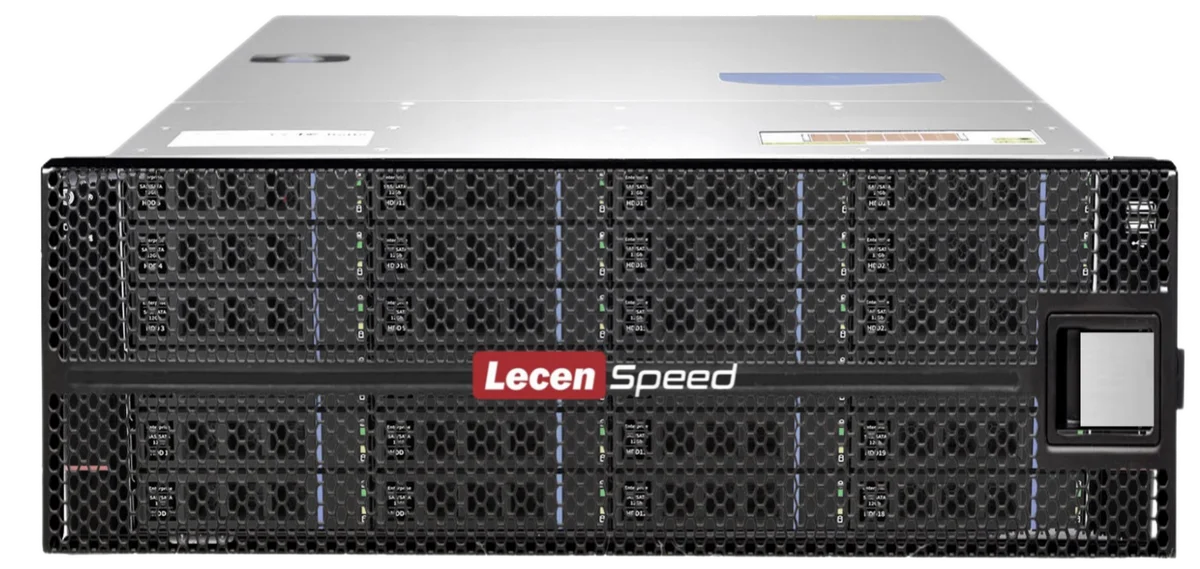
Professional Media Storage
Shared storage for concurrent editing, grading, graphics and ingest.
LecenSpeed rackmount series reference; appearance depends on configuration
View product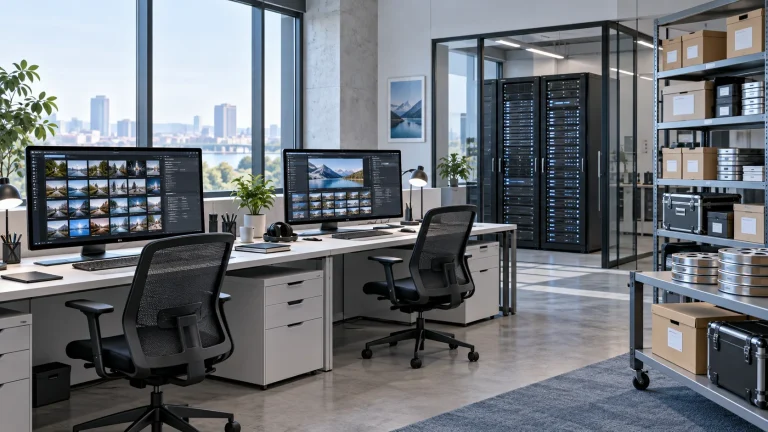
AI Media Asset Management
Content indexing and time-based discovery for media production.
AI-generated concept, not a product or project photograph.
View productExplore more
Media Workflows & Asset Management
Shared media from ingest through finishing.
AI-generated concept, not a product or project photograph.
Explore solution
Virtual Production & Live Graphics
One capture space for multiple virtual sets.
AI-generated concept, not a product or project photograph.
Explore solutionTalk to Lecen
Share media formats, online capacity, workstation count and existing networking to match storage to the production workload.